Close
Back

What Is Bank Reconciliation? A Complete Guide for Small Business Owners

Sumudu Dinushika
February 13, 2026

Summary

Bank reconciliation is the process of matching your business's financial records to your bank statement to ensure everything aligns. It's essential for catching errors, preventing fraud, maintaining accurate books, and understanding your true cash position.

Traditional approach: Manual, time-consuming (5-8 hours/month), prone to errors, typically done monthly.

Modern approach: AI-powered automation handles transaction matching in real-time, flags discrepancies instantly, and keeps books continuously reconciled with 95%+ accuracy.

Key benefits: Spot unauthorized charges early, avoid costly mistakes, make better financial decisions, and save hundreds of hours per year. Most small businesses reconcile monthly, but automated tools like LayerNext enable continuous reconciliation without manual effort eliminating 80-95% of typical bookkeeping tasks while maintaining always-accurate financial records.

If you've ever scratched your head looking at your bank balance and wondered whether your business books actually match what's in the bank, you're not alone. Bank reconciliation may sound like accounting jargon, but it's one of the most valuable habits you can build as a small business owner, and it doesn't have to be intimidating.

In this guide, we'll walk through what bank reconciliation really means, why it matters for your business, and how modern AI-powered tools make it simpler, smarter, and virtually automatic.

What is Bank Reconciliation?

At its core, bank reconciliation is the process of comparing your own financial records to the bank's records making sure everything you've recorded in your books matches what your bank shows on your statement.

In accounting terms, you're looking at:

  • Your internal records - what you've logged in your accounting software or ledger
  • Your bank statement - what the bank says actually happened in your account

The goal is to confirm that both tell the same story of cash coming in and going out. If they don't match, reconciliation helps you spot the differences, understand why, and fix any errors before they become bigger problems.

In simple terms: it's like balancing a checkbook, but for your business finances.

Why Bank Reconciliation Matters for Small Businesses

You might think your bank app shows the truth, so why worry about matching it to your own records? But there's more happening behind the scenes than you may realize.

1. Keeps Your Financial Records Accurate

Your books whether in software or on paper should reflect all transactions that affect your cash. Sometimes charges, fees, or deposits slip through without being recorded on your end. Bank reconciliation catches these discrepancies and ensures your financial reporting standards remain compliant.

2. Helps Spot Errors and Fraud

Mistakes happen, and most banks aren't perfect. More importantly, unauthorized charges or fraud can show up in your account. Reconciling regularly helps you catch anything suspicious early, protecting your business from financial losses.

3. Gives You a True Picture of Cash Flow

A bank balance doesn't always tell you the real cash position. Things like checks that haven't cleared yet or pending deposits can make your bank balance look different from your records. Real-time reconciliation gives you clarity on your actual available cash.

4. Makes Business Decisions Easier

Whether you're planning a purchase, applying for financing, or prepping for tax season, reliable financial numbers mean better decisions and less stress. Following accounting best practices ensures you're always prepared for audits and financial reviews.

How Bank Reconciliation Works (Step-by-Step)

You don't need an accounting degree to grasp the basic steps. Here's a practical view of how reconciliation normally unfolds:

Step 1: Gather Your Records

Grab your recent bank statement and your internal financial records. This could be from accounting software like QuickBooks, a cash ledger, or manual entries.

Step 2: Compare Transactions

Go line by line through your bank statement and match each transaction to what's in your books. Look for:

  • Deposits recorded internally but not yet cleared by the bank
  • Charges on the bank statement you didn't record
  • Checks or payments recorded internally but not yet processed

Step 3: Investigate Differences

If something isn't in both places, figure out why. It could be a timing issue, a bank fee you forgot to enter, or a simple data entry error.

Step 4: Adjust and Finalize

Update your books to include any missing items. When your adjusted book balance matches your bank balance, your account is reconciled for that period.

Common Reasons Your Numbers Don't Match

Don't worry if your bank balance and book balance don't line up at first that's actually very common. Here are typical causes:

  • Timing differences -  deposits or withdrawals recorded on one side but not yet posted on the other
  • Bank fees or interest - charges or interest the bank applied but you didn't record
  • Missed entries - transactions you forgot to log in your books
  • Data entry errors - typos or duplicate entries in your bookkeeping system

Reconciling regularly helps you catch these gaps quickly and maintain accurate financial records.

How Often Should You Reconcile?

Most small businesses reconcile monthly, usually right after the bank statement arrives or is available online. If your business has high transaction volume, then weekly or even real-time reconciliation can be beneficial.

However, automated bank reconciliation tools now make continuous reconciliation possible, meaning your books can stay reconciled 24/7 without any manual effort.

What Does a Bank Reconciliation Statement Look Like?

A bank reconciliation statement is simply the summary document that shows:

  • Your bank's ending balance
  • Your books' ending balance
  • Adjustments (like outstanding checks or deposits in transit)
  • The reconciled final balance

This acts as verification that the two sets of records now match after adjustments are made.

Manual vs AI-Powered Bank Reconciliation: What's Changed

Feature Manual Reconciliation AI-Powered Automated Reconciliation
Time Required 4-8 hours per month Minutes (or continuous)
Accuracy Rate 85-90% (human error) 95%+ (machine learning)
Frequency Monthly Real-time, continuous
Cost $500+ per month (bookkeeper) $50-200 per month (software)
Error Detection Delayed (found at month-end) Immediate alerts
Learning Capability None Improves over time with AI
Transaction Matching Manual, line-by-line Automatic pattern recognition

Traditional Manual Reconciliation

Traditionally, small business owners did this manually comparing bank statements with ledgers or spreadsheets. It's reliable, but time-consuming and prone to human error. The average small business spends 5-8 hours per month on manual bank reconciliation alone.

Modern Automated Reconciliation

Today, AI bookkeeping tools with automation support this process by:

  • Importing transactions directly from your bank
  • Matching entries automatically using machine learning
  • Flagging items that don't match
  • Suggesting corrections based on patterns
  • Providing real-time cash flow visibility

This means you spend less time entering numbers and more time understanding your business.

How LayerNext Automates Bank Reconciliation in Real-Time

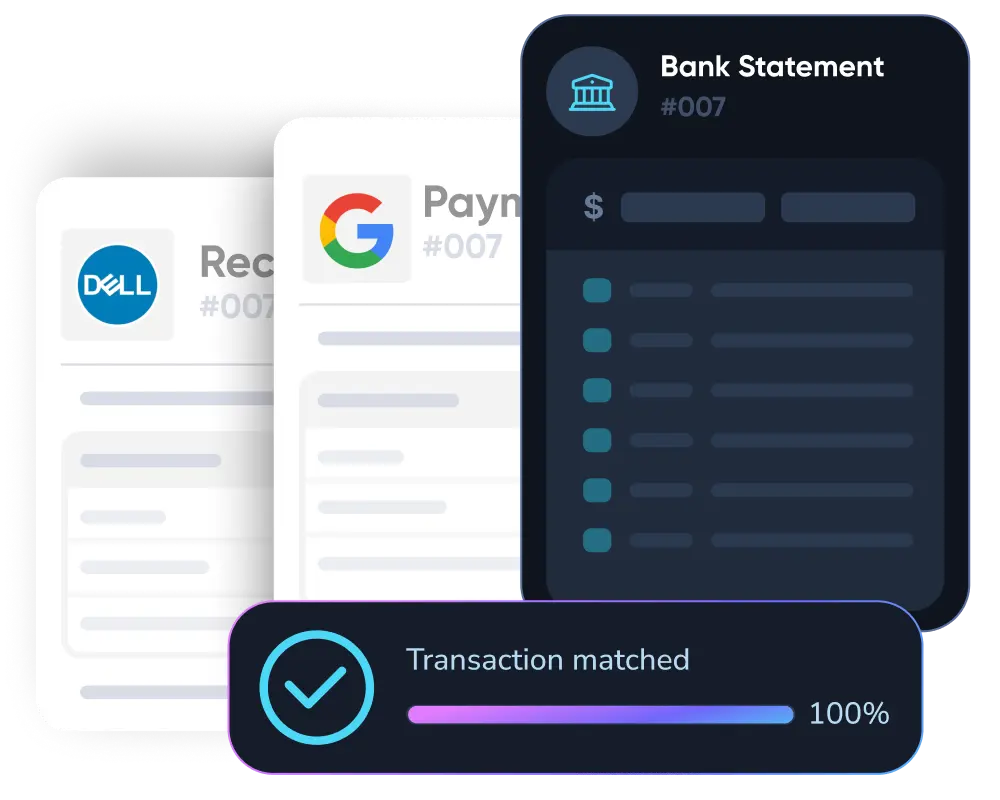
LayerNext takes bank reconciliation beyond basic automation by using an agentic AI system that works autonomously from start to finish. Unlike traditional tools that require manual oversight or hybrid AI-human teams, LayerNext's multi-agent intelligence engine operates 24/7 to keep your books always reconciled.

Here's How It Works:

1. Continuous Transaction Matching

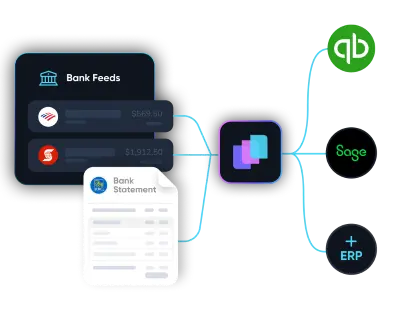
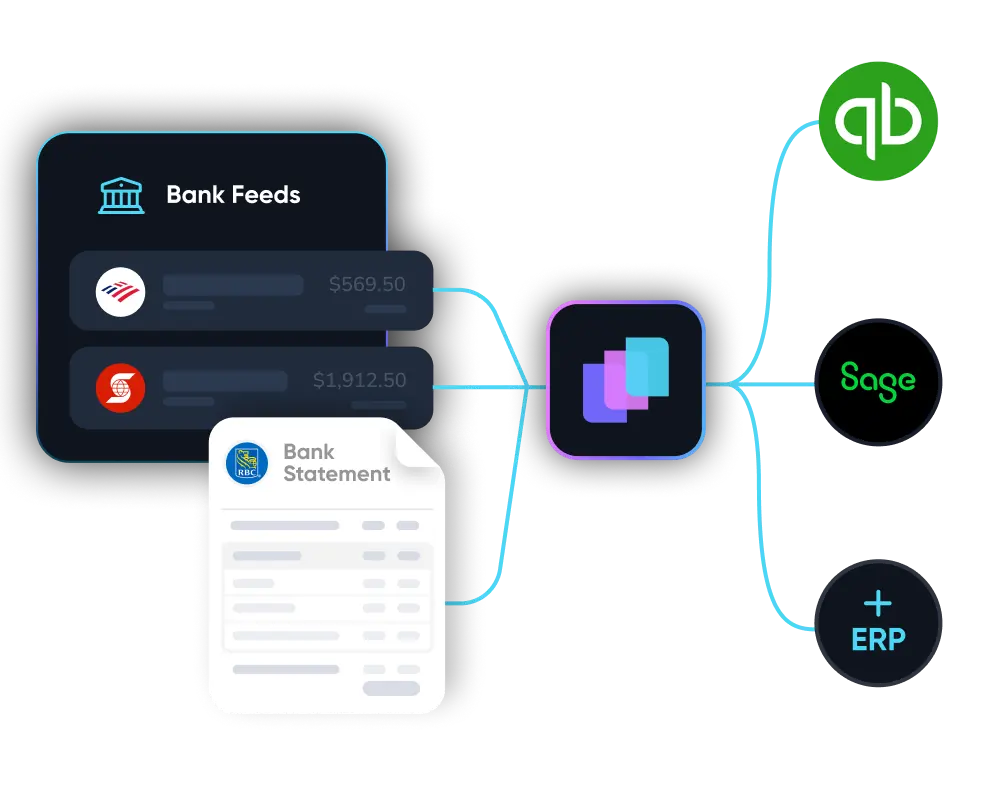
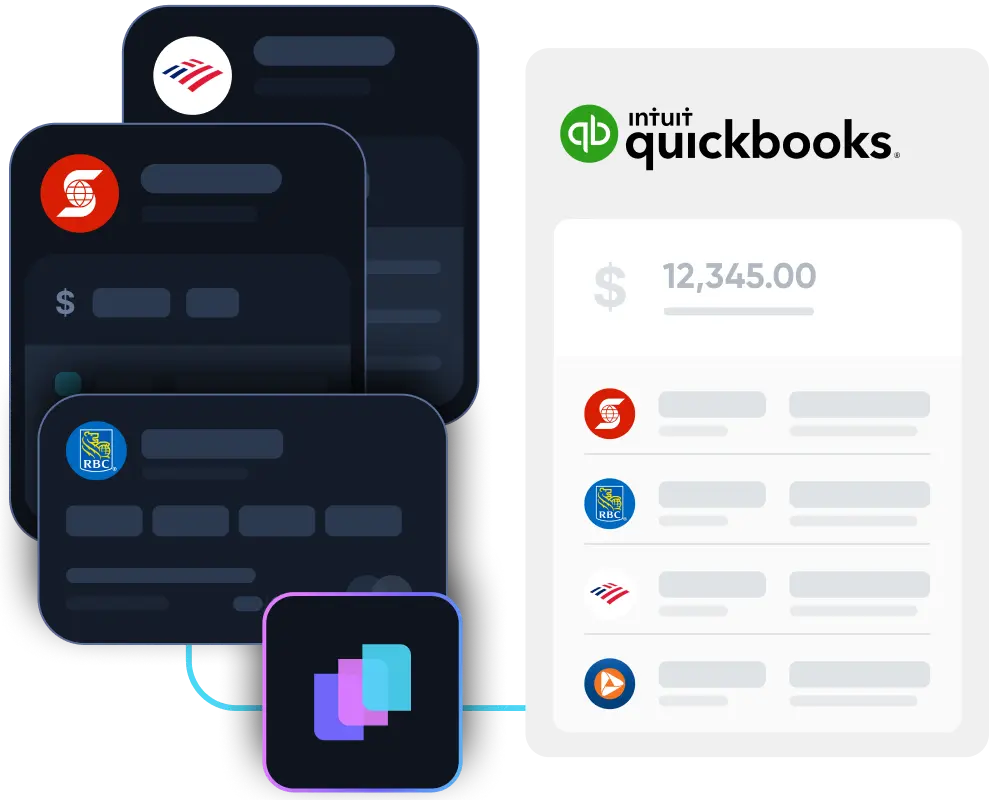
LayerNext automatically connects to your QuickBooks account and bank feeds, pulling in transactions in real-time. The AI doesn't wait for month-end, it categorizes and matches transactions as they occur, using machine learning trained on millions of bookkeeping patterns to achieve 95%+ accuracy.

2. Intelligent Discrepancy Resolution

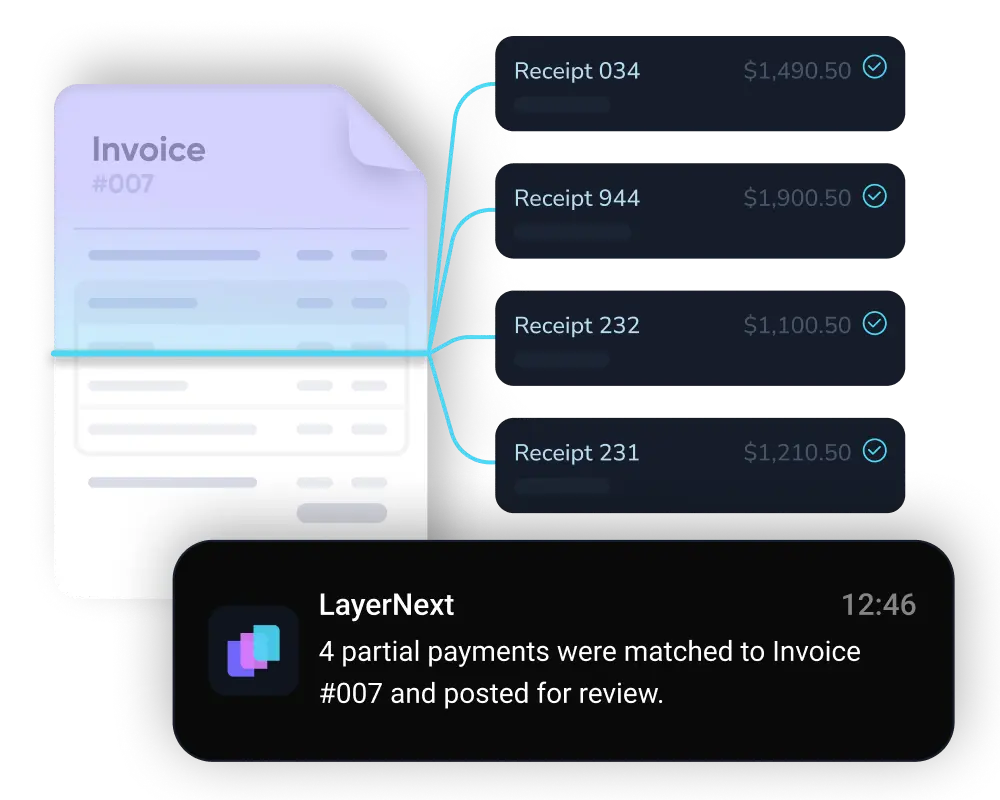
When the AI encounters missing information or unclear transactions, it doesn't stall. Instead, it asks you the business owner for clarification directly through simple questions. Once you provide the answer, it completes the reconciliation instantly and learns from the interaction for future similar scenarios.

3. Always-Closed Books

Unlike monthly reconciliation marathons, LayerNext maintains your books in a continuously reconciled state. There's no month-end chaos, no catch-up work, and no hidden backlog. Your financial records match your bank statements at all times, giving you real-time financial clarity.

4. Zero Manual Work Required

LayerNext eliminates 80-95% of manual tasks typically required in bookkeeping automation. No more manual categorizing, no receipt chasing, and no $500/month bookkeeping bills. The system handles everything from transaction matching to journal entries automatically.

5. CFO-Grade Financial Insights

Beyond reconciliation, LayerNext provides real-time cash flow forecasting, burn rate analysis, runway projections, and spending insights giving you the financial clarity previously available only to businesses with full finance departments.

The result?

Your bank reconciliation happens automatically in the background while you focus on growing your business. Your books are always accurate, always current, and always ready for financial management decisions or tax filing.

Try Automated Reconciliation Free

Final Thoughts

Bank reconciliation isn't just a bookkeeping chore, it's a financial safety net. By regularly checking that your records match what your bank reports, you build confidence in your numbers, protect your cash, and get a clearer sense of your business's financial health.

Getting into the habit of reconciling can feel small, but it pays off in clarity, accuracy, and peace of mind especially as your business grows. With modern AI-powered solutions like LayerNext, you can enjoy all these benefits without the manual effort, letting automation handle the tedious work while you focus on what matters most: running your business.

Frequently Asked Questions About Bank Reconciliation


How often should I do bank reconciliation for my business?

Most small businesses reconcile their accounts every month, usually right after the bank statement is available. Regular reconciliation helps you catch discrepancies early and keep your books accurate. If your business has a lot of daily transactions, doing it weekly can give you even better control. With automated bank reconciliation tools, you can maintain continuously reconciled books without any manual monthly process.

Why don't my bank records and my books always match?

It's common for balances not to match at first. Differences often come from: Timing differences deposits or checks that haven't cleared yet; Bank fees or interest that haven't been recorded in your books; Unrecorded transactions or data entry mistakes; or Outstanding checks that haven't been cashed. Reconciling is simply the process of identifying and adjusting for those differences until both sides match.

Do I need special software to reconcile?

Not necessarily—you can reconcile manually using spreadsheets. But QuickBooks reconciliation features or modern AI-powered tools save time, reduce errors, and can even match transactions automatically. That means less busywork and more accurate results. Automated solutions can reduce reconciliation time by up to 90%.

What should I do if I find a mistake during reconciliation?

When you spot a difference, make sure the transaction is recorded correctly in your books, add any bank fees or interest charges you missed, and check for timing issues like checks that haven't cleared yet. If the bank made an error, contact them to investigate. The goal is to understand why the difference exists, not just hide it. Proper documentation helps maintain compliance with accounting standards.

Can bank reconciliation catch fraud?

Yes, regular bank reconciliation helps you spot suspicious or unauthorized transactions quickly, giving you a chance to act before bigger issues arise. It's one of the simplest yet most effective financial controls you can use. Real-time automated reconciliation provides even faster fraud detection by alerting you to unusual patterns immediately.

What documents do I need to do reconciliation?

At a minimum, you'll want: Your bank statement for the period you're reconciling; Your internal accounting records (like your general ledger); and Supporting documents (receipts, invoices, deposit slips). Having everything ready makes the process smoother and faster. With automated systems, most of these documents are imported and organized automatically.

Ready to eliminate manual bank reconciliation forever?
Learn more