Running AP on QuickBooks Desktop Enterprise? Compare how AP tools connect, see what Enterprise already covers and test a vendor on your own invoices.
Field service accounts payable on FieldServio: where the manual work sits, the invoices that never match cleanly, and how to automate it.
AP automation for wholesale distribution on SAP Business One: how invoices, receipts and vendor credits are matched, posted and approved by your team.
How LayerNext automates AP on Microsoft Dynamics SL for service companies: invoices coded to the job, approved by the manager, entered in SL and reconciled
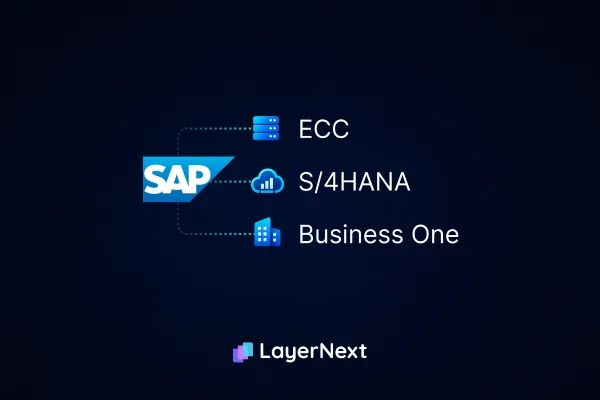
SAP AP automation for ECC, S/4HANA, and Business One: what's native, what VIM and Ariba cover, and how SAP ECC end of life changes AP.
AP automation for manufacturers on Dynamics GP and NAV: support deadlines, where matching breaks, and what changes on Microsoft Dynamics 365 manufacturing.
Prophet 21, Vision, and Eclipse each handle accounts payable differently. See what's native, what Epicor's own ECM add-on covers, and where the gaps are.
See how AP automation works on Dynamics AX and Dynamics 365 Finance, from support status to three-way matching across legal entities.
Epicor Eagle, BisTrack, and LumberTrack each handle AP differently. See what AP Assist and Automation Studio actually cover, and where the gaps are.
AP automation for Epicor Kinetic and Vantage manufacturers: three-way matching at multi-plant scale, and what changes between the two platforms.
What accounts payable means, how it differs from accounts receivable, the 8-step process, and the benchmarks finance teams use to judge whether it's running well.
A complete guide to accounts payable automation: the 7-stage workflow, real benchmark data, ROI models, and best practices for US & Canada finance teams.
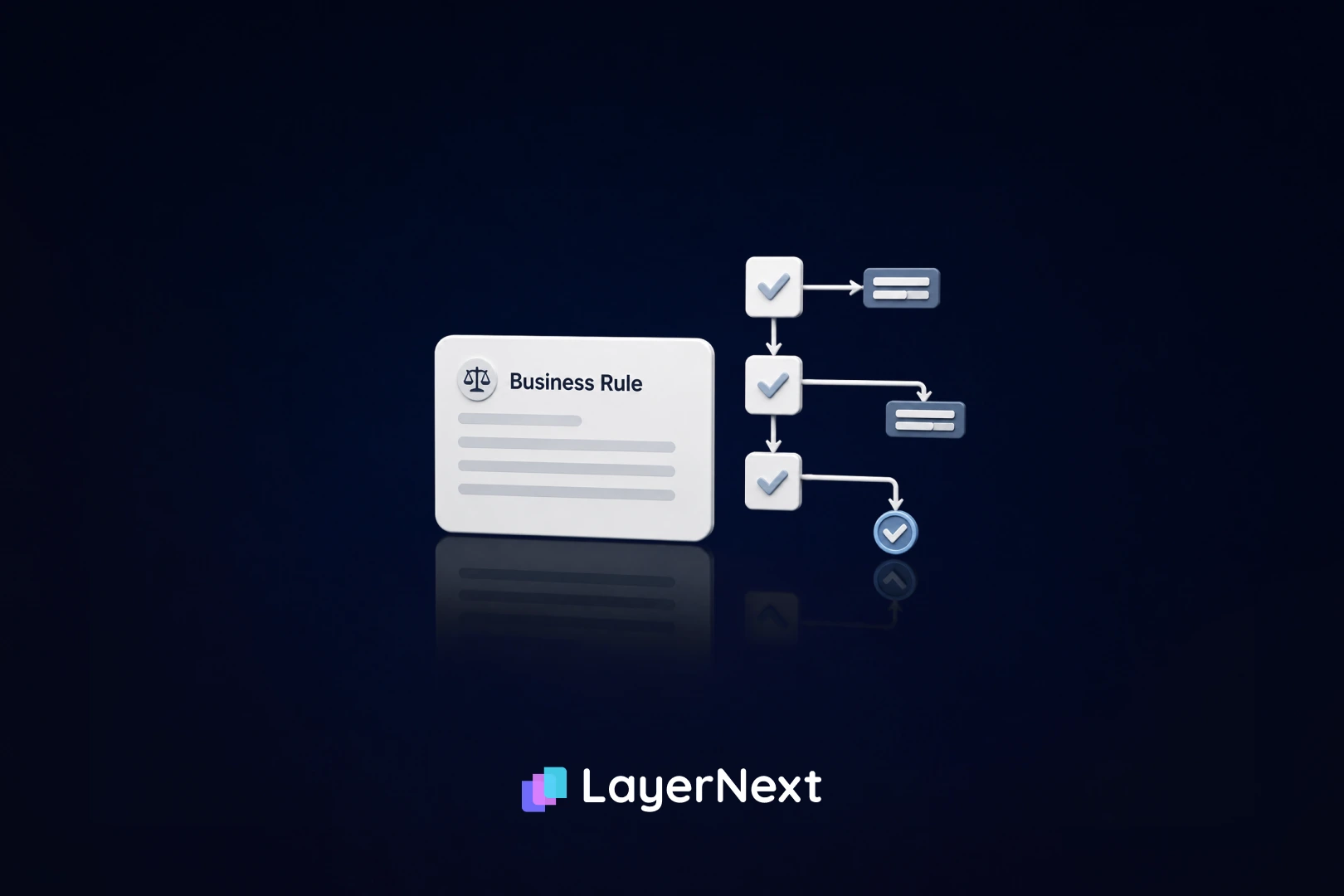
See how LayerNext turns AP exceptions into plain-English rules finance teams can write, edit, and audit themselves, no code required.
Should you hire, use temp staff, or automate for an invoice spike? A cost breakdown and the four metrics that show what's working.
AP automation software features for mid-market finance teams, including what changes when your ERP has no API to connect to.
How auto parts distributors track core charges, match vendor credit memos to AP, and close the loop before returns turn into write-offs.
AP automation for transportation and logistics fleets: fuel, tolls, maintenance, insurance, and freight, automated on the ERP you already run. See how it works.
Before adding an AP tool to NetSuite, know what's already native. Here's what Bill Capture and Intelligent Payment Automation cover, and where they don't.
Property management accounts payable breaks down in predictable ways as portfolios scale. See exactly where, why, and how to fix it, without an ERP rebuild.
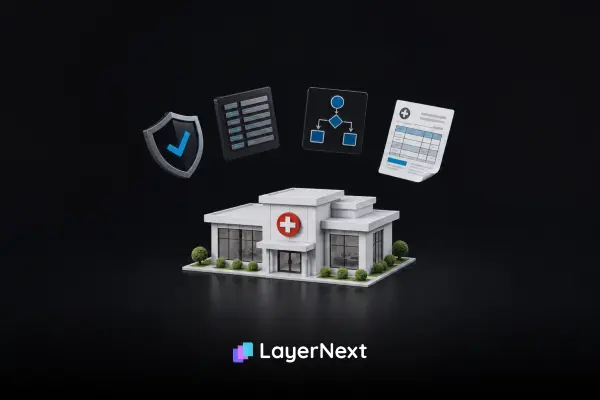
Healthcare ERP software replacement averages $450K and 18-36 months. Learn when to replace, when to modernize around it, and automate AP without an API.
Duplicate payments slip past legacy ERP controls because the check is an exact match on three fields. See the five failure points and how to fix each one.
Learn how to forecast accounts payable with the DPO formula, two alternative methods, worked examples, and why AP forecasts break before the math starts.
Compare Sage AP automation options for Sage Intacct, Sage 100 and Sage 300. Learn when to use an API, connector or desktop automation.
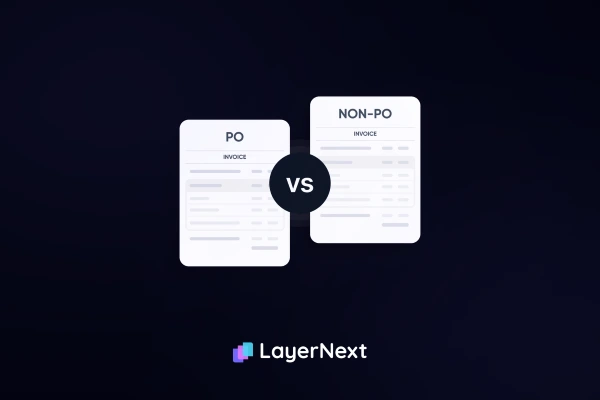
Learn how PO and non-PO invoice approval really differs, where non-PO routing breaks down at scale, and how to fix it without rebuilding your ERP system.
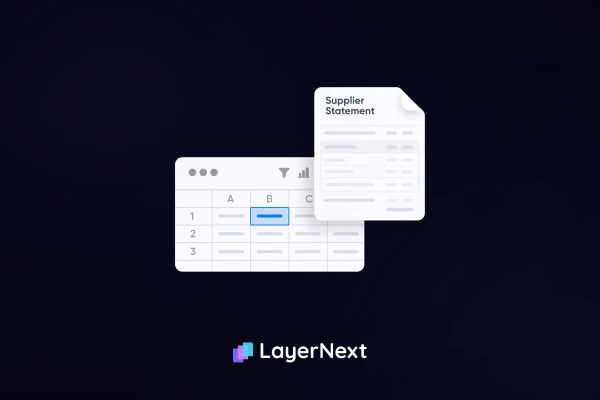
Learn what supplier statement reconciliation is, why statements and ledgers stop matching, and how finance teams automate the match without adding headcount.
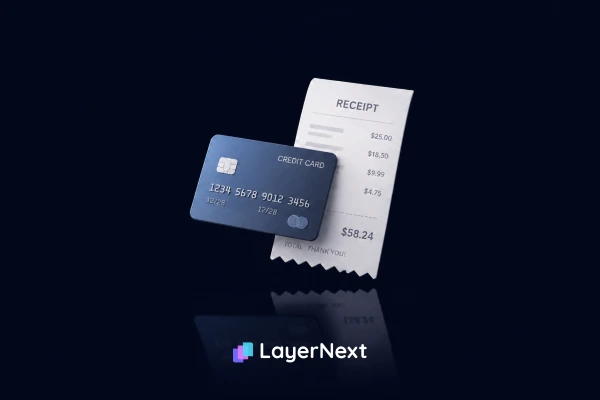
See how automated credit card reconciliation matches transactions to receipts and invoices in real time, even on legacy ERPs that don't have an API.
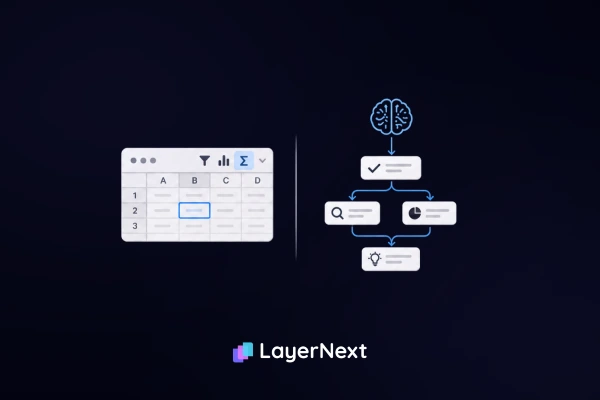
RPA vs AI agents in finance, explained. See how each works in AP, reconciliation, and reporting, and which one your finance team actually needs.
Compare 9 AvidXchange alternatives for AP automation in 2026, matched by ERP fit, pricing, and company size, including options for legacy and API-less systems.
What are the benefits of AP automation? The cost, ROI, and payback math for CFOs, plus a calculator to find your cost per invoice and payback on your numbers.
Construction accounts payable software that posts to your ERP without an API. Handle AIA G702/G703 progress billing, retainage, and subcontractor waivers
Most AP month-end close cycles take 6 to 8 days. This step-by-step guide shows where time concentrates and what a Controller can do this cycle
Most Epicor AP automation guides assume a modern API. This one covers Epicor 9, 10, Kinetic, and Vantage, and what actually works on each.
Invoice processing automation still leaves 40-70% of invoices touched by hand. Here's why OCR fails, where EDI stalls, and how to audit the gap.
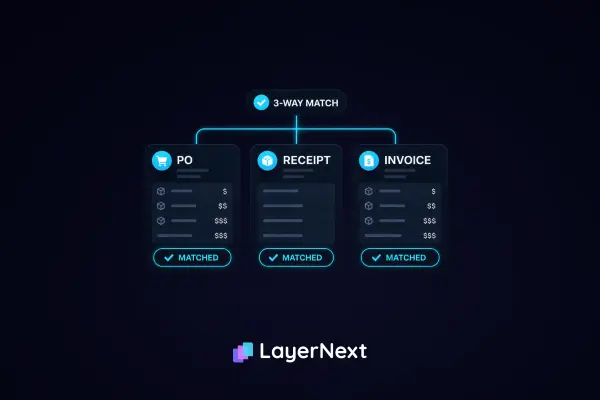
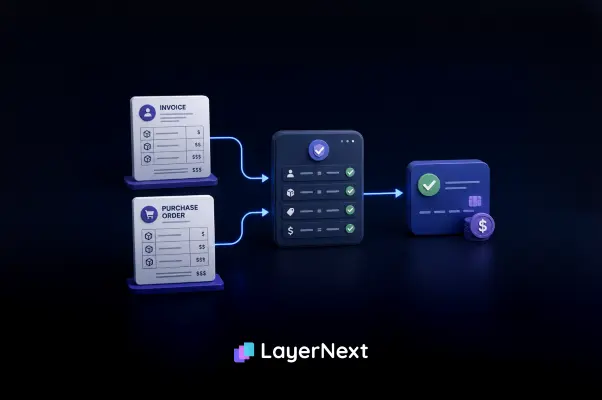
Most AP teams only automate 30% of invoices. This guide shows where three-way matching breaks on legacy ERPs, what it costs, and how to automate the full match without replacing your ERP.
Manual healthcare invoice processing costs $12 to $15 each. See how automation handles HIPAA compliance, no-API ERPs, and per-supplier matching rules without an IT project.
Learn what is 2 way match in accounts payable, how it works, and when to use it vs 3‑way matching. Designed for enterprise CFOs focused on risk, control, and audits.
AP automation software built for manufacturing and distribution. Compare top tools on ERP compatibility, three-way matching, and ROI for high-volume AP teams.
Compare 10 AI-powered invoice reconciliation tools for 2026 — pricing, features, and automated three-way matching, side by side.
A good accounts payable turnover ratio isn't one-size-fits-all. See industry benchmarks, formula breakdowns, and CFO-level guidance on what your ratio means.
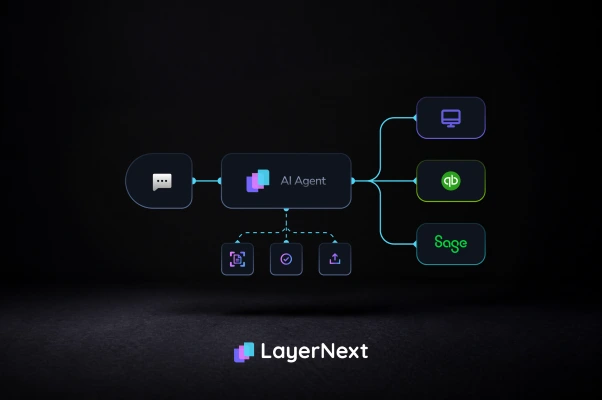
Most AP tools capture invoice data. LayerNext agents complete the workflow: validate, match, post to your ERP, reconcile. No API required. Your team approves every step.
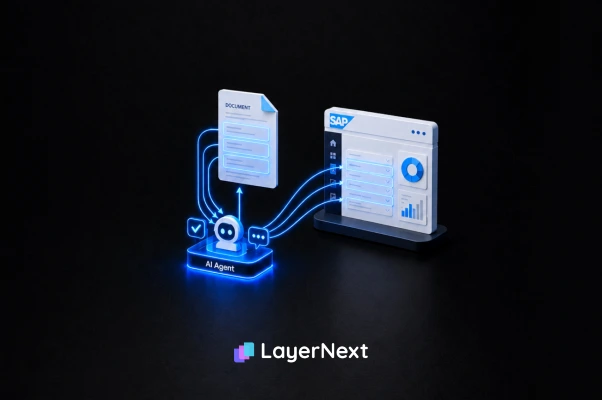
SAP automation tools fall into three categories: native SAP, third-party RPA, and AI agents. Here is what each costs, where each fails, and which fits 2026.
Most AP automation stops at invoice capture. LayerNext completes the workflow inside legacy and desktop ERPs, with human approval at every step.
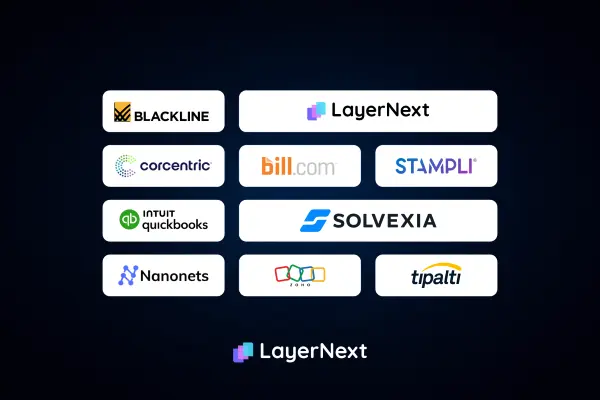
Compare the 6 best AP automation software for 2026. See how LayerNext, Tipalti, Bill, Stampli, Ramp, and Vic.ai stack up on legacy ERPs.
Spot the 6 clearest signs your business has outgrown QuickBooks. Learn why adding more apps makes it worse and how an AI Finance OS fills the gap without an ERP.
Shopify-QuickBooks connector has been broken since January 2026. Orders not syncing, customer data vanishing, COGS discrepancies. Here is what happened and how to fix your Shopify bookkeeping permanently.
If your QuickBooks bank balance doesn't match your bank statement, you are not alone. Here are the six most common causes and how AI reconciliation fixes all of them automatically.
Learn exactly what records the IRS requires small business owners to keep, how long to keep them, what triggers an audit, and how to stay IRS-compliant automatically without the manual work.
When should a company hire a CFO? Learn the right timing by revenue stage, the key signs you need CFO-level insight, and how AI-powered financial reporting can close the gap.
Discover the 7 cash flow mistakes that break scaling companies and how real-time financial systems help founders avoid cash crunches and make smarter decisions.
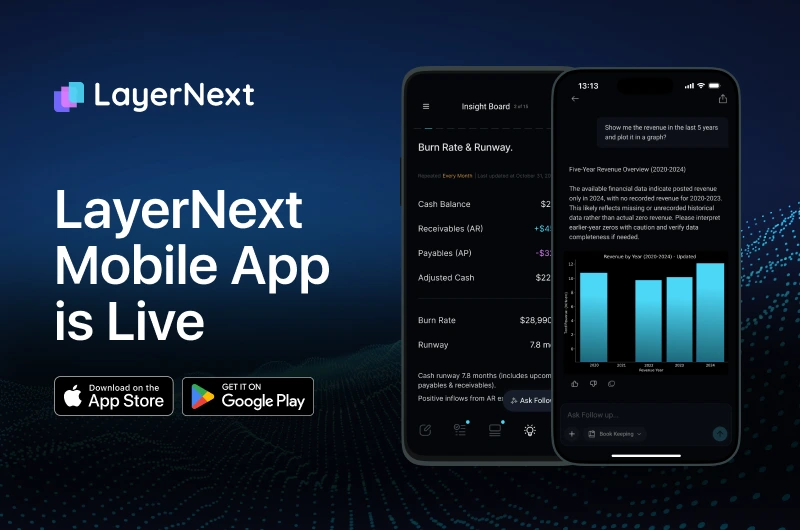
Ditch the desk. Manage AI bookkeeping on the go with the new LayerNext mobile app. Capture receipts and keep books tax-ready 24/7. Download for iOS & Android.
CFO-grade financial intelligence means real-time cash flow, burn, runway, and margin visibility across every entity, not a report that's already stale.
9 AI bookkeeping tools compared for 2026, including AP automation and reconciliation platforms. Features, pricing, and which one fits your finance team.
End outdated month-end cycles. LayerNext's AI CFO delivers continuous bookkeeping & always-current financials for instant business insights.
Replace outdated month-end reconciliation with continuous automation. LayerNext keeps books always current for instant financial visibility.
Meet LayerNext: AI-powered financial intelligence that eliminates month-end delays. Get real-time books, CFO insights & true financial freedom.
The "next thought" determines AI success or failure. Explore why accurate reasoning & context engineering are critical for autonomous AI agents.
Transform scattered enterprise data into AI-ready semantic models. MetaLake automates metadata extraction & governance without moving a byte.
Is your procurement process stuck in spreadsheets? Discover how AI transforms supply chain management for mid-market teams
Unlock real-time insights. Explore top ad hoc reporting tools and pick the right self-service BI for faster, data-driven decisions.
Unlock the future of business intelligence. Discover how AI-driven insights and augmented analytics turn static dashboards into real-time competitive advantage.
Stop relying on static dashboards. Upgrade to strategic intelligence and unlock predictive, real-time analytics that guide your next move.
Need better business decisions? Learn how a strategic intelligence platform helps you align goals, unify data, and act fast with real-time analytics.
See how LayerNext achieves 95% accuracy through strict query evaluation, real BI testing, and continuous improvement for reliable analytics.



.webp)
.webp)


.webp)




.webp)
.webp)

_28_1_25_Thumb.webp)


.jpg)