Summary
If you've ever started a new job and stared blankly at a stack of onboarding paperwork, you've probably encountered both a W-2 and a W-4, and wondered what exactly the difference is. Even seasoned employees and small business owners mix these two up more often than you'd think.
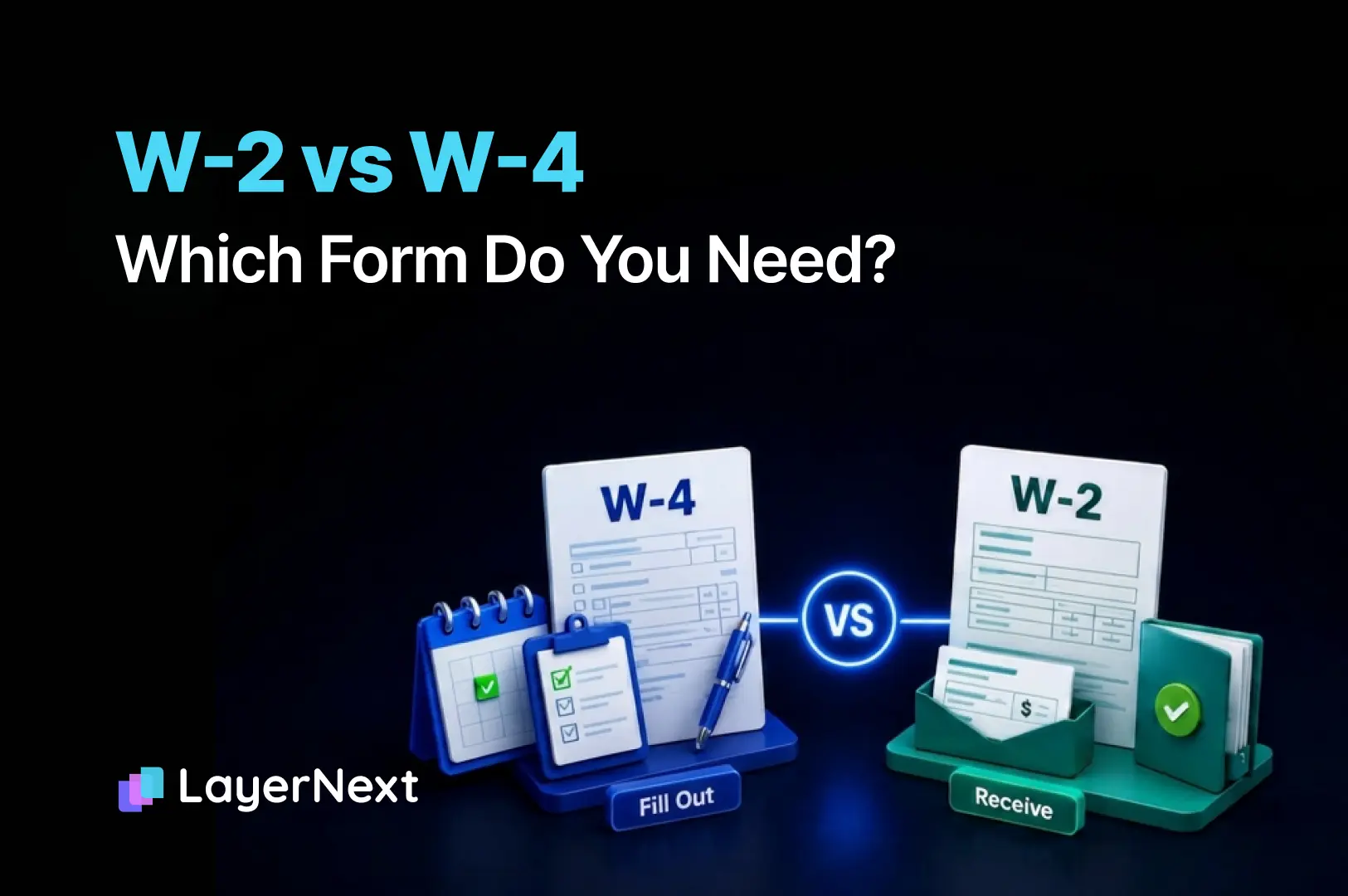
Here's the short version: the W-4 is the form you fill out. The W-2 is the form you receive.
But the full picture is a lot more useful than that, especially if you're a small business owner managing employees, running payroll, or trying to make sure your tax filings are accurate come January.
In this guide, we'll break down exactly what each form does, when you need it, who's responsible for it, and how to complete the W-4 correctly. By the end, you'll know precisely which form applies to your situation, and what to do with it.
1. What Is a W-4?
The W-4, formally known as the Employee's Withholding Certificate, is a form that employees complete when they start a new job, or whenever their personal or financial situation changes significantly.
Its sole purpose is to tell your employer how much federal income tax to withhold from each paycheck.
The IRS requires employers to withhold federal income tax from employee wages and send it directly to the government throughout the year. The W-4 is how employees communicate their withholding preferences, based on their filing status, number of dependents, additional income sources, and any deductions they plan to claim.
Key Facts About the W-4:
- Filled out by the employee
- Submitted to the employer (not the IRS)
- Completed at the start of employment and updated as needed
- Determines how much tax is withheld from each paycheck
- The current version was significantly redesigned in 2020 and no longer uses withholding allowances
When Should You Update Your W-4?
- You get married or divorced
- You have a child or gain a dependent
- You take on a second job
- Your spouse starts or stops working
- You receive significant non-wage income (freelance, investments, rental income)
- You had a large unexpected tax bill or refund last year
Pro tip
The IRS offers a free Tax Withholding Estimator tool to help you calculate the right withholding amount before filling out your W-4.
2. What Is a W-2?
The W-2, formally known as the Wage and Tax Statement, is a form that employers send to employees, and to the IRS, at the end of each tax year.
It summarizes everything that happened with an employee's compensation during the year: total wages earned, federal and state taxes withheld, Social Security and Medicare contributions, and any other relevant deductions or benefits.
Key Facts About the W-2:
- Prepared by the employer
- Sent to the employee and filed with the IRS and Social Security Administration
- Issued annually, employees must receive it by January 31
- Employees use it to file their annual tax return
- Employers must file W-2s for every employee paid $600 or more during the year, or from whom any income, Social Security, or Medicare tax was withheld
What's on a W-2?
A W-2 contains multiple lettered boxes, each reporting a specific type of income or withholding:
3. W-2 vs W-4, Side-by-Side Comparison
Here's a clear breakdown of how these two forms differ:
The simplest way to remember it: W-4 goes in, W-2 comes out.
4. Who Needs to Fill Out a W-4?
Any person who is classified as a W-2 employee, meaning they work for an employer who withholds taxes from their paycheck, must complete a W-4.
You need to fill out a W-4 if:
- You're starting a new job
- You've had a major life change (marriage, divorce, new dependent)
- Your financial situation changed significantly (second job, major income shift)
- Your last tax return resulted in a very large refund or a large unexpected bill
You do NOT need a W-4 if:
- You are self-employed or an independent contractor (you'll use Form 1040-ES for estimated taxes instead)
- You are exempt from federal income tax withholding (you must still file a W-4 claiming exemption, renewed annually)
For Small Business Owners:
If you have employees on payroll, you are responsible for collecting a completed W-4 from every new hire before their first paycheck. Failing to collect a W-4 means you must withhold at the default rate (Single, no adjustments) as required by the IRS.
5. How to Fill Out a W-4 Correctly (Step-by-Step)
You can download the current Form W-4 from the IRS website. Here's how to complete each step accurately.
Step 1: Personal Information
Enter your:
- Full legal name
- Home address
- Social Security Number
- Filing status: Single/Married filing separately, Married filing jointly, or Head of household
This is straightforward, just make sure your filing status reflects your actual tax situation, as this has the biggest impact on withholding.
Step 2: Multiple Jobs or Spouse Works
Complete this step if:
- You hold more than one job at a time, OR
- You're married filing jointly and your spouse also works
You have three options here:
- Option A: Use the IRS Tax Withholding Estimator for the most accurate result
- Option B: Use the Multiple Jobs Worksheet on page 3 of the W-4
Option C: Check the box in Step 2(c), only if there are exactly two jobs with similar pay
⚠️ Common mistake: Skipping Step 2 when you have two jobs. This leads to significant under-withholding and a tax bill at filing time.
Step 3: Claim Dependents
If your total income is $200,000 or less ($400,000 or less if married filing jointly), you can claim:
- $2,000 per qualifying child under age 17
- $500 per other qualifying dependent
Multiply the number of qualifying children by $2,000, add $500 for any other dependents, and enter the total. This reduces your withholding dollar-for-dollar.
Step 4: Other Adjustments (Optional)
This optional step lets you fine-tune your withholding:
- 4(a) - Other income: Enter any non-job income (interest, dividends, freelance income) you expect but won't have withholding on. This increases withholding to cover it.
- 4(b) - Deductions: If you plan to itemize or claim above-standard deductions, use the Deductions Worksheet on page 3 to calculate a reduction in withholding.
- 4(c) - Extra withholding: Enter a flat dollar amount to withhold from each paycheck in addition to the calculated amount. Useful if you want to avoid a bill at tax time.
Step 5: Sign and Date
Sign and date the form. Without your signature, the W-4 is invalid and your employer must treat you as Single with no adjustments.
6. Who Is Responsible for the W-2, and How Is It Filed?
If you're an employer, issuing W-2s is a non-negotiable annual obligation. Here's what you need to know:
Employer Responsibilities:
- Issue a W-2 to every employee who was paid wages during the year, by January 31
- File Copy A of all W-2s with the Social Security Administration (SSA) by January 31
- File W-2 information with your state tax agency if your state has income tax
- Keep copies for your records for at least 4 years
How to File W-2s:
- Online: Use the SSA's free Business Services Online (BSO) portal for electronic filing required if you file 10 or more W-2s
- Paper: Mail to the SSA if filing fewer than 10 forms (though electronic is strongly recommended)
- Payroll software: Tools like QuickBooks Payroll can automate W-2 generation and filing
Penalties for Late or Incorrect W-2s:
The IRS imposes penalties ranging from $60 to $310 per form depending on how late the filing is. Intentional disregard carries a minimum penalty of $630 per form with no cap.
7. Common Mistakes to Avoid
On the W-4:
- Skipping Step 2 when you or your spouse have multiple jobs
- Not updating after a major life event
- Claiming exempt when you don't qualify, this can result in a large tax bill plus penalties
- Forgetting to sign, an unsigned W-4 is invalid
On the W-2 (for employers):
- Missing the January 31 deadline, even one day late triggers penalties
- Wrong SSN or EIN, must match IRS and SSA records exactly
- Incorrect Box 12 codes, each code has a specific meaning; using the wrong one misreports benefits
- Forgetting to include all taxable fringe benefits in Box 1
- Not sending copies to employees before filing with the SSA
8. W-2 vs W-4 for Self-Employed and Small Business Owners
This is where it gets especially important for small business owners, because you're often playing both roles simultaneously.
As an Employer:
- You collect W-4s from your employees and use them to calculate withholding
- You issue W-2s to your employees every January
- You're responsible for payroll tax deposits throughout the year using Form 941
As a Business Owner (Not on Payroll):
- If you pay yourself through distributions (LLC/S-Corp), you may not receive a W-2 at all
- If you're a sole proprietor, your business income flows through to your personal Form 1040 via Schedule C
- You'll use Form 1040-ES to make quarterly estimated tax payments instead of relying on withholding
Independent Contractors:
If you pay independent contractors $600 or more in a year, you do not issue a W-2, you issue a Form 1099-NEC instead. Misclassifying employees as contractors is a serious and auditable error.
9. Keep Payroll Costs Clear and Books Always Closed With LayerNext
Here's where many small business owners hit a wall: you understand your W-4s and W-2s just fine, but translating all of that payroll activity into clean, accurate, real-time books is another problem entirely.
Every payroll run affects multiple accounts: wages expense, payroll tax liabilities, net pay, employer contributions. When your bookkeeping isn't keeping up, you end up with a distorted view of your cash flow, unclear burn rate, and a mess waiting for your accountant in January.
That's exactly the problem LayerNext solves.
LayerNext is your AI CFO for small business, an autonomous platform that automatically categorizes every transaction, reconciles your bank accounts in real time, and gives you CFO-level financial clarity without the manual work.
Here's why it matters specifically for employers managing payroll:
- Payroll expenses are tracked automatically. Every payroll transaction, wages, employer tax contributions, benefits, is captured, categorized, and reconciled without you touching a spreadsheet.
- Always-closed books. No more month-end scramble before your accountant asks for records. LayerNext keeps your books current every single day.
- W-2 season without the panic. When January rolls around and it's time to issue W-2s, your payroll records are already clean, categorized, and reconciled, no reconstruction needed.
- Real-time cash flow visibility. Know exactly what payroll is costing your business as a percentage of revenue, month over month, in real time.
- Works with your existing tools. LayerNext integrates with QuickBooks,so it plugs into your current workflow instantly.
"Issuing W-2s to your team is one thing. Knowing exactly what payroll is costing your business in real time, that's where LayerNext comes in."
Whether you have 2 employees or 50, keeping payroll expenses clean in your books shouldn't require a full-time bookkeeper. With LayerNext, it doesn't.
👉 Start for free at layernext.ai no credit card required.
10. Frequently Asked Questions
11. Run Your Business With Financial Clarity, Starting Today
Understanding the difference between a W-2 and a W-4 is just the beginning. As a small business owner, the real challenge isn't knowing what forms exist, it's making sure the financial activity behind all those forms is captured, categorized, and reflected accurately in your books throughout the year.
LayerNext takes that off your plate entirely.
With autonomous bookkeeping, real-time reconciliation, and instant financial insights, LayerNext makes sure your business finances are always clean, always current, and always ready, whether that's for W-2 season, an IRS inquiry, or just a Tuesday morning cash flow check.