
Overview | Bookkeeping Prompting Guide
You can think of LayerNext as a human bookkeeper who knows how to work with QuickBooks. It understands bookkeeping instructions in the same way a professional accountant would and attempts to carry them out accordingly.
To increase the likelihood that LayerNext behaves exactly as you expect and to reduce unnecessary follow-up questions, you can structure your prompts using the guidelines provided for each specific bookkeeping task. These guidelines are not strict rules. Your prompts do not need to use exact wording, and minor issues such as spelling or grammatical mistakes will not affect the outcome.
You may also include additional instructions if you want LayerNext to follow specific rules or preferences. In general, clearer and more detailed prompts produce better results.
There are three ways to use the bookkeeping features in LayerNext.
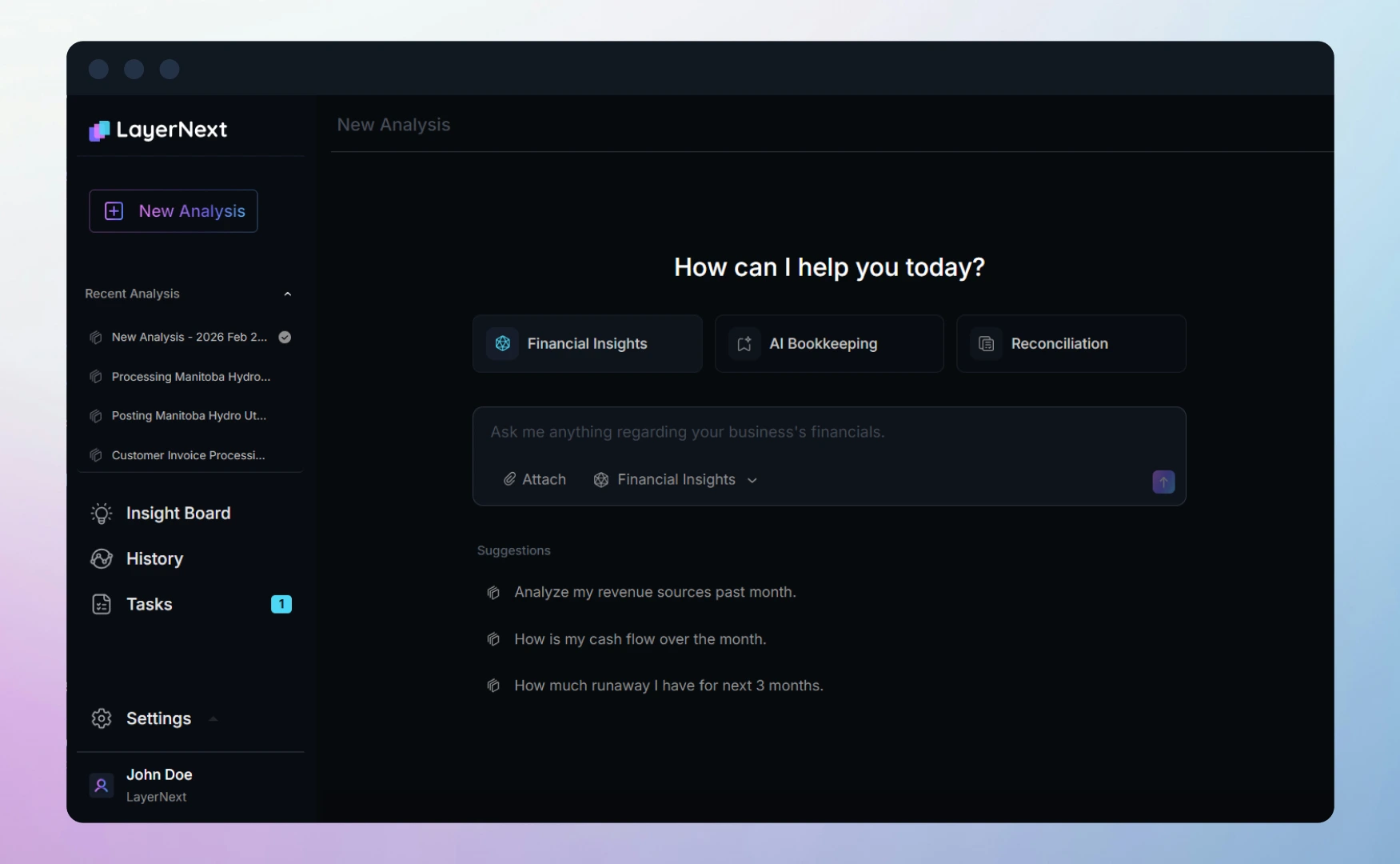
1. Use the web app
This is the default way to access LayerNext on your desktop. Enter your prompt in the input box and upload the relevant documents, such as receipts, bills, or bank statements.
2. Use the mobile app
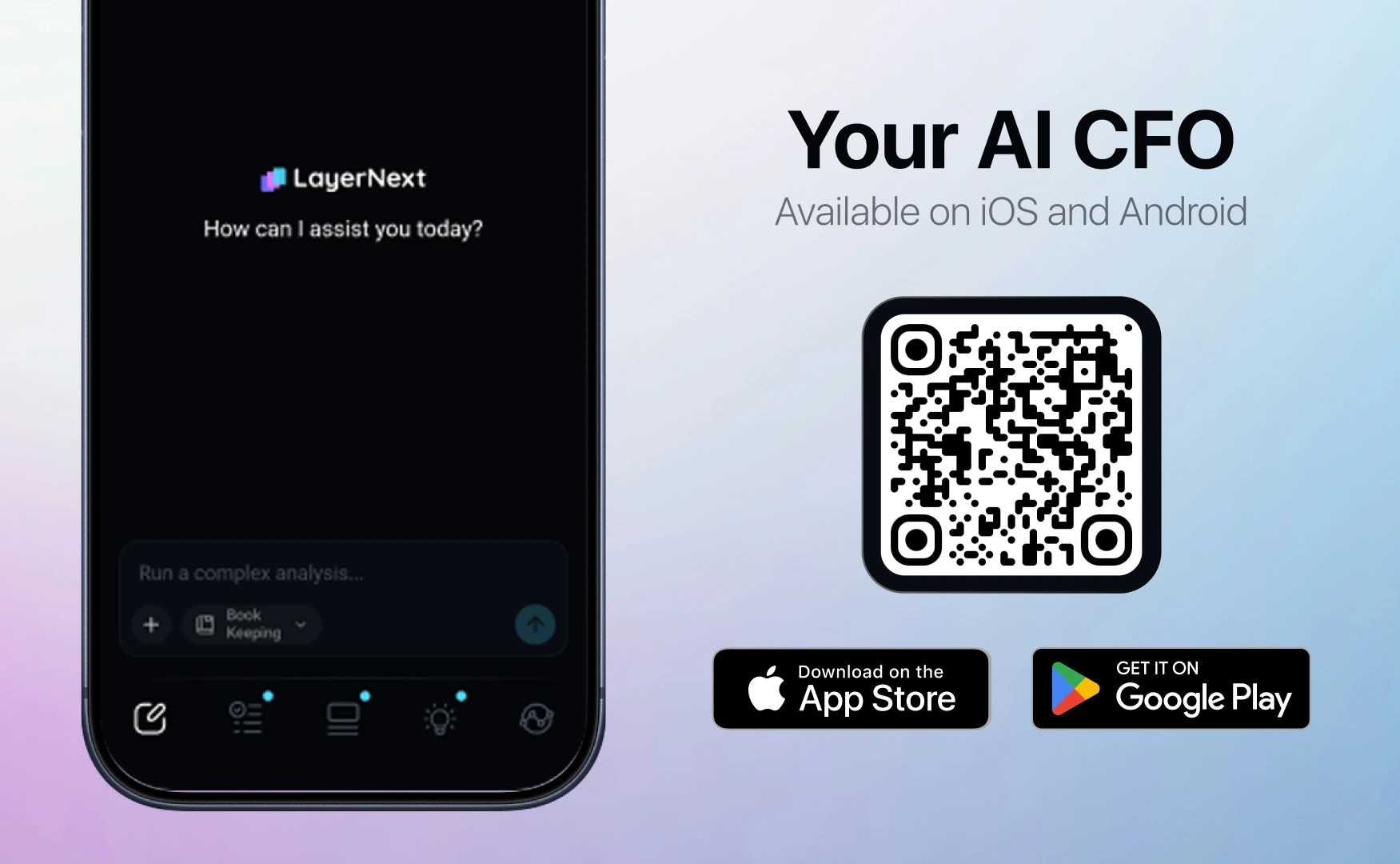
Download and install the LayerNext mobile app on your iOS or Android device. Log in using the same email address and password you used for the web app. You can capture paper receipts or bills using your phone’s camera, or upload digital copies directly from your device.
3. Access via your dedicated email address
LayerNext provides a dedicated email address for your company in the format company_short_name@layernext.ai. Send or forward bookkeeping documents such as receipts, bills, or bank statements from the email address you used to sign up for LayerNext. Include your prompt in the body of the email.
For all of the above methods, example prompts for common bookkeeping tasks are provided in the sections below.