
Support
Bookkeeping Prompting Guide
Recording an Expense with Purchase Receipt
Updated
April 20, 2026
Basic version: If you have a receipt for already paid expense, upload the receipt and prompt as:
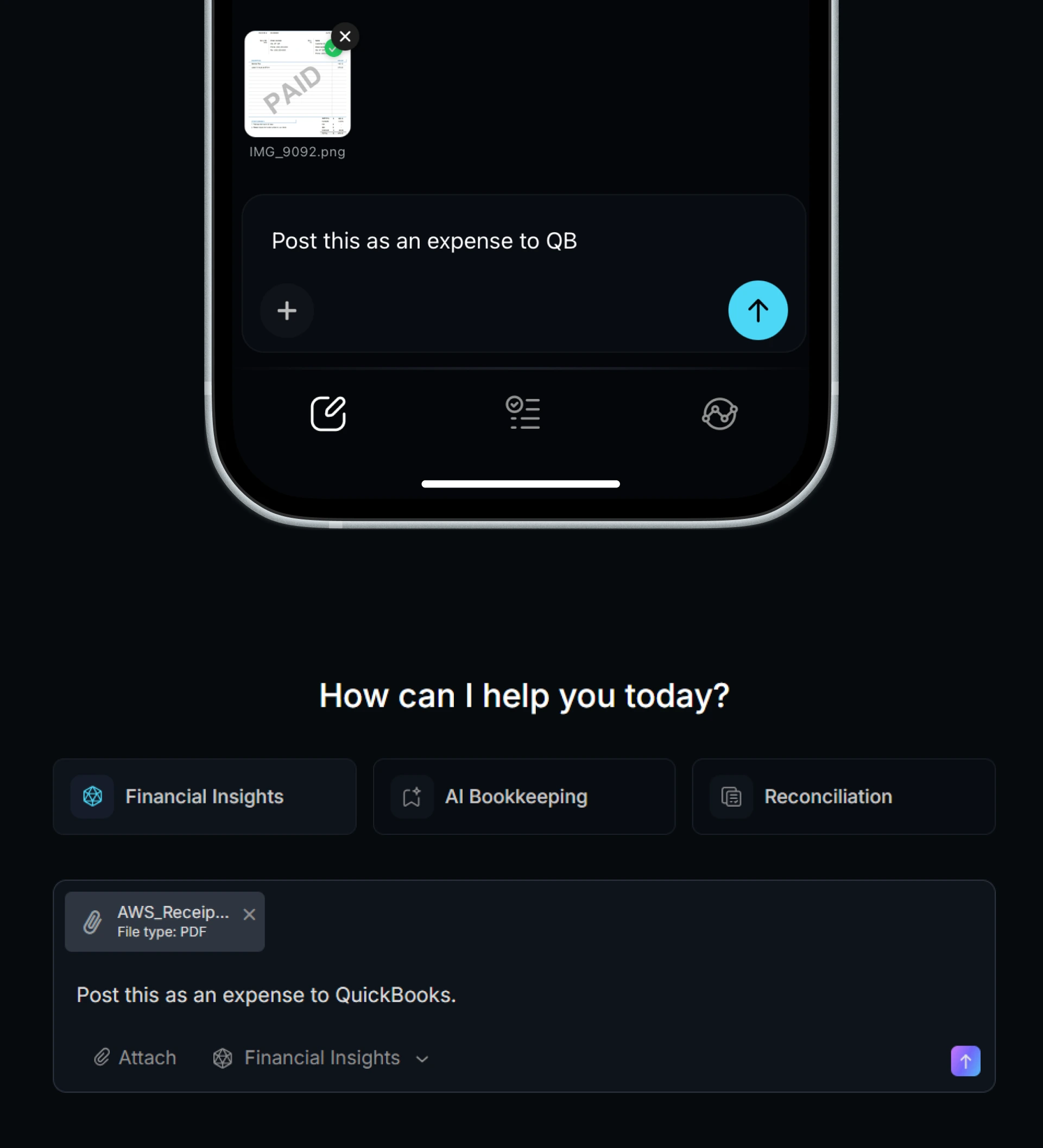
You can include additional instructions based on how you want the transaction to be recorded. For example:
Specify the expense category or GL:
Specify how it was paid:
Specify the class split:
Providing these details is strongly recommended. If they are not specified, LayerNext will determine them based on the receipt content and how past expenses for the same vendor have been recorded.
Best Practices:
To avoid confusions and improve accuracy,
- Make sure the receipts are clearly visible, as good enough to the human eye to recognise the numbers.
- Record one expense at a time.
- If a purchase includes multiple receipts, such as a separate tip receipt, upload them as separate files to the same prompt rather than combining everything into a single image or PDF.
Still have questions?
Watch our step-by-step video tutorial.