Close

Account reconciliation software for any ERP

LayerNext AI agents match transactions in real time, flag discrepancies needing decisions, and keep your books reconciled today on any ERP, with or without an API.

Bank Reconciliation in Real Time

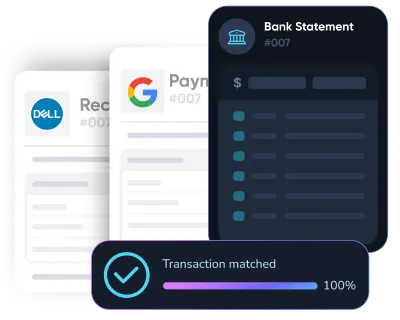
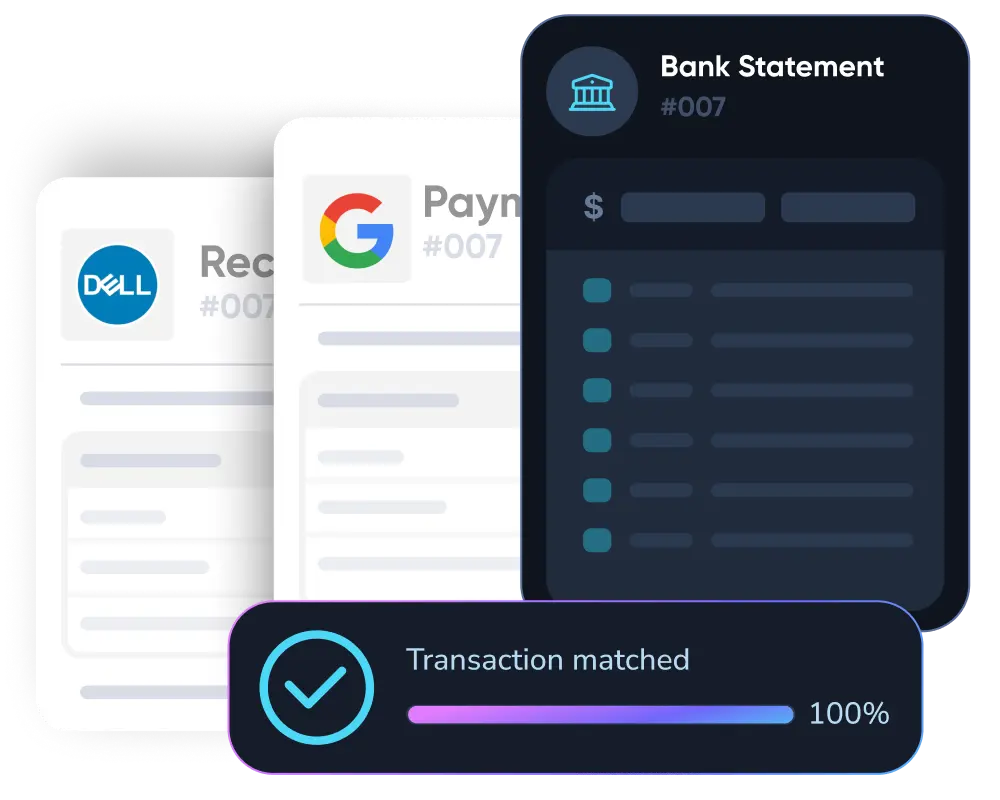
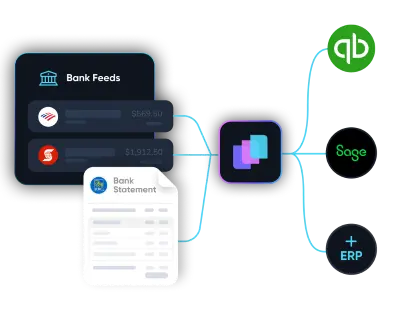
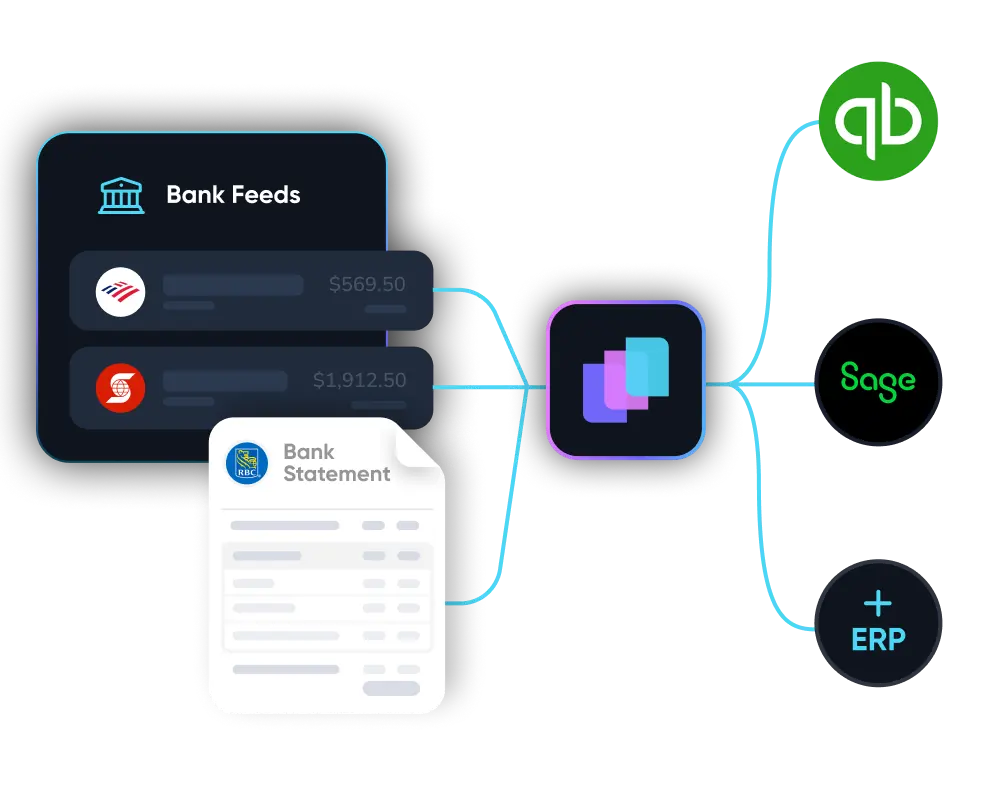
Connect a live bank feed through Plaid or upload a statement, and LayerNext matches every transaction against your ledger the moment it lands. Month-end bank reconciliation becomes a quick review instead of a multi-day project.
  • Every transaction matched and cleared as it arrives
  • Keep your books up to date, not a month behind
  • Live bank feeds via Plaid, or drag-and-drop statement upload
Diagram showing multiple expense entries from apps like Uber Eats, Google, and Starbucks converging into a central software, which then connects to accounting platforms QuickBooks, Xero, and Sage.Diagram showing multiple expense entries from apps like Uber Eats, Google, and Starbucks converging into a central software, which then connects to accounting platforms QuickBooks, Xero, and Sage.
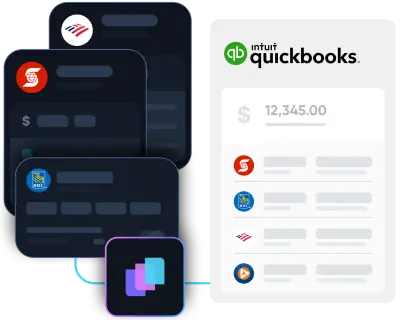
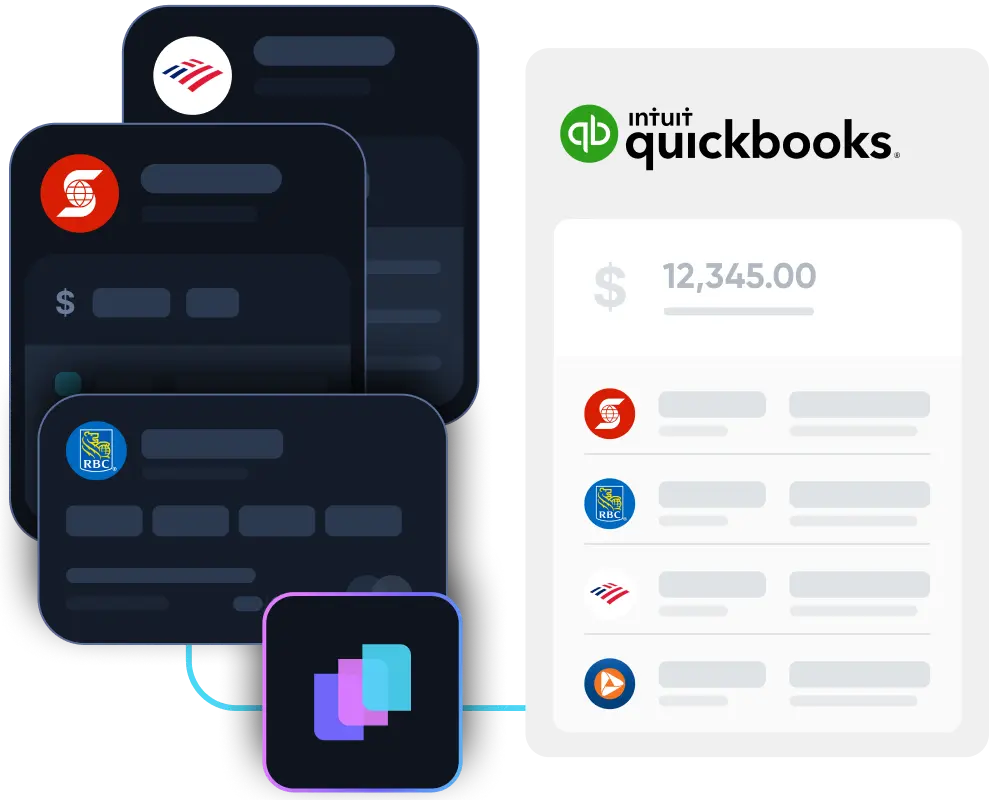
Illustration showing integration of multiple bank statement icons including Scotiabank and Bank of America with accounting software QuickBooks via an intermediary app.Illustration showing integration of multiple bank statement icons including Scotiabank and Bank of America with accounting software QuickBooks via an intermediary app.

AI-Powered Transaction Matching

Rule-based tools only match records that line up perfectly. LayerNext AI agents reason about split payments, partial settlements, foreign formats, and inconsistent descriptions, automating the matches manual reconciliation and OCR miss.

  • Matches one-to-many, many-to-one, and partial transactions
  • Learns each supplier and bank format over time
  • Consistent, repeatable matching across every account
Dark digital circuit-like lines with icons representing data analysis, settings, security, and user connections on a black background.

Reconcile Legacy ERPs Without an API

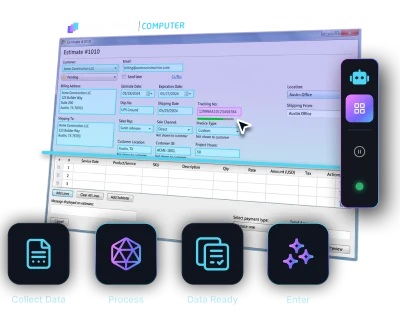
Every other reconciliation tool needs a clean cloud API. LayerNext's computer-use agent operates your desktop ERP through the same screens your team uses, reading balances and posting reconciled entries directly, so legacy systems reconcile like modern ones.
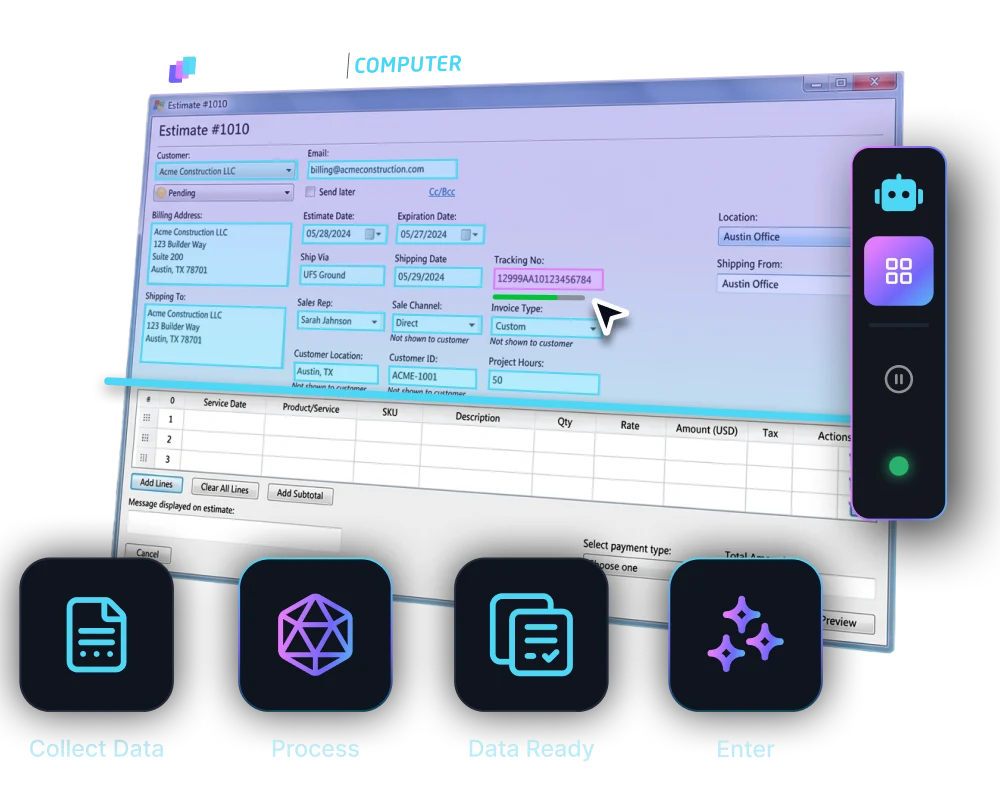
  • No integration project and no infrastructure change
  • If a person can operate the ERP, the agent can reconcile in it
  • Reads balances and posts entries through the ERP's own screens
Diagram showing multiple expense entries from apps like Uber Eats, Google, and Starbucks converging into a central software, which then connects to accounting platforms QuickBooks, Xero, and Sage.Diagram showing multiple expense entries from apps like Uber Eats, Google, and Starbucks converging into a central software, which then connects to accounting platforms QuickBooks, Xero, and Sage.
Abstract digital network with icons representing user, shield, settings gear, bar chart, padlock, and magnifying glass connected by glowing blue lines on a black background.Abstract digital network with icons representing user, shield, settings gear, bar chart, padlock, and magnifying glass connected by glowing blue lines on a black background.
Illustration showing integration of multiple bank statement icons including Scotiabank and Bank of America with accounting software QuickBooks via an intermediary app.Illustration showing integration of multiple bank statement icons including Scotiabank and Bank of America with accounting software QuickBooks via an intermediary app.

Invoice and Payment Reconciliation

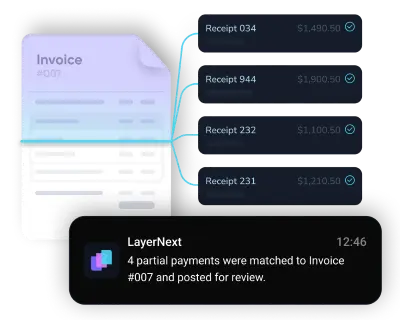
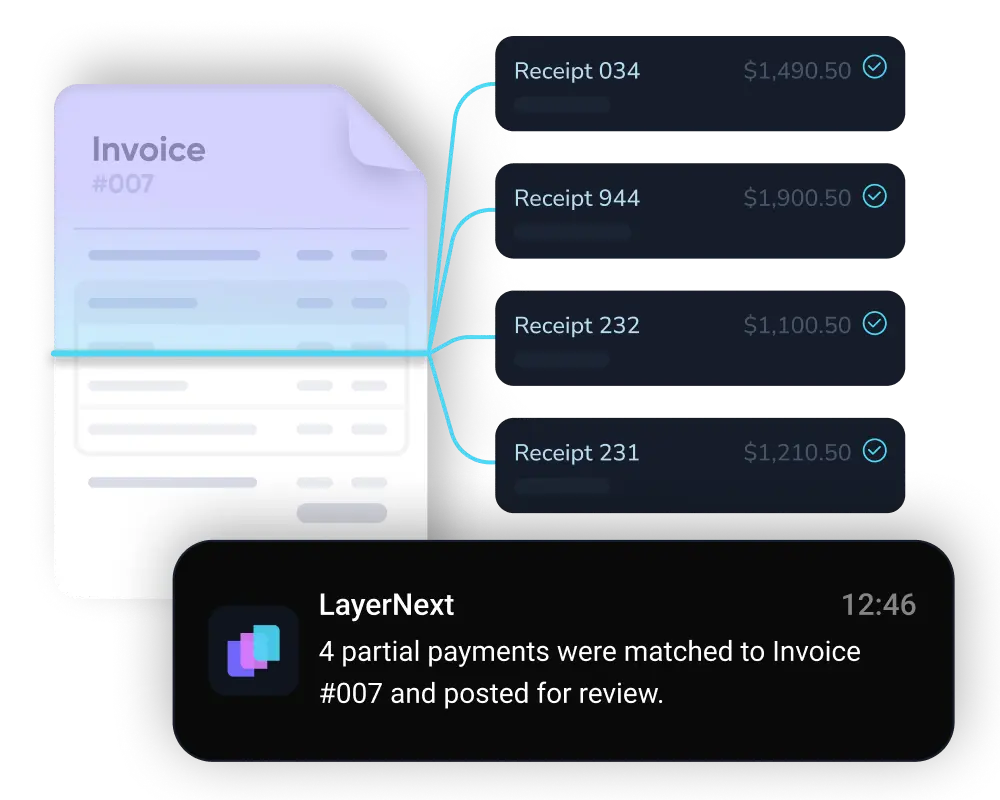
LayerNext is invoice reconciliation software and payment reconciliation software in one. It matches invoices to their payments, payments to their bank lines, customer payments to open invoices, and vendor statements against what's posted, then flags anything that doesn't reconcile so items don't slip between AP and AR.

  • Matches invoices, payments, and customer receipts across AP and AR
  • Catches short payments, duplicate charges, and missing credits
  • Flags only what doesn't reconcile, no manual matching
Dark digital circuit-like lines with icons representing data analysis, settings, security, and user connections on a black background.Dark digital circuit-like lines with icons representing data analysis, settings, security, and user connections on a black background.

GL and Balance Sheet Reconciliation

Reconciliation goes beyond cash. LayerNext reconciles general ledger and balance sheet accounts, plus AP, AR, credit cards, and intercompany balances, against their supporting records, so the full balance sheet ties out at close.
  • General ledger and balance sheet accounts reconciled at close
  • Discrepancies surfaced with the supporting detail attached
  • Every reconciliation preserved with a full audit trail
Diagram showing multiple expense entries from apps like Uber Eats, Google, and Starbucks converging into a central software, which then connects to accounting platforms QuickBooks, Xero, and Sage.Diagram showing multiple expense entries from apps like Uber Eats, Google, and Starbucks converging into a central software, which then connects to accounting platforms QuickBooks, Xero, and Sage.
Abstract digital network with icons representing user, shield, settings gear, bar chart, padlock, and magnifying glass connected by glowing blue lines on a black background.Abstract digital network with icons representing user, shield, settings gear, bar chart, padlock, and magnifying glass connected by glowing blue lines on a black background.

Built for high-volume, multi-entity operators

165 hrs

Saved per month finance teams

95%+

Reduction in processing errors

95%+

Task accuracy on defined workflows

Weeks

To deploy, not months

Every reconciliation capability, one platform

Finance teams get all reconciliation features in one AI-native platform: real-time bank feeds, AI matching, fraud detection, multi-currency support, and full audit trail, with or without ERP API.

Multi-currency support
Reconcile accounts in any currency, with FX conversion applied automatically.
Multi-entity reconciliation
Reconcile every subsidiary, location, and entity from one dashboard.
High-volume matching
Clear thousands of transactions per period without adding headcount.
Fraud & duplicate detection
Flags anomalous amounts, new payees, and duplicate payments before they post.
Tolerance thresholds
Auto-clears small variances; escalates only the exceptions that need review.
Business rules engine
Set rules per entity or supplier in plain English, no code.
Real-time ERP sync
Validated entries posted to your ERP live . No batch delays, no gaps.
Audit trail & compliance
Every match and decision logged with full traceability for SOX.

Works with your existing stack

LayerNext reconciles on any ERP environment. Systems with APIs integrate natively; systems without are operated the way your team does.

Quickbooks Online
Microsoft Dynamics 365
Sage
Quickbooks Desktop
Xero
NetSuite
SAP
Excel-Based Workflows
Legacy and Custom ERPs
Freshbooks
Epicor

Proven across the industries that need it most

LayerNext excels in environments with high transaction volumes, inconsistent formats, and outdated ERPs.

Wholesale Distribution
Manufacturing
Transportation and Logistics
Construction and Trades
Real Estate and Property
Healthcare and Senior Care
Agriculture and Agribusiness
Automotive
Energy and Utilities
Hospitality and Food Service
Public Sector

Enterprise-grade security
built into every workflow

See how LayerNext protects your data

Resources for AP teams

Real-world guides on accounts payable automation, ERP integration, and finance operations.

Common questions

What is account reconciliation?
Account reconciliation is the process of comparing two sets of records, such as your general ledger against a bank statement, or a vendor statement against what you have posted, to confirm they agree and to look into any differences. It is the check that proves your books match reality. Done by hand it is slow and easy to get wrong. LayerNext does the matching for you and surfaces only the items that need a person to review them.
What is the difference between bank reconciliation and account reconciliation?
Bank reconciliation is one type of account reconciliation. It matches your ledger's cash balance to your bank statement. Account reconciliation is the wider category and also covers the general ledger, balance sheet accounts, accounts payable, accounts receivable, credit cards, and intercompany balances. LayerNext handles all of them on one platform, so nothing slips between accounts at close.
What is financial reconciliation?
Financial reconciliation is the general term for confirming that related financial records agree, across cash, invoices, payments, and ledger accounts, before a period closes. It is what catches errors, duplicate payments, and fraud before they reach your financial statements. When it runs continuously instead of once at month-end, problems show up while there is still time to fix them.
How does automated reconciliation software work?
Automated reconciliation software pulls in your transactions through a live bank feed, a statement upload, or straight from your ERP, matches them against your ledger, and flags only the items that do not reconcile. Basic tools clear only the transactions that line up perfectly. LayerNext also handles the harder cases, like split payments, partial settlements, and inconsistent formats, so far more clears on its own and far less lands on someone's desk.
Does LayerNext reconcile on legacy ERPs with no API?
Yes, and this is the main difference. Most reconciliation software needs a modern cloud ERP with an open API. LayerNext operates your desktop or legacy ERP through its own screens, the same way your team does, so it reconciles on Epicor Eagle, Sage, QuickBooks Desktop, and custom Windows systems that other tools cannot reach. There is no integration project and no middleware to install.
How is automated reconciliation more accurate than doing it by hand?
It does not get tired, it applies the same logic to every account, and it picks up each supplier and bank format over time. It catches the mismatches that slip past a manual review, like duplicate charges, short payments, and pricing differences, before they post. Every match keeps a full audit trail, so accuracy never comes at the cost of traceability.
What types of reconciliation does LayerNext handle?
LayerNext covers bank reconciliation, invoice reconciliation, and payment reconciliation, along with general ledger and balance sheet reconciliation, and accounts payable, accounts receivable, credit card, vendor statement, and intercompany reconciliation. It matches invoices to payments, payments to bank lines, and customer receipts to open invoices, catching short payments, duplicate charges, and missing credits along the way.
What accounting platforms and bank feeds does LayerNext support?
LayerNext works with QuickBooks Online and Desktop, Microsoft Dynamics 365, Sage, Xero, NetSuite, SAP, FreshBooks, Epicor, Excel-based workflows, and legacy or custom ERPs. Bank feeds connect live through Plaid, or you can upload statements. Systems with an API connect directly, and systems without one are operated the way your team does.

Still reconciling by hand at month-end?

There is a better way. LayerNext reconciles in real time, deploys in weeks, and runs on the ERP you already have.

Talk to Sales