Close

AI Agents for Enterprise Finance Operations

LayerNext AI agents complete the full invoice-to-ERP workflow on any system, whether cloud, desktop, or legacy, including those without an API.

Autonomous AP & exception handling

Agents capture, validate, and PO-match every supplier invoice at volume, then route only true exceptions to your team as tagged tasks.

  • Two- and three-way matching with vendor rules
  • Messy, scanned invoices read without templates
  • Exceptions by invoice, supplier, and issue type
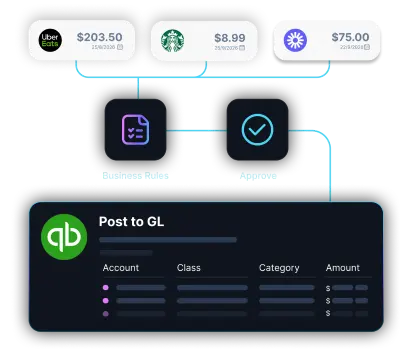
Diagram showing multiple expense entries from apps like Uber Eats, Google, and Starbucks converging into a central software, which then connects to accounting platforms QuickBooks, Xero, and Sage.Diagram showing multiple expense entries from apps like Uber Eats, Google, and Starbucks converging into a central software, which then connects to accounting platforms QuickBooks, Xero, and Sage.
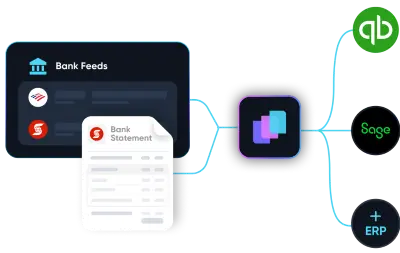
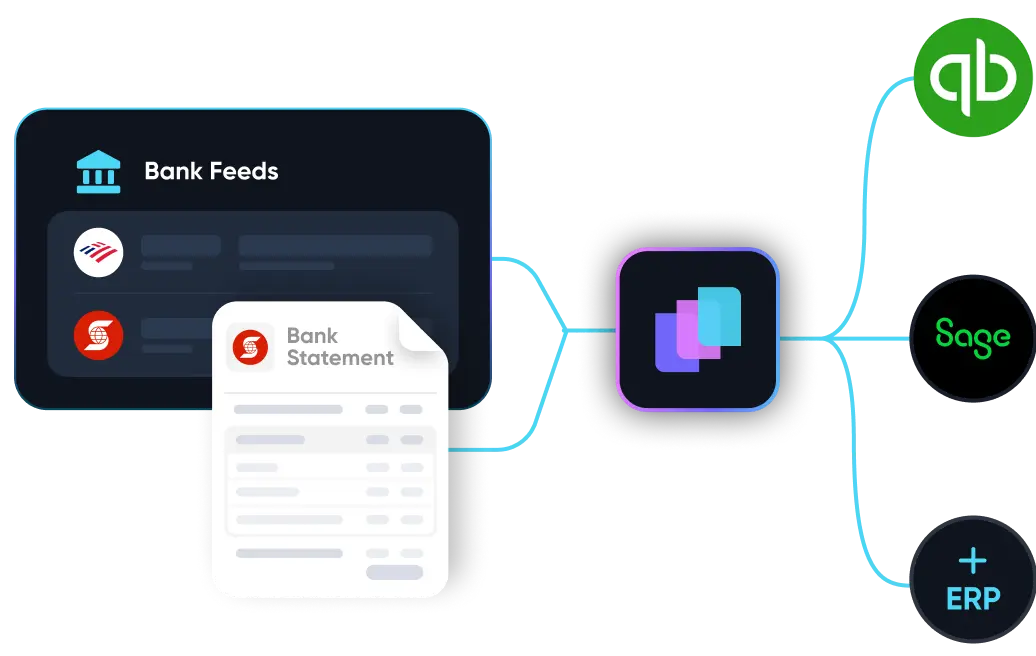
Illustration showing integration of multiple bank statement icons including Scotiabank and Bank of America with accounting software QuickBooks via an intermediary app.Illustration showing integration of multiple bank statement icons including Scotiabank and Bank of America with accounting software QuickBooks via an intermediary app.

Real-time Bank Reconciliation

Transactions are matched against bank feeds and statements as they land, so month-end becomes a review, not a multi-day fire drill.

  • Real-time matching across accounts and entities
  • Discrepancies surfaced early, not at close
  • Close timelines measured in days saved
Dark digital circuit-like lines with icons representing data analysis, settings, security, and user connections on a black background.

Enterprise-grade security.
Built into every workflow.

See how LayerNext protects your data

Custom workflows & business rules

Define approval chains, GL structures, and entity-specific rules once in plain English. The agent enforces them on every transaction, every time.
  • Per-entity rules managed by finance, no IT tickets
  • Indexed rule engine scales thousands of rules
  • New invoice types and approval chains added
Diagram showing multiple expense entries from apps like Uber Eats, Google, and Starbucks converging into a central software, which then connects to accounting platforms QuickBooks, Xero, and Sage.Diagram showing multiple expense entries from apps like Uber Eats, Google, and Starbucks converging into a central software, which then connects to accounting platforms QuickBooks, Xero, and Sage.
Illustration showing integration of multiple bank statement icons including Scotiabank and Bank of America with accounting software QuickBooks via an intermediary app.Illustration showing integration of multiple bank statement icons including Scotiabank and Bank of America with accounting software QuickBooks via an intermediary app.

CFO-level intelligence & reporting

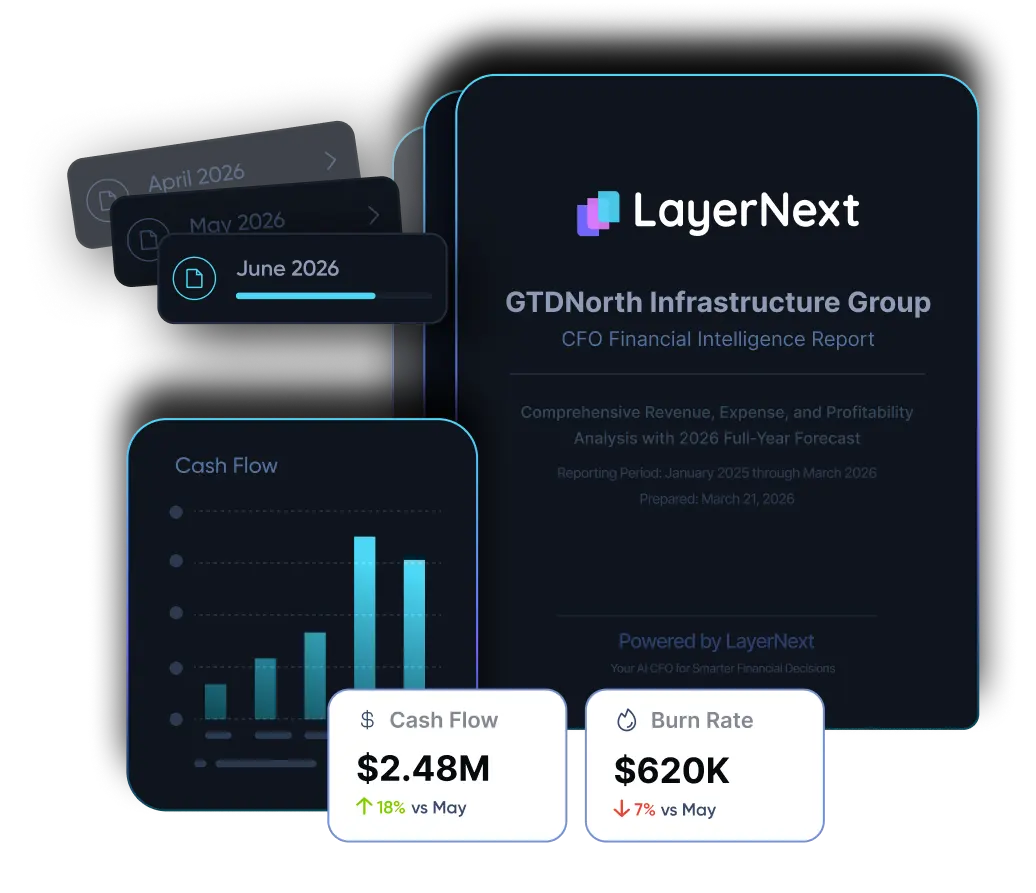
Cash flow, burn, runway, margin analysis, anomaly alerts, and management reports on demand across every entity, current to today.

  • Insight Board dashboard for processed work
  • Variance and margin analysis across entities
  • Management reports tailored to your KPIs
Dark digital circuit-like lines with icons representing data analysis, settings, security, and user connections on a black background.Dark digital circuit-like lines with icons representing data analysis, settings, security, and user connections on a black background.

ERP and Desktop Automation

Computer-use agents that automate finance work inside the systems you already use, including legacy ERPs, desktop apps, and Windows-based tools with no API.
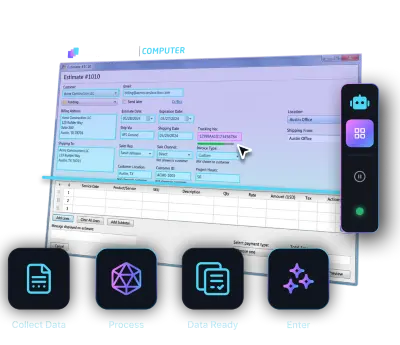
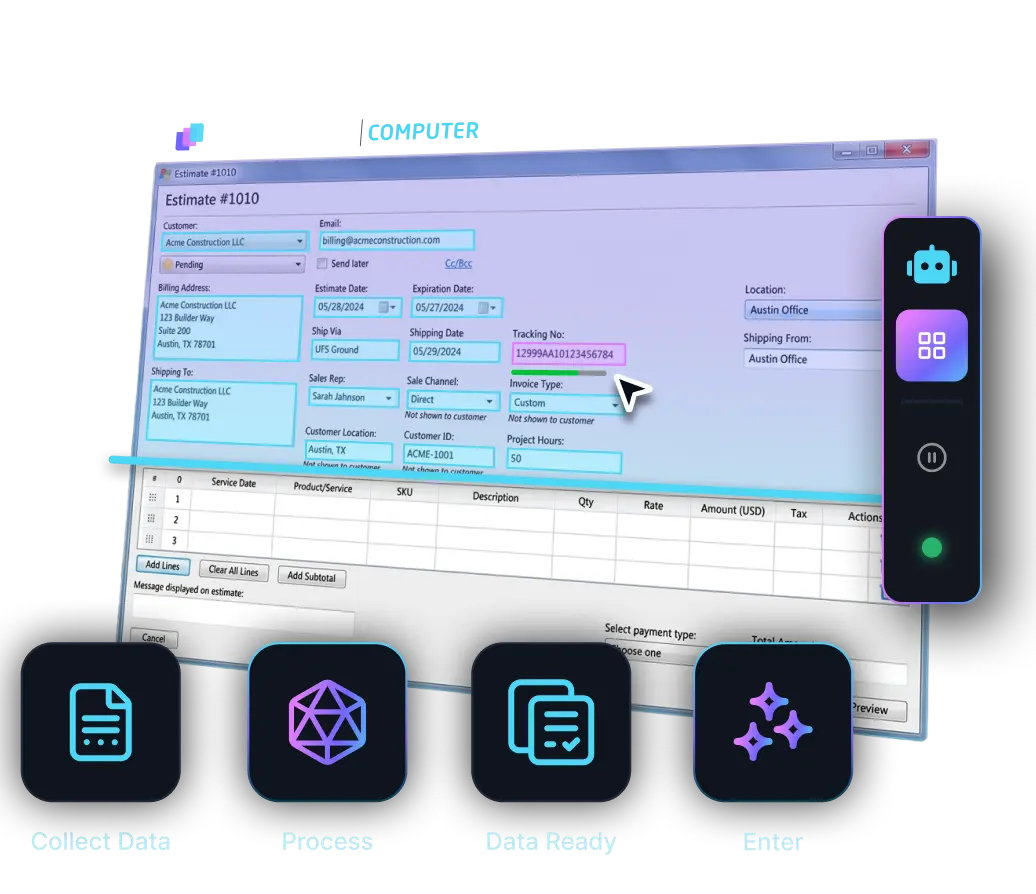
  • Runs API-less ERPs via your team's interface
  • Navigates screens, retrieves records, and enters data like a human user
  • Automates without rip-and-replace, middleware, or major IT projects
Diagram showing multiple expense entries from apps like Uber Eats, Google, and Starbucks converging into a central software, which then connects to accounting platforms QuickBooks, Xero, and Sage.Diagram showing multiple expense entries from apps like Uber Eats, Google, and Starbucks converging into a central software, which then connects to accounting platforms QuickBooks, Xero, and Sage.

Built for enterprise accounting at scale.

Most accounts payable automation software captures invoice data and stops. LayerNext is the automated AP software that finishes the job, from ingestion through ERP posting and reconciliation.

LayerNext vs Other Accounts Payable Automation Software

Most AP automation tools assume clean data, structured invoices, and an API-accessible ERP. LayerNext works across any ERP and uniquely, it also works where those assumptions fail.

Capability

Works on legacy / desktop ERPs with no API

File sync only

Complete invoice-to-ERP workflow

Sync, not direct

Deploys without an integration project

Cloud only

~1–3 months

Custom rules per supplier / entity

Routing only

Recon rules only

CFO reporting & cash intelligence

Dashboards only

Variance only

Mid-market pricing

Custom

Custom

Custom

PO matching & exception handling

Bank & statement reconciliation

Month-end close acceleration

Partial

Reads messy, unstructured invoices

Template-dependent

Human approval before posting

Works with your existing stack

Plugs into your existing stack. AI agents work at the application layer.

Quickbooks Online
Microsoft Dynamics 365
Sage
Quickbooks Desktop
Xero
NetSuite
SAP
Excel-Based Workflows
Legacy and Custom ERPs
Freshbooks

Common Questions

What is LayerNext?
LayerNext is an AI-powered financial operations platform. Specialized AI agents handle bookkeeping, invoice processing, bank reconciliation, AP automation, and financial reporting. The system processes your data, prepares everything for review, and learns your business rules over time so your team focuses on decisions, not data entry.
Who is LayerNext for?
Mid-market and enterprise companies with high-volume financial workflows who need to automate invoice processing, reconciliation, and reporting across multiple systems, including legacy ERPs with no API access.
What accounting platforms does LayerNext support?
QuickBooks Online, QuickBooks Desktop, Microsoft Dynamics 365, Sage, Xero, FreshBooks, NetSuite, SAP, and legacy or custom ERP systems. Our AI agents operate at the application layer, interacting with your systems the same way a human operator would. We automate workflows on platforms that don't expose APIs, including Windows-based desktop applications.
How is this different from traditional automation or RPA?
Traditional RPA follows rigid scripts and breaks when formats change. LayerNext's AI agents reason over messy financial data, handling inconsistent invoice formats, partial matches, and edge cases. They plan, execute, and self-verify results. They also learn from every correction your team makes, improving accuracy continuously.
Is my financial data safe?
All data is encrypted in transit and at rest. We maintain strict access controls, data retention policies, and SOC 2-aligned security practices. Bank connections are handled through Plaid's secure infrastructure. We never use customer financial data to train models.
Will LayerNext post entries without my approval?
No. Every automated workflow includes human review checkpoints. The AI processes data and prepares entries, then stages everything for your team to review, adjust, or approve before anything is posted. You control what goes into your books.
How long does it take to get started?
Enterprise deployments follow a phased approach: discovery in weeks 1 to 2, a pilot on a subset of workflows in weeks 3 to 6, and full-scale deployment by week 7 to 12.Do I still need my accountant or CPA?
Do I still need my accountant or CPA?
LayerNext automates the operational work: data entry, categorization, reconciliation, and reporting. You'll still want your accountant for tax strategy, complex filings, and advisory work. With clean, always-current books, your accountant's job becomes faster and more strategic.
How is LayerNext priced?
Small businesses pay a monthly subscription starting at $79/month, which includes transaction processing and financial reporting. Enterprise customers pay implementation fees based on workflow complexity plus monthly subscriptions based on transaction volume. Contact us for enterprise pricing.

Send Us Your Ugliest Invoices

Send the invoices your current system chokes on. We'll show you live how many of them our agents can read, validate, and prepare for posting

Talk to Sales