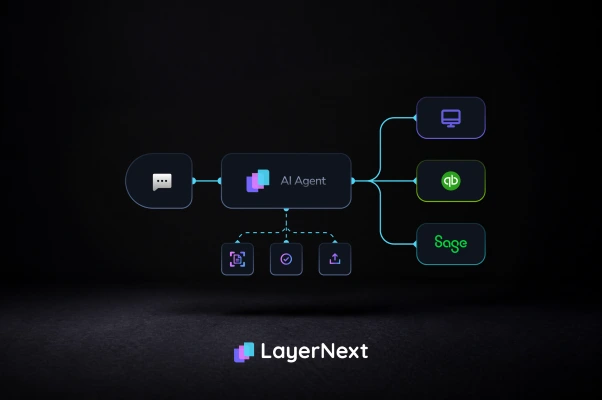





LayerNext AI agents read invoices, validate data, match POs, handle exceptions, and post entries into QuickBooks Desktop. No API or ERP replacement needed.
QuickBooks Desktop doesn't offer a usable API to build against. LayerNext Computer doesn't need one. It operates QuickBooks Desktop through its own screens the same way your AP team does, collecting each invoice, processing it, getting the data ready, and entering it, with no API, no middleware, and no integration project.
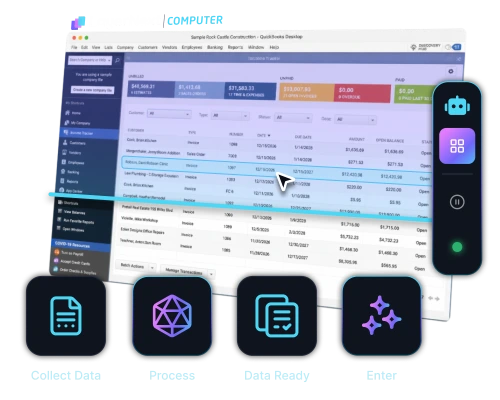
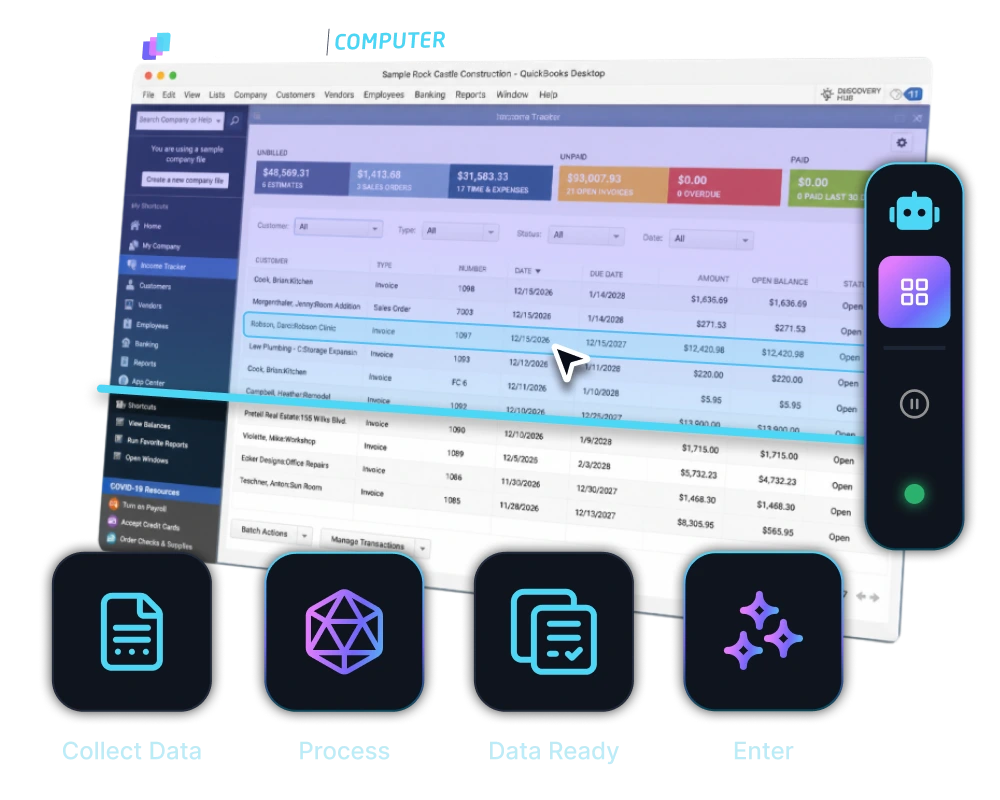
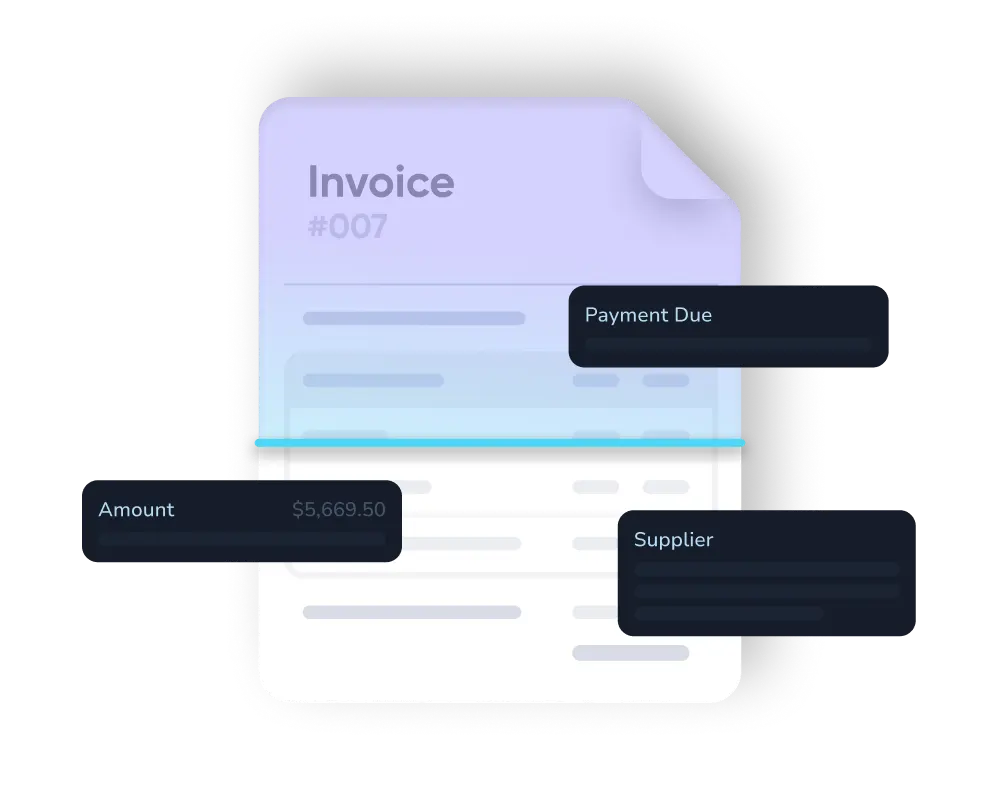
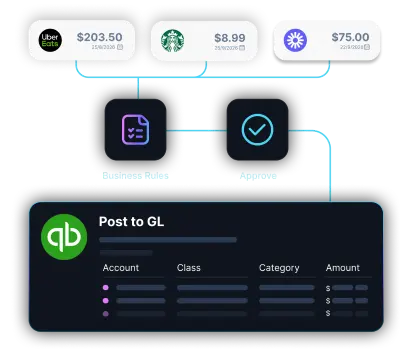
From inbox to QuickBooks Desktop, nothing waits on a person. LayerNext reads, checks, and posts every invoice automatically, in real time.
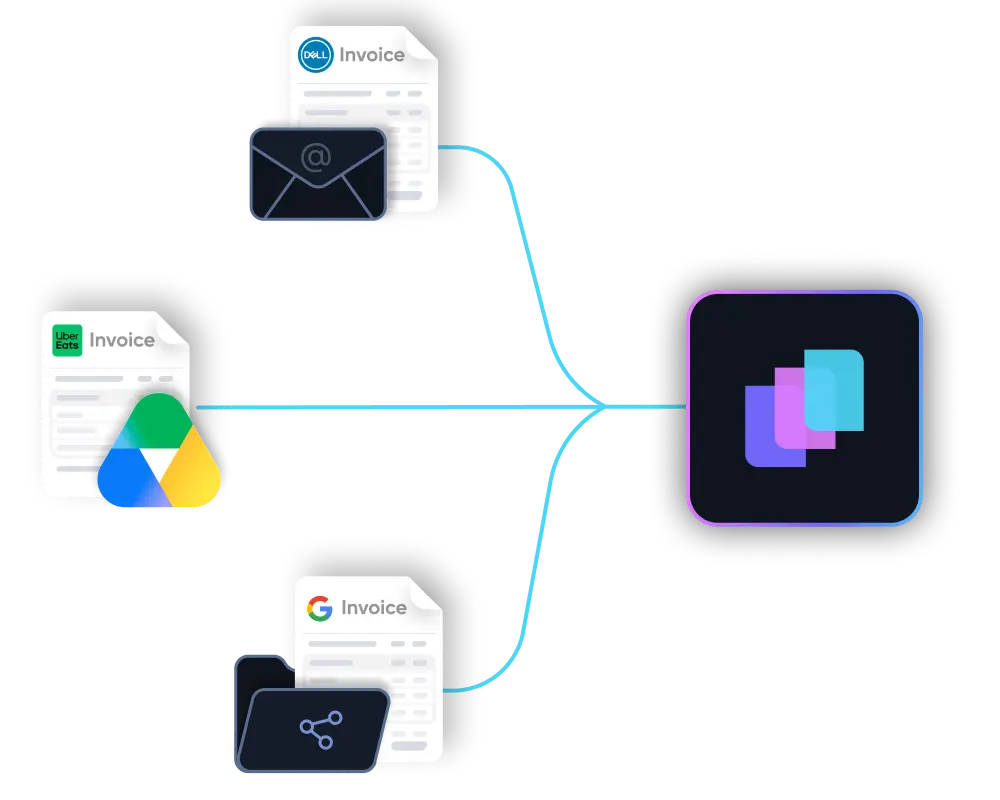

Most customers recover the full contract value before the quarter ends, then keep saving every month after.
Year 1 return on investment
Typical payback period on the full contract value
Hours saved per month per finance team
To deploy, not months
Replace repetitive invoice entry, manual matching, and scattered exception handling with AI agents that complete the AP workflow inside QuickBooks Desktop.

Manual AP

Agent Workflow
QuickBooks Desktop
AP clerks key each invoice into QuickBooks Desktop by hand, line by line.
LayerNext
Agents read, validate, and post every invoice automatically, no manual keying.
QuickBooks Desktop
Invoice data is copied from PDFs, scans, emails, and paper by hand.
LayerNext
AI extracts data from messy, inconsistent supplier invoices automatically.
QuickBooks Desktop
POs, receipts, prices, and quantities are checked manually against each invoice.
LayerNext
Invoices are matched to POs, receipts, prices, quantities, and vendor rules.
QuickBooks Desktop
Issues are chased down through emails, spreadsheets, and side conversations.
LayerNext
Exceptions become tagged tasks with the invoice, supplier, and issue named.
QuickBooks Desktop
Supplier rules live in people's heads or scattered spreadsheets and notes.
LayerNext
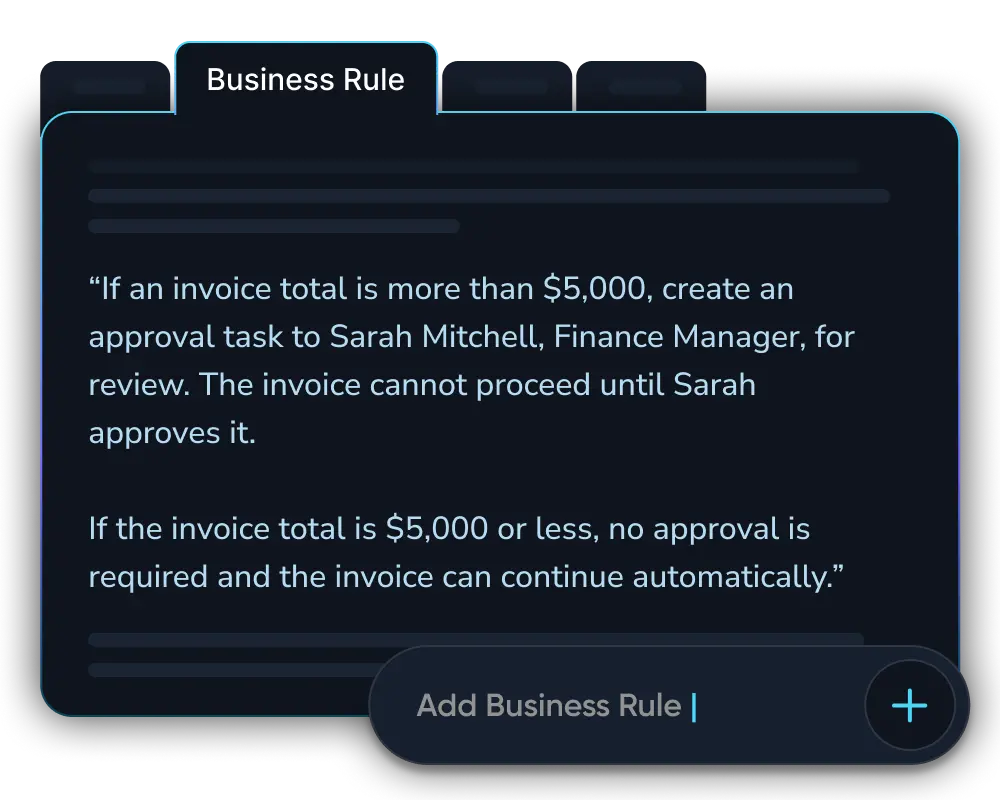
Supplier rules, tolerances, and approvals are applied the same way every time.
QuickBooks Desktop
Automation depends on an API that QuickBooks Desktop simply does not have.
LayerNext
LayerNext operates QuickBooks Desktop through its own interface, the same way a person does.
QuickBooks Desktop
AP teams spend their time on repetitive, manual data entry.
LayerNext
AP teams focus on review, approvals, exceptions, and real judgment calls.
AP automation excels with high invoice volume, varied supplier formats, and legacy ERPs like QuickBooks Desktop. LayerNext is built for exactly these conditions.
Real-world guides on accounts payable automation, ERP integration, and finance operations.