Summary
Most AP teams are still reconciling invoices the hard way: exporting data from one system, cross-referencing it in a spreadsheet, chasing approvals over email, and logging exceptions manually. The process works until it does not, and the failure points are predictable. Missed early payment discounts. Duplicate payments. Delayed month-end close. Audit trails that exist only in someone's inbox.
Manual AP processing costs $15 to $25 per invoice on average, according to APQC and IOFM benchmarks. Automated environments process the same invoice for under $5. The gap is the reconciliation layer.
This guide compares 10 invoice reconciliation tools across three buyer tiers: enterprise multi-entity operations, mid-market growth-stage companies, and small businesses. The evaluation criteria come first, then the tools.
Key Takeaways
- Invoice reconciliation software automates the matching of vendor invoices against purchase orders, goods receipts, and payment records before payment is released. It replaces manual cross-referencing and reduces duplicate payments, pricing errors, and audit gaps.
- The right tool depends on company stage. Enterprises with multiple entities and legacy ERP need different capabilities than a 20-person business running on QuickBooks.
- Five criteria matter most: three-way matching with configurable tolerance, ERP integration including legacy system support, exception handling structure, multi-channel invoice ingestion, and management reporting.
- 10 tools compared across three tiers. Enterprise: LayerNext, BlackLine, Corcentric, SolveXia, Tipalti. Mid-Market: Stampli, Bill.com, Nanonets. Small Business: QuickBooks Online, Xero, Zoho Books.
- LayerNext is the only tool on this list that supports legacy desktop ERP environments without an API or system migration, using a computer use agent that operates the existing software through its own interface.
What Is Invoice Reconciliation Software?
Invoice reconciliation software automates the matching of vendor invoices against purchase orders, goods receipts, and payment records to confirm accuracy before payment is approved. It catches discrepancies, quantity mismatches, pricing errors, duplicate submissions, and incorrect tax, before they become paid errors or audit findings.
The category breaks into three distinct types. Understanding which one you need before evaluating vendors prevents the most common buying mistake: selecting a tool that solves a narrower problem than you actually have.
Standalone reconciliation tools focus on the matching and exception workflow. They ingest invoice data, apply matching logic, and flag discrepancies for review. They typically integrate with your existing ERP or accounting system rather than replacing any part of it.
AP automation platforms with reconciliation built in handle the full accounts payable cycle: invoice capture, coding, three-way matching, approval routing, exception management, and payment execution. Reconciliation is one function in a broader workflow. These platforms deliver more value if your bottlenecks span the entire AP process rather than just the matching step.
Accounting software with native reconciliation modules, such as QuickBooks Online, Xero, or Zoho Books, include built-in reconciliation functionality. These work for straightforward environments but fall short on automation depth, exception handling structure, and integration flexibility as invoice volume or complexity grows.
How Invoice Reconciliation Software Works
Automated invoice reconciliation runs in five stages, regardless of vendor. Understanding the workflow helps you evaluate where each tool is strong and where it leaves gaps.
- Capture
Invoices enter the system through email, supplier portals, EDI, scanned paper, cloud storage, or direct ERP integration. Strong tools accept multiple channels without manual intervention. - Extract
OCR and machine learning parse the invoice into structured fields: vendor, PO number, line items, quantities, prices, tax, dates. Extraction quality determines downstream accuracy. - Match
The system compares invoice data to the purchase order and the goods receipt. Three-way matching confirms all three documents align on quantity, price, and terms. Matches within configured tolerance auto-approve. - Route exceptions
Mismatches outside tolerance, missing receipts, or unrecognized suppliers generate tasks for human review. Well-designed systems assign tasks to a specific owner with a deadline and audit log. - Reconcile and post
Approved invoices flow to the ERP for payment, and payment records reconcile back against the original invoice and bank statement.
The differentiation between tools sits in steps 3 and 4: how flexible the matching logic is, how exceptions are structured, and whether the workflow runs end to end or stops short of payment.
What to Look for Before You Choose
Every list of "best tools" skips this part. These are the five criteria that should drive your evaluation before you book a demo.
1. Three-Way Matching Capability
Three-way matching is the core function: the software matches the vendor invoice against the purchase order and the goods receipt to confirm all three align. The questions to ask are more specific than whether a tool "does" three-way matching:
- What is the tolerance threshold for auto-approval? A 2% price variance on a $50,000 invoice is different from the same variance on a $500 invoice.
- How are partial deliveries handled? If 80% of a PO was received, can the system match and approve a partial invoice while holding the remainder?
- What triggers an exception, and where does it go? A system that flags exceptions without routing them to a specific owner and deadline just creates a different kind of backlog.
2. ERP and Accounting System Integration
Most invoice reconciliation software integrates via API. That covers cloud ERPs such as NetSuite, Sage Intacct, QuickBooks Online, SAP S/4HANA, and Microsoft Dynamics 365. What the marketing rarely addresses is what happens when your ERP does not have API connectivity.
Many mid-market and enterprise companies still run legacy desktop ERP or accounting software that was built before API integration was standard. If that is your environment, your options narrow considerably. Look specifically for tools that offer UI-based automation or a computer use agent that can operate the legacy system through its own interface without requiring a migration or upgrade.
3. Exception Handling and Human-in-the-Loop Workflows
Automated reconciliation will not catch every match perfectly. The question is what happens when it does not. A well-designed exception workflow creates a structured task with the relevant invoice data, assigns it to the right person, and logs the resolution. A poorly designed one dumps mismatches into a queue that someone checks manually when they remember to.
The specific things to evaluate: Can exceptions be looked up by invoice number, supplier name, or PO number? Is there a deadline or escalation path? Is the resolution logged for audit purposes? Can a manager see the current exception backlog in real time?
4. Multi-Channel Invoice Ingestion
Vendors do not all send invoices the same way. Some email PDFs. Some upload to a supplier portal. Some transmit EDI. Some send paper that gets scanned. Some write directly to a shared drive. A reconciliation tool that only processes invoices uploaded manually by your AP team is solving a fraction of the problem.
Evaluate whether the software can receive and process invoices from: email (including attachments in varying formats), shared network folders, cloud storage such as AWS S3 or Google Cloud, EDI or supplier portals, and direct pulls from accounting systems or databases. The more channels it covers out of configuration, the less manual handling your team does before reconciliation even starts.
5. Reporting and Visibility
AP reconciliation is not just an operational function, it feeds into cash flow forecasting, accrual accuracy, and financial close timelines. The reporting layer matters. Specifically: Can a CFO or controller see processing status across all open invoices? Is the exception rate tracked over time? Is there an aging view that shows invoices by days outstanding? Can reports be filtered by supplier, entity, or cost center?
A tool with strong matching logic but weak reporting creates an operational black box. Finance leadership ends up asking the AP team for status updates that should be visible on a dashboard.
Invoice Reconciliation Software by Business Stage
The 10 tools below are organized by the size and complexity of the buyer they fit best. Within each tier, tools are ordered by how broad their reconciliation capability is. The right starting point depends on your process scope, ERP environment, and invoice volume.
Enterprise and Complex Multi-Entity Scale
Tools in this tier handle high invoice volume, multiple legal entities, supplier-specific business rules, and integration with ERPs that range from modern cloud platforms to legacy desktop systems. Implementation is typically a project, not a self-serve sign-up.
1. LayerNext
Best for: Enterprise AP teams that need full workflow automation, multi-channel invoice ingestion, and legacy ERP compatibility without a development project.
LayerNext is an AP automation platform built to run the entire invoice reconciliation workflow end to end, from the moment an invoice arrives to the point of payment confirmation, without requiring coding to configure or maintain any part of it.
What separates it from every other tool on this list is the combination of two capabilities that most enterprise AP teams consider mutually exclusive: full workflow flexibility and zero-code configuration. Any invoice reconciliation workflow, regardless of complexity, can be designed and maintained by the finance team directly. There is no dependency on the LayerNext development team and no waiting on implementation queues when a supplier's invoicing format changes or a processing rule needs to be updated.
Multi-channel invoice ingestion.
LayerNext captures invoices from every channel they arrive through: a dedicated email address that processes attachments automatically, a local agent that pulls files from network drives and computer disks, direct API connectivity to accounting systems such as QuickBooks, connections to cloud storage including AWS S3 and Google Cloud, and SQL database integration. Once configured, the AP team does not have to manually feed documents into the system.
Entity-level business rules.
Different suppliers have different invoicing formats, tax treatments, approval thresholds, and processing requirements. LayerNext's Business Rules engine lets finance teams define those rules in plain English for each supplier or customer entity. The rules are applied automatically when a matching invoice is processed, without manual lookup or intervention. The rule engine uses a well-indexed search tree to retrieve the correct rules for a given invoice accurately even when the ruleset covers thousands of suppliers.
Legacy ERP compatibility.
For enterprises running accounting or ERP software with no external API, including legacy desktop applications, LayerNext's computer use agent automates those systems through their own user interface. This means AP automation does not require an ERP migration or a new integration project. It works with the systems already in place.
Exception handling.
When LayerNext cannot resolve a match automatically, it creates a structured task in the portal for the relevant team member to review. Tasks can be looked up by invoice number, supplier name, or any other key data field, and their status is visible to managers in the Insight Board dashboard. When all tasks are in a done state, no human input is needed and the workflow runs fully automated.
Management visibility.
The Insight Board provides a real-time view of AP processing status across the enterprise: how many invoices are processed, how many are pending review, and where exceptions are sitting. Each enterprise gets a dedicated portal accessible via public internet at [enterprise].chat.layernext.ai, with role-based access for the relevant staff.

Features:
- Full AP workflow automation: capture, validation, PO matching, GL coding, ERP posting, and approval routing
- Computer-use agents that operate any ERP, including legacy and desktop systems with no API
- Handles messy, non-standard, and inconsistent supplier invoices
- Built-in human approval gates and complete audit trail
- Custom workflow rules, GL structures, and approval chains
- Real-time bank reconciliation and exception handling
- CFO-level reporting and cash flow visibility
- Enterprise security: encryption, data isolation, SOC 2-aligned practices
Pricing: Custom; implementation fee based on workflow complexity, plus volume-based subscription
Complexity: Medium (guided onboarding)
Free Trial: 7-day free trial available
Notable
The only tool on this list that handles legacy desktop ERP environments without requiring an API or a system migration.
2. BlackLine
Best for: Enterprise finance teams focused on financial close automation, account reconciliation at the GL level, and audit readiness.
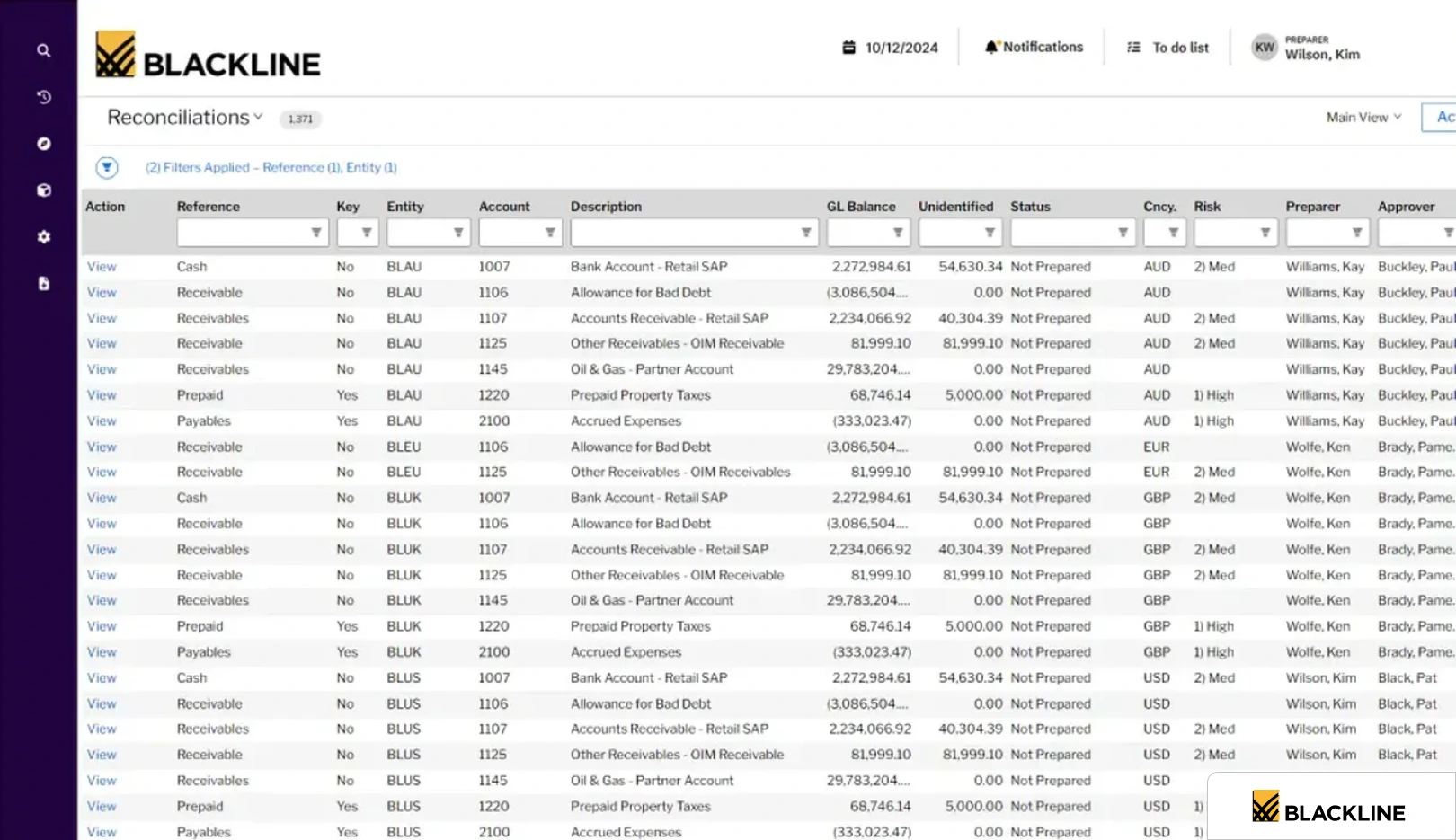
BlackLine is built primarily for the financial close process. Its core strengths are account reconciliation automation, transaction matching, journal entry management, and variance analysis. These functions sit at the intersection of month-end close and audit preparation, not day-to-day AP processing.
For invoice reconciliation specifically, BlackLine's transaction matching capability can handle high-volume matching of invoices to payments and GL entries, with configurable matching rules and exception workflows. The audit trail is thorough and built for the scrutiny of external auditors, which matters in regulated industries or public companies.
BlackLine is not an AP processing platform. It does not handle invoice capture, OCR, approval routing, or payment execution natively. It is designed to work alongside an ERP or AP tool, handling the reconciliation and close layer on top of what those systems produce. Implementation is complex and typically requires specialist resources.
Features:
- Account reconciliation automation with certification workflow
- Transaction matching for high-volume invoice-to-payment and GL matching
- Journal entry management and variance analysis
- Intercompany reconciliation and balance sheet substantiation
- Detailed audit trail built for external auditor scrutiny
- Multi-entity consolidation and close task management
- ERP connectors for SAP, Oracle, NetSuite, Microsoft Dynamics, Sage Intacct
- SOC 1, SOC 2, and ISO 27001 compliance
Pricing: Custom; mid-market deployments typically run $40,000 to $80,000 annually, with enterprise deployments exceeding $100,000. Module-based pricing across reconciliation, transaction matching, and intercompany.
Complexity: High. Implementation typically takes 3 to 6 months and requires specialist resources; documented cases extend to 5 to 7 months.
Free Trial: Not available. Demo by request only.
Notable
If your primary pain point is financial close speed and GL reconciliation accuracy rather than AP workflow automation, BlackLine is the more targeted answer. If you need both, it is one component of a broader stack.
3. Corcentric
Best for: Enterprise AP and procurement teams that need invoice reconciliation integrated with strategic sourcing, contract management, and supplier performance data.
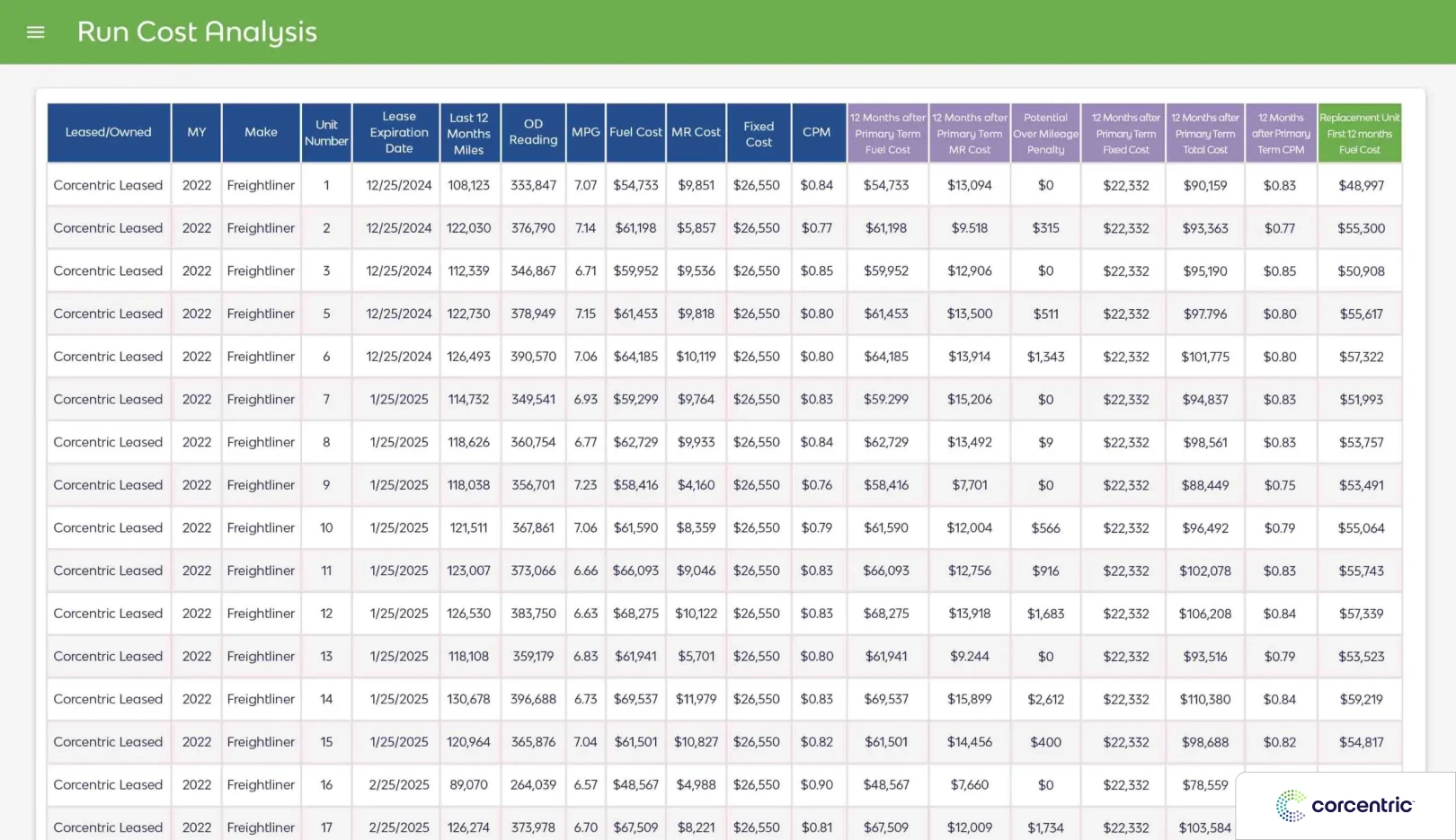
Corcentric sits at the intersection of AP automation and procurement. Its invoice reconciliation capability is built within a broader platform that includes contract management, procurement workflows, and supplier information management. For enterprise teams where the AP function is closely tied to procurement operations, this integration is a material advantage.
Three-way matching in Corcentric works against both PO data and contract terms, which matters for businesses with long-term supplier agreements where pricing and volume commitments need to be enforced at the invoice level. Exception handling routes mismatches based on contract terms rather than just price tolerances.
Implementation is complex and the platform is positioned for enterprise procurement organizations rather than finance teams operating independently. Companies evaluating Corcentric typically have significant procurement spend, established supplier relationships that require ongoing management, and a need to connect AP reconciliation with sourcing decisions.
Features:
- AP automation across the full invoice-to-pay process (Cor360 Payables)
- Source-to-pay platform with sourcing, contract management, and supplier management
- Three-way matching against PO data and contract terms
- Managed AR services with guaranteed customer payments
- Multiple payment methods: virtual card, ACH, ACH+, prepaid debit, check
- StopFraud payment protection
- Spend analytics and benchmarking
- ERP integrations including NetSuite and SAP Business One
Pricing: Custom. Third-party estimates place enterprise per-user pricing at $10 to $20 per user per month, with implementation costs ranging from $5,000 to $50,000 depending on complexity.
Complexity: High. Implementation typically takes 8 to 12 weeks for mid-market and longer for enterprise procurement deployments.
Free Trial: Not available. Demo by request only.
Notable
The strongest fit on this list for enterprises where AP and procurement are managed together and where supplier contract compliance is a priority alongside invoice accuracy.
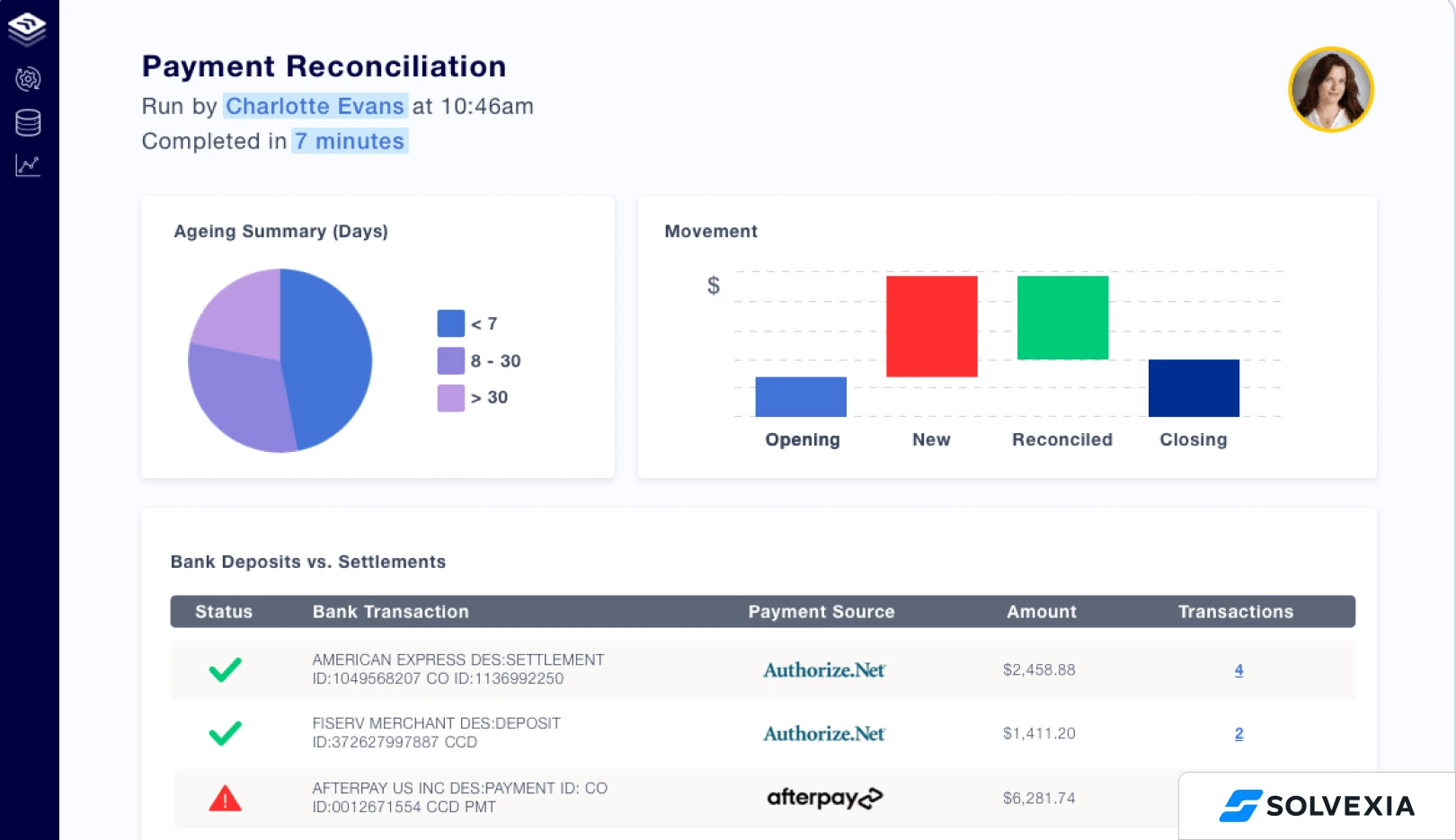
4. SolveXia
Best for: Finance teams that need to automate multiple types of reconciliation processes beyond invoices, including intercompany, bank, and balance sheet reconciliation, within a single platform.
SolveXia is a financial process automation platform rather than a dedicated AP tool. Its value proposition is the ability to automate any structured, rules-based finance process, reconciliation, reporting, accruals, data aggregation, without requiring IT involvement for configuration.
For invoice reconciliation specifically, SolveXia aggregates data from multiple source systems, applies matching rules, and routes exceptions to the appropriate team members. The platform is particularly useful for finance teams that are currently running these processes in Excel and want a controlled, auditable environment without a full ERP-level implementation.
Integration is API-based for modern systems, with data import options for systems that cannot connect directly. The platform covers a broader process scope than any AP-specific tool on this list, which is a strength if the team needs to consolidate multiple manual reconciliation workflows under one system.
Features:
- No-code automation for transaction matching, account reconciliation, and intercompany reconciliation
- One-to-many and many-to-many matching with partial match and timing-difference handling
- Multi-source data aggregation from ERPs, banks, processors, and spreadsheets
- Workflow rules and matching logic configured by finance teams, no developer dependency
- Built-in audit trail and SOC compliance
- Regulatory reporting, rebate calculations, and data quality monitoring
- Integrates with major ERPs via API or scheduled data import
Pricing: Custom. Pricing is not publicly disclosed; quoted based on volume, entities, and process scope.
Complexity: Medium to High. Finance teams configure workflows directly without IT, but multi-process scope means initial setup spans weeks for each new reconciliation type.
Free Trial: Not available. Demo by request only.
Notable
Strong choice for financial controllers managing multiple reconciliation types across entities. Less suited for teams whose primary need is AP-specific automation with deep supplier management or payment execution capability.
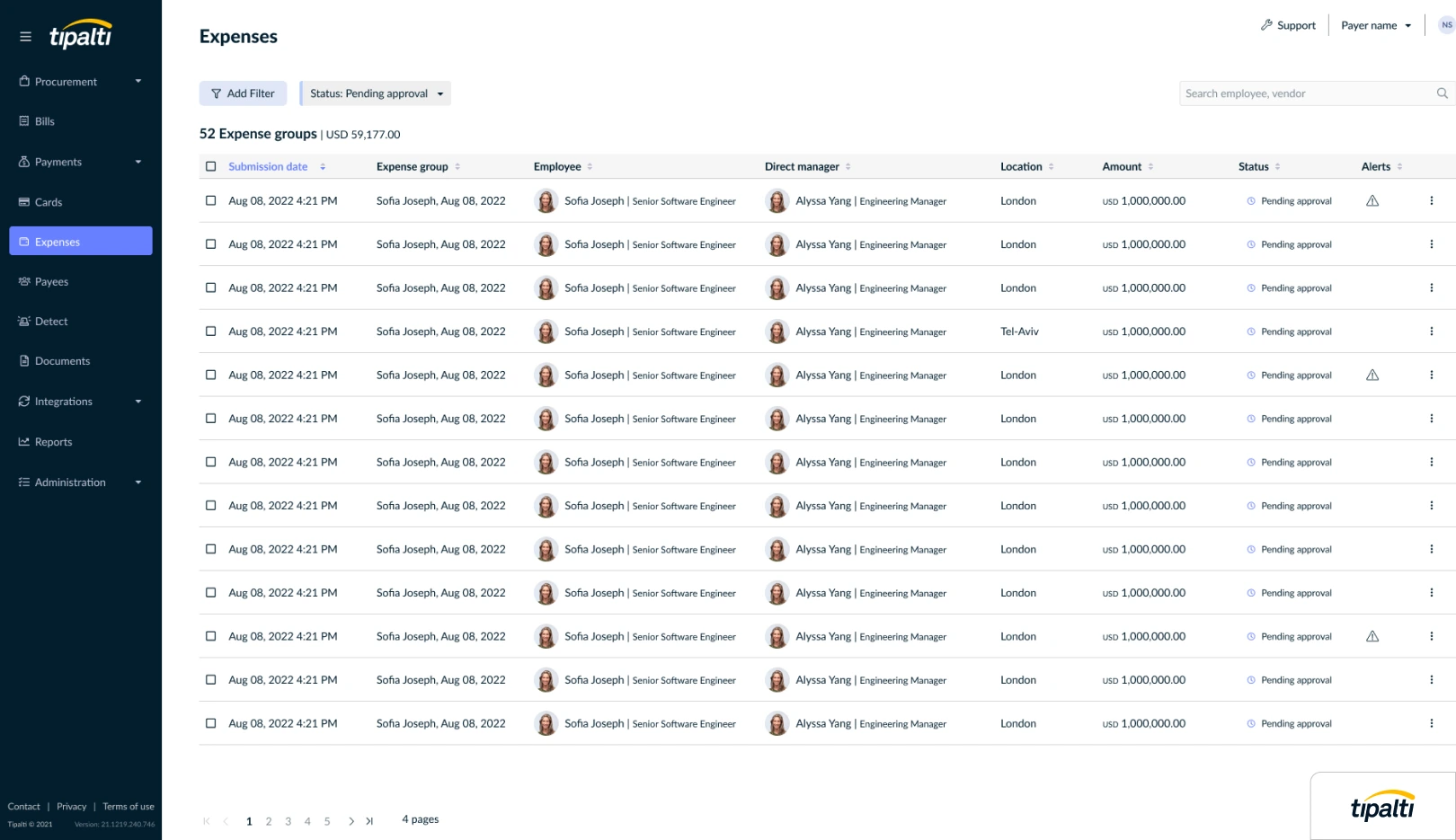
5. Tipalti
Best for: Mid-market to enterprise companies with high vendor payment volume, global supplier bases, and a need for end-to-end AP and payment reconciliation.
Tipalti covers the full AP cycle from invoice receipt through payment execution and reconciliation, with particular depth on the payment side. Its supplier self-service portal allows vendors to submit invoices, update banking details, and track payment status directly, which reduces the volume of supplier inquiries that typically land in the AP team's inbox.
Three-way matching is included, with configurable tolerance thresholds and exception routing. Multi-currency support and global payment rails make it a strong fit for businesses paying suppliers across multiple countries and currencies. ERP integration is API-based and covers the major cloud platforms including NetSuite, QuickBooks Online, and Sage Intacct.
Where Tipalti is less flexible is in workflow customization. Non-standard AP processes or complex entity-level rules typically require implementation support rather than self-service configuration. For enterprises with straightforward AP workflows and significant international payment volume, it is a strong fit. For teams with complex or highly variable processing requirements, the configuration overhead is worth evaluating before committing.
Features:
- End-to-end AP automation: supplier onboarding, invoice processing, PO matching, payment execution, reconciliation
- Supplier self-service portal for onboarding, banking updates, and payment status
- Global payments in 120+ countries with multi-currency and FX hedging
- Tax compliance: W-8/W-9 collection, 1099 and 1042-S reporting, VAT ID validation in 50 countries
- OFAC and international blacklist screening
- Multi-entity support with custom approval workflows
- ERP integrations: NetSuite, QuickBooks Online, Sage Intacct, Microsoft Dynamics, Oracle, Xero
- Tipalti Card with cashback on invoice payments
Pricing: Platform fee starts at $99 per month, with per-transaction charges layered on top. Vendr's dataset shows mid-market deployments commonly run $50,000 to $100,000 annually; enterprise deployments exceed $100,000.
Complexity: High. Multi-entity and global deployments typically require 3 to 6 months of implementation work.
Free Trial: Not available. Demo by request only.
Notable
Strong on payment reconciliation specifically, matching outbound payments to invoices and banking records. This makes it particularly relevant for teams whose reconciliation problem sits as much on the payment side as the invoice matching side.
Mid-Market Growth and Modern AP Automation
This tier targets companies in the 50 to 500 employee range, typically running on cloud ERPs such as NetSuite, Sage Intacct, or QuickBooks Online Advanced. The need is for AP automation that deploys in weeks rather than months, with usability that does not require a dedicated AP automation administrator.
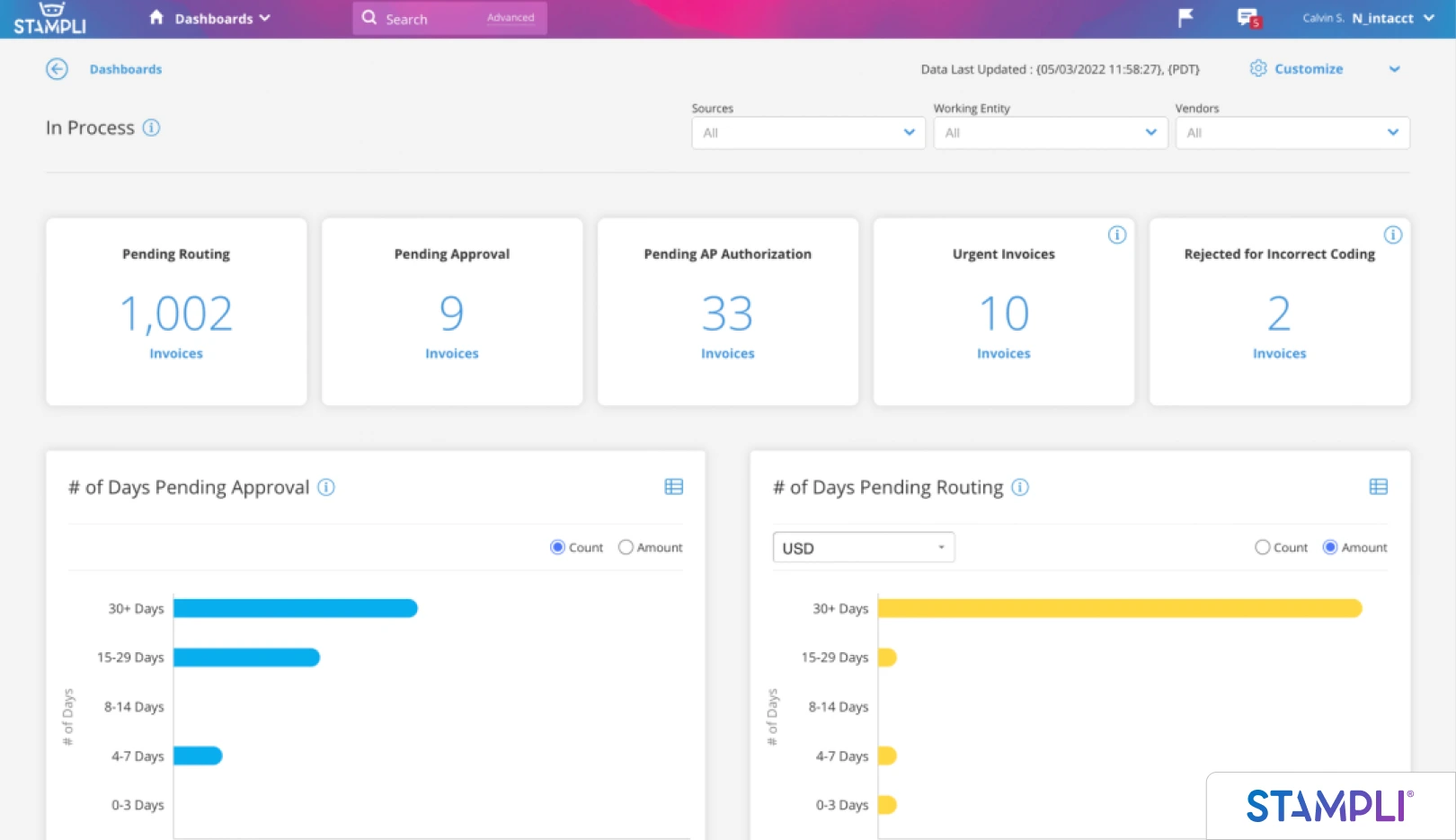
6. Stampli
Best for: Mid-market AP teams that want AI-assisted invoice processing, strong approval workflows, and communication context attached to each invoice.
Stampli's standout feature is its communication layer. Every invoice in the system has an associated discussion thread where approvers, the AP team, and relevant stakeholders can ask questions, flag issues, and document decisions without leaving the platform. This reduces the email chain problem that makes approval histories difficult to reconstruct during an audit.
AI-assisted coding suggests GL codes and cost centers based on historical patterns, which reduces manual data entry for recurring invoices. Three-way matching and ERP integrations are included, with pre-built connectors for NetSuite, Sage, QuickBooks, Microsoft Dynamics, and several others.
Stampli is easier to implement than BlackLine or Tipalti and is better suited to teams that want strong AP usability without a lengthy deployment. Its reconciliation capability is competent rather than specialized: standard three-way matching and exception flagging are handled well, but teams with complex matching rules or non-standard workflows may find the configuration options limited compared to a more flexible platform.
Features:
- AI-powered invoice processing and GL coding (Billy the Bot)
- Invoice-level discussion threads for approvers and AP team
- Two-way and three-way PO matching with exception flagging
- 70+ native ERP integrations including NetSuite, Sage Intacct, QuickBooks, Microsoft Dynamics, Acumatica
- Stampli Card for virtual and physical corporate spending
- Mobile app for iOS and Android
- Multi-entity support with role-based permissions
- Unlimited users and vendors on most plans
Pricing: Custom; public pricing not disclosed. User-reported pricing ranges from $500 to $800 per month for AP-only deployments. Recommended for teams processing 300+ invoices per month.
Complexity: Low to Medium. Implementation typically completes in weeks rather than months.
Free Trial: No standard free trial. Demo by request.
Notable
Strong fit for mid-market companies upgrading from email-and-spreadsheet AP. Less suited for enterprises with highly variable supplier requirements or legacy ERP environments.
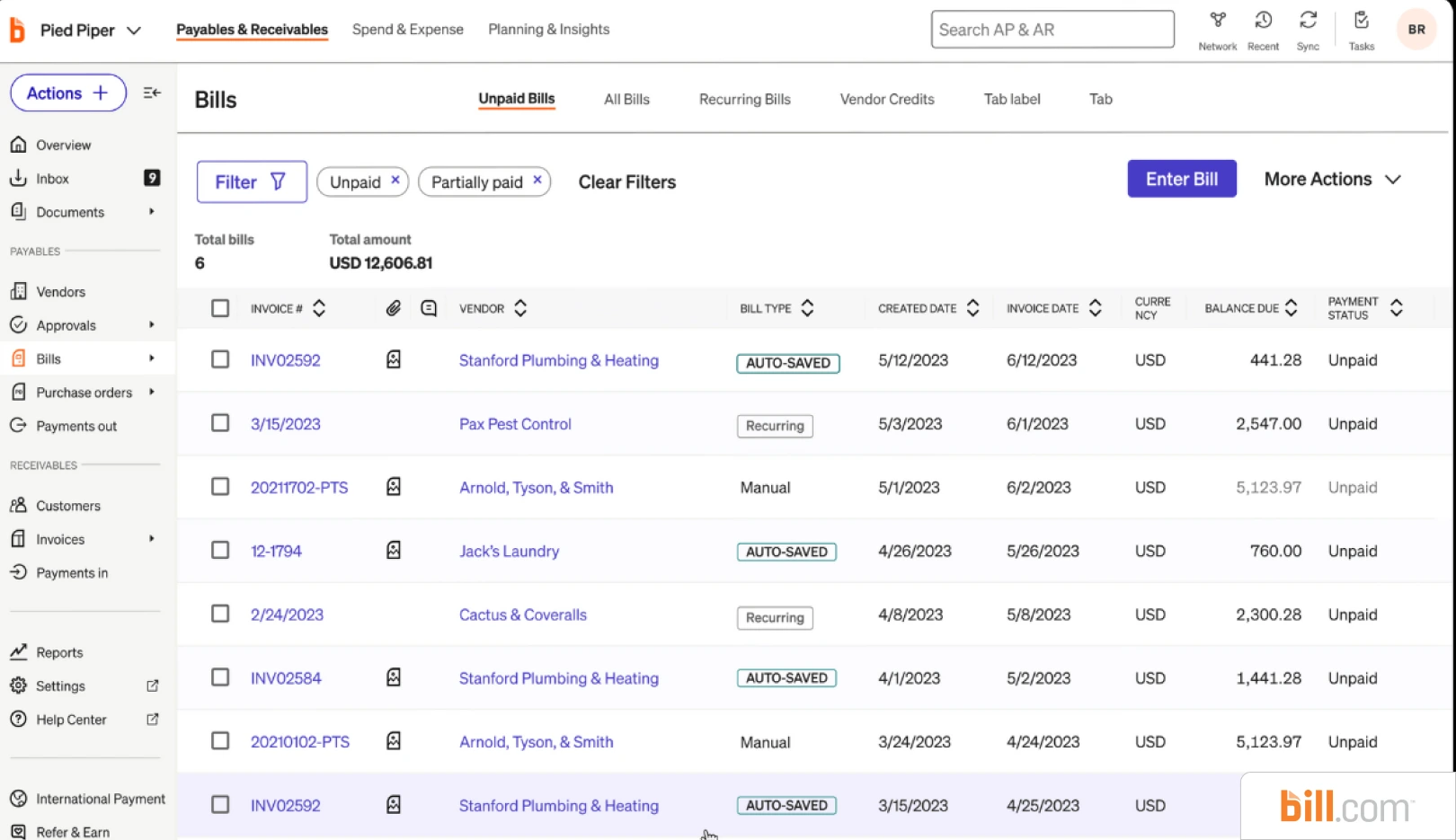
7. Bill.com (BILL)
Best for: Growing mid-market companies that need fast deployment of AP automation, vendor payment execution, and clean reconciliation against cloud accounting systems.
Bill.com, now branded BILL, is one of the most widely deployed mid-market AP platforms in North America. Its core strengths are payment automation, supplier onboarding, and approval workflow. The platform handles invoice capture through email, scan, or upload, routes approvals based on configurable rules, and executes payments via ACH, check, virtual card, or international wire. Reconciliation against accounting records is automated for connected systems including QuickBooks, NetSuite, Sage Intacct, and Xero.
Where BILL is less suited is complex multi-entity environments and deep three-way matching against PO and receipt data. Its native matching is two-way oriented (invoice to bill or invoice to GL) rather than full three-way with goods receipts. It also does not support legacy desktop ERPs without API connectivity.
Features:
- Invoice capture via email, scan, mobile photo, or upload
- AP automation with configurable approval workflows
- AR automation with invoice creation and online payment acceptance
- Two-way sync with QuickBooks Online, QuickBooks Enterprise, Xero, Sage Intacct, NetSuite, Microsoft Dynamics
- Payment execution: ACH, check, virtual card, international wire (190+ countries)
- BILL Spend & Expense (free) with corporate cards and budget controls
- Mobile app for iOS and Android with push notifications
- 100+ third-party integrations beyond accounting
Pricing: Essentials $45 per user/month, Team $55 per user/month, Corporate $79 per user/month, Enterprise custom. Transaction fees apply separately: ACH $0.49 to $0.99, check $1.49 to $1.99, international wire $9.99+, card 2.9%. BILL Spend & Expense is free.
Complexity: Low. Designed for self-serve setup; most teams deploy in days to a few weeks.
Free Trial: 30-day free trial on AP and AR plans. Spend & Expense permanently free.
Notable: The most common starting point for SMB and lower-mid-market AP automation. Teams with straightforward AP and a cloud ERP can deploy in weeks. Teams with PO-driven procurement and goods receipt matching usually outgrow it.
8. Nanonets
Best for: Teams that need AI-powered document capture and data extraction as the foundation for invoice reconciliation, particularly where invoice formats vary significantly across suppliers.
Nanonets approaches invoice reconciliation from the document intelligence layer. Its AI extracts structured data from invoices in any format (PDFs, scanned paper, images, EDI) and maps it to the relevant fields in your accounting system or AP workflow. The matching logic is built on top of this extraction layer.
For businesses dealing with high volumes of unstructured or inconsistently formatted invoices, Nanonets reduces the manual data entry that typically precedes reconciliation. The per-document pricing model is an advantage for teams with variable monthly invoice volumes, since costs scale with activity rather than seat count.
API-first architecture means Nanonets integrates well with existing AP tools and ERPs, but it requires more technical setup than out-of-the-box platforms. It is less a complete AP automation platform and more an extraction and matching engine that sits within a broader workflow. Teams that need a full AP cycle, capture through payment, will need to pair it with other tools.
Features:
- AI-powered data extraction from PDFs, scanned paper, images, and EDI
- Template-free OCR with custom model training per document type
- No-code workflow builder with multi-step automation
- Integrations with QuickBooks, Xero, Sage, Google Drive, Salesforce, SharePoint, Zapier
- API access for custom workflows and ERP routing
- Document classification, checkbox and barcode detection, signature detection
- Multi-language support and human-in-the-loop review UI
- 90% touchless processing on standard document types
Pricing: Usage-based, no platform fees or seat licenses. Approximately $0.30 per complex AI extraction run, with a typical invoice workflow running 4 to 6 blocks ($1.20 to $1.80 per invoice). Growth and Enterprise tiers add shared credits and volume discounts up to 40%.
Complexity: Medium. No-code interface, but custom document types and complex workflows require configuration work and sometimes ML tuning.
Free Trial: Free tier with $200 in credits (no credit card required, credits never expire).
Notable
Well suited for businesses that have already invested in an AP or ERP platform but find that invoice capture and data extraction quality is the bottleneck in their reconciliation process.
Small Business and All-in-One Cloud Accounting
For small businesses with low to moderate invoice volume and straightforward AP, a dedicated reconciliation tool is usually overkill. The built-in reconciliation modules in modern cloud accounting platforms handle the work natively, with the trade-off of shallower matching logic and limited exception structuring.
9. QuickBooks Online
Best for: Small businesses already running on QuickBooks where invoice and bill volume does not justify a dedicated reconciliation tool.
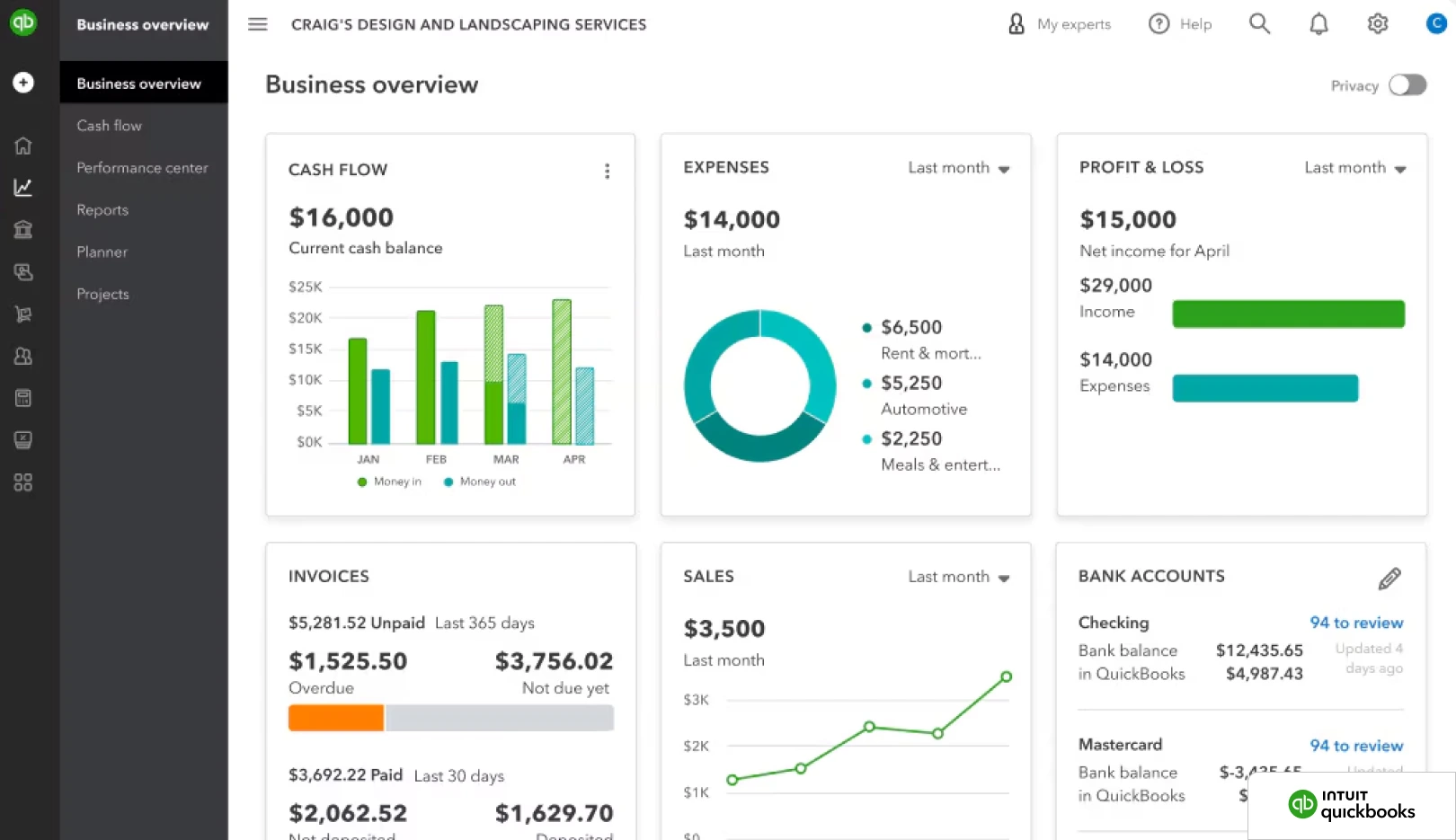
QuickBooks Online includes built-in bank reconciliation and basic invoice matching as part of its core feature set. Bank feeds automate transaction matching against invoice and bill records, and the platform's bill management workflow supports two-way matching of bills against POs in higher tiers.
Three-way matching against goods receipts is not a native function in standard QuickBooks Online. QuickBooks Advanced extends some workflow capability, and the QuickBooks app marketplace includes connectors to AP automation tools such as BILL and Stampli for businesses that outgrow native functionality.
For small businesses with under a few hundred invoices per month, simple supplier relationships, and no PO-driven procurement, native QuickBooks reconciliation is typically sufficient. The path most growing companies follow is to start here and add a dedicated AP layer once volume or complexity makes the manual exception handling unsustainable.
Features:
- Automated bank reconciliation with rule-based transaction matching
- Bill management and AP workflow (Essentials and above)
- Two-way matching of bills to POs (Plus and above)
- Invoicing with online payment acceptance
- Inventory tracking and project profitability (Plus and above)
- Custom user roles and dedicated account manager (Advanced)
- 800+ third-party app integrations including BILL, Stampli, Nanonets
- Multi-user access scaling from 1 to 25 users by tier
Pricing: Solopreneur $20/month, Simple Start $38, Essentials $75, Plus $115, Advanced $275. No annual billing option. Payroll, payments, and time tracking are separate add-ons.
Complexity: Low. Designed for self-serve setup; setup typically completes in under a day once bank feeds connect.
Free Trial: 30-day free trial, or 50% off the first 3 months (mutually exclusive promotions).
Notable
The default starting point for US small businesses. Reconciliation depth is limited but the integration ecosystem is the largest in the category.
10. Xero
Best for: Small to lower-mid-market businesses outside the US that want capable native bank reconciliation and a clean accounting interface.
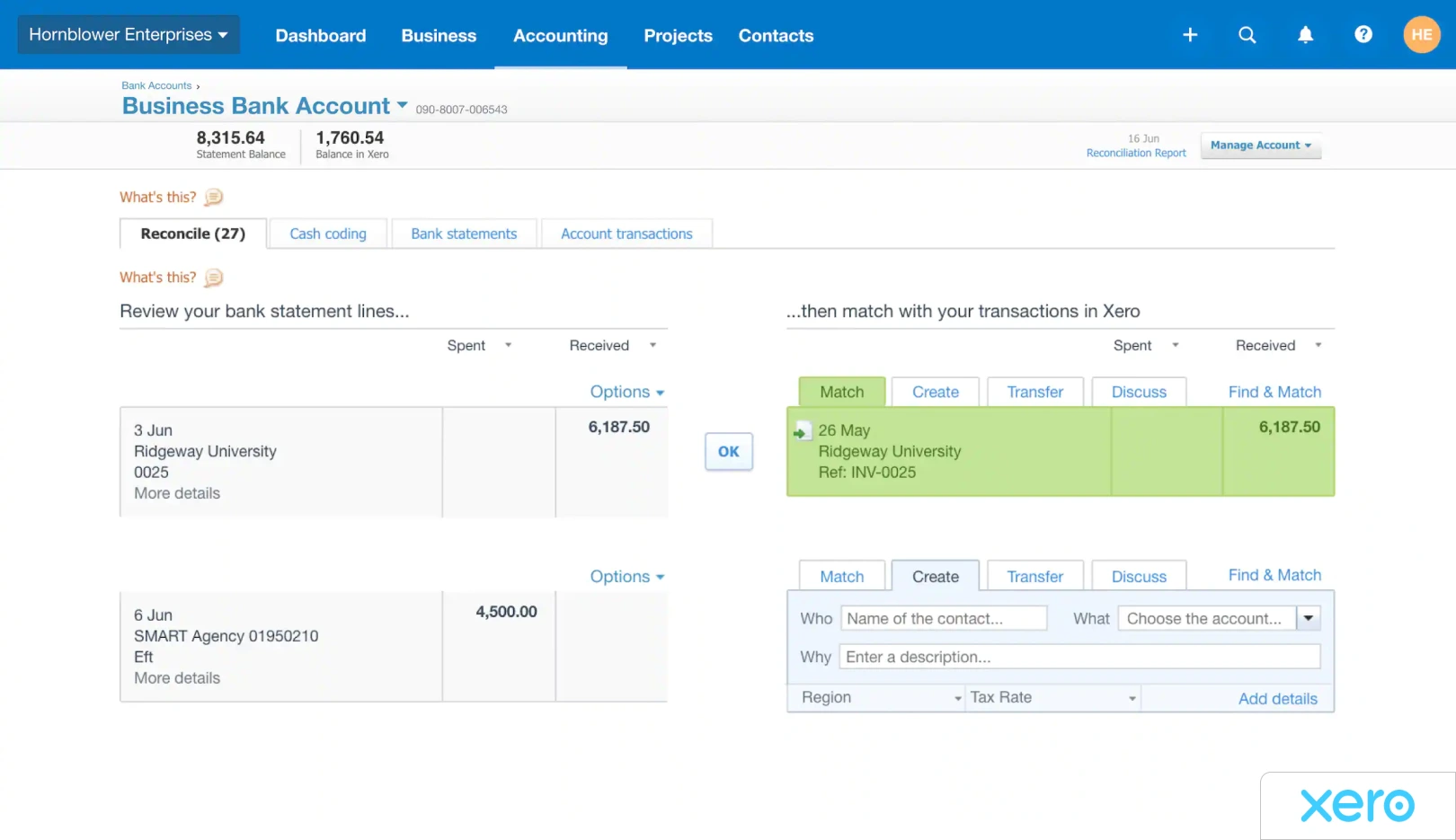
Xero is cloud accounting software with strong native bank reconciliation, particularly dominant in the UK, Australia, and New Zealand. Bank feeds match transactions against bills, invoices, and expenses automatically, with manual review for unmatched items. Reconciliation rules can be saved for recurring transactions, which reduces touch time on routine matches.
Like QuickBooks, Xero handles reconciliation as part of broader accounting rather than as a dedicated AP function. Three-way matching against goods receipts is not a native capability and requires either the Xero Bills add-on with PO functionality or an integration with an AP automation platform.
The Xero App Store includes integrations with Stampli, BILL, Nanonets, and other AP-focused tools, giving growing businesses a clear path to add capability without leaving the Xero core.
Features:
- Automated bank reconciliation with saved rules for recurring transactions
- Unlimited users on all plans
- Bill management, invoicing, and quoting
- Multi-currency support and project tracking (Established plan)
- Hubdoc integration for receipt and bill capture
- Mobile app with tap-to-pay functionality on Android and iPhone
- 1,000+ third-party integrations through Xero App Store
- Built-in analytics through Syft on all plans
Pricing: Early $25/month, Growing $55/month, Established $90/month (US pricing). Regional pricing differs. Standard ACH payments included; other payment methods incur additional fees.
Complexity: Low. Self-serve setup with optional Xero Coach personalized onboarding for the first 90 days.
Free Trial: First month free on any plan. Promotional 90% off for 6 months frequently available for new accounts.
Notable
The native bank reconciliation interface is widely considered the most usable in the SMB accounting category. Less common in the US than QuickBooks but dominant in other English-speaking markets.
11. Zoho Books
Best for: Cost-sensitive small businesses with simple AP needs, often already using other products in the Zoho suite.
Zoho Books is the accounting product in the Zoho business suite. It handles standard small-business accounting, bank reconciliation, and basic invoice matching. Its native bill management includes purchase order tracking and matches bills against POs, providing rudimentary two-way matching for small AP volumes.
Pricing is meaningfully lower than QuickBooks or Xero, which makes it attractive for small businesses or those already using Zoho CRM, Zoho Inventory, or other Zoho products. Reconciliation is sufficient for low-volume environments but is not designed for complex AP workflows or three-way matching at scale.
For businesses outgrowing Zoho Books on the AP side, the typical path is to integrate Zoho Books with a dedicated AP tool rather than rebuild on a heavier accounting stack.

Features:
- Bank reconciliation with automated matching rules
- Invoicing, expense tracking, and bill management with PO tracking
- Multi-currency support (Professional and above)
- Inventory management with purchase and sales orders (Premium and above)
- Client portal and recurring invoice automation
- 40+ Zoho app integrations (CRM, Inventory, Payroll, Projects, Analytics)
- Workflow automation and approval rules (Premium and above)
- Tax compliance for US, UK, EU, India, and other regions
Pricing: Free for businesses under $50K annual revenue, then Standard $15/month, Professional $40, Premium $60, Elite $150, Ultimate $275 (annual billing). Monthly billing roughly 33% more. Additional users $3/month each.
Complexity: Low. Self-serve setup; particularly straightforward for businesses already standardized on Zoho products. Free Trial: 14-day free trial on all paid plans, plus a permanent free plan for businesses under $50K annual revenue.
Notable: The best price-to-functionality ratio in this tier for businesses with simple AP. The Zoho ecosystem advantage is significant for companies already standardized on other Zoho products.
How to Choose the Right Invoice Reconciliation Software
Three questions that should frame your evaluation before you contact any vendor.
- What is your ERP environment?
If you run a modern cloud ERP, NetSuite, Sage Intacct, QuickBooks Online, SAP S/4HANA, most tools on this list connect via API with pre-built connectors. Setup is relatively straightforward. If you run a legacy desktop ERP or a system with no external API, the list narrows significantly. Only tools with UI-based automation or a computer use agent approach can work with those environments without requiring a system migration first. - What is your invoice volume and complexity?
High-volume AP with POs, goods receipts, and multi-supplier matching needs three-way matching with configurable tolerance thresholds and structured exception routing. Low-volume, service-based AP where invoices rarely reference a PO may not need a dedicated reconciliation tool at all, basic accounting software reconciliation may be sufficient. - Do you need just reconciliation, or a full AP workflow?
If the only bottleneck is the matching step, your invoices are already captured correctly and your approvals work, a focused reconciliation tool is the right answer. If your AP process has friction at capture, coding, approval, exception handling, and payment, then selecting a tool that only solves the matching step leaves most of the problem in place. A full AP automation platform will deliver a more measurable impact on processing time, error rate, and close speed.
Stop Managing Invoice Reconciliation in Spreadsheets
If your AP team is still manually cross-referencing invoices, chasing approvals over email, or logging exceptions in a shared file, the cost is not just time. It is errors that become paid duplicates, discrepancies that delay close, and audit trails that do not exist.
LayerNext automates the full invoice reconciliation workflow, from multi-channel invoice capture through three-way matching, supplier-specific rule application, exception routing, and management reporting, without requiring coding to configure or maintain. It works with modern cloud ERPs via API and with legacy desktop systems through its computer use agent. Finance teams manage workflows, update business rules, and resolve exceptions directly in the platform, without waiting on a development team.
The result is an AP function that runs on schedule, with full visibility, and without the manual handling that creates risk.
Frequently Asked Questions

_28_1_25_Thumb.webp)