
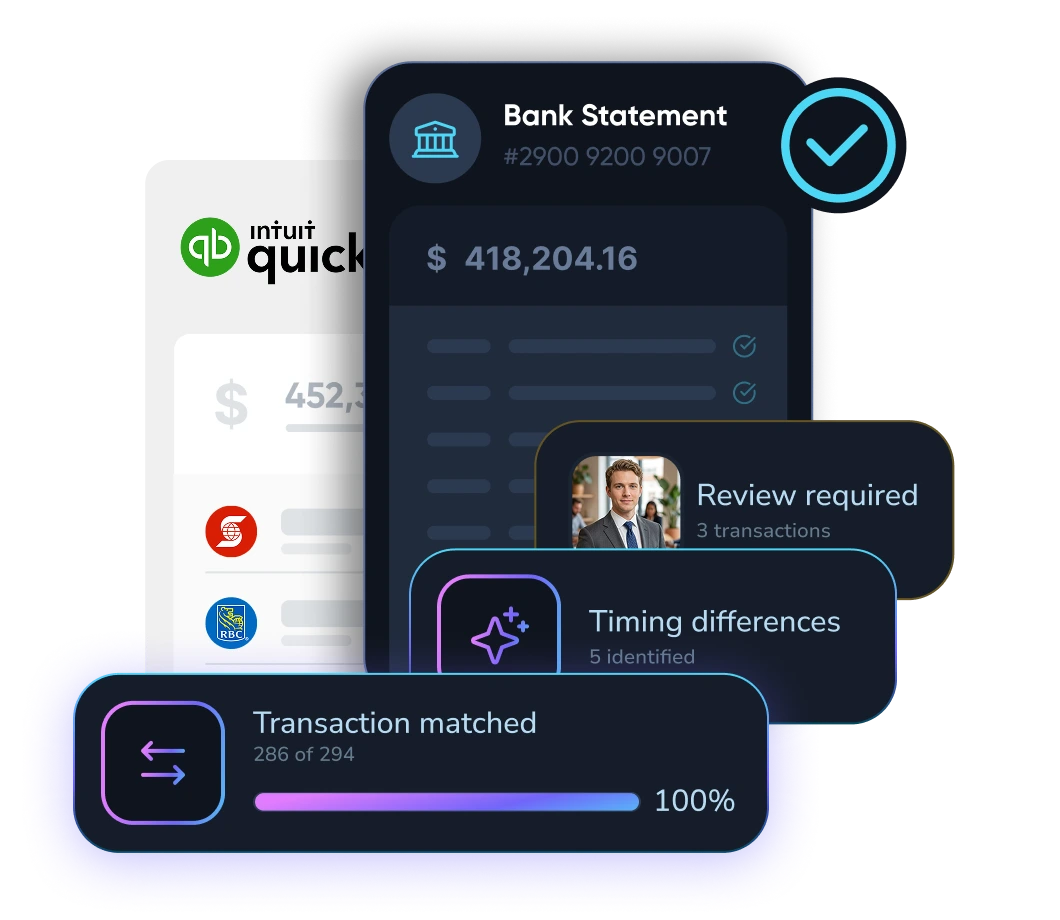
Reconcile every account with less manual work

LayerNext matches bank activity to ledger transactions, investigates differences, and routes unresolved items across companies, accounts, and systems.

Automated Bank reconciliation and end-to-end ap automation
PDF or feed
Work from statements or connected bank data
Complex matches
Partial, grouped, fee, and timing differences
Clear exceptions
Humans review only what cannot be verified

Close the gap between bank and ledger

Large reconciliation workloads contain grouped deposits, partial payments, fees, timing differences, and inconsistent descriptions. LayerNext applies context before asking a person to investigate.

High account volume
Process many bank accounts, entities, and statement formats through one operating model.
Imperfect references
Match using amounts, dates, payers, vendors, descriptions, and transaction history.
Unclear differences
Separate verified timing issues from discrepancies that require investigation.

From statement to signed-off reconciliation

The agent validates balances, finds candidate matches, resolves supported differences, and prepares the remaining exceptions for review.

Verify
Confirm statement period, opening balance, closing balance, and completeness.
Match
Connect bank transactions to bills, expenses, deposits, payments, and journals.
Resolve
Handle grouped items, partials, fees, timing differences, and approved adjustments.
Escalate
Present unresolved items with evidence and a clear question for review.

Reconciliation intelligence for real-world transactions

Balance Checks
Verify opening and ending balances before transaction matching begins.
Flexible Matching
Handle one-to-one, one-to-many, many-to-one, and partial matches.
Duplicate Detection
Identify repeated statement lines or ledger entries before sign-off.
Fee Handling
Recognize bank fees, short payments, overpayments, and approved adjustments.
FX Context
Use currency, payer, vendor, and settlement evidence when amounts differ.
Exception Review
Provide the evidence and context needed to resolve remaining differences.

Works across the systems you already use

LayerNext agents operate across legacy ERPs, desktop applications, cloud platforms, and custom finance systems without forcing a replacement project.

LayerNext  Logo SVG
Epicor Logo SVGNetsuite Logo SVGMicrosoft Dynamics 365 Logo SVG
Legacy ERP Systems
Integrate with legacy ERPs like Epicor, NetSuite, Microsoft Dynamics 365, Sage.
QuickBooks Logo SVG
Desktop Applications
Automate QuickBooks Desktop and other desktop-based finance systems
Xero Logo SVGSage 100/300  Logo SVGFreshbooks Logo SVGSAP Logo SVG
Cloud Finance Platforms
Connect with cloud finance platforms like QuickBooks and Xero and modern systems.
S3 Logo SVGGoogle Cloud Logo SVG
Custom Systems & Workflows
Connect databases, spreadsheets, and custom business applications across your organization.

One process across every account

Standardize reconciliation across entities while preserving account-specific rules, owners, evidence, and sign-off requirements.

Multiple entities

Complex matching

Statement validation

Review-ready exceptions

Reconcile at enterprise scale

Bring one difficult account and its current process.

Talk to Sales