


Close

AP Automation for FieldServio

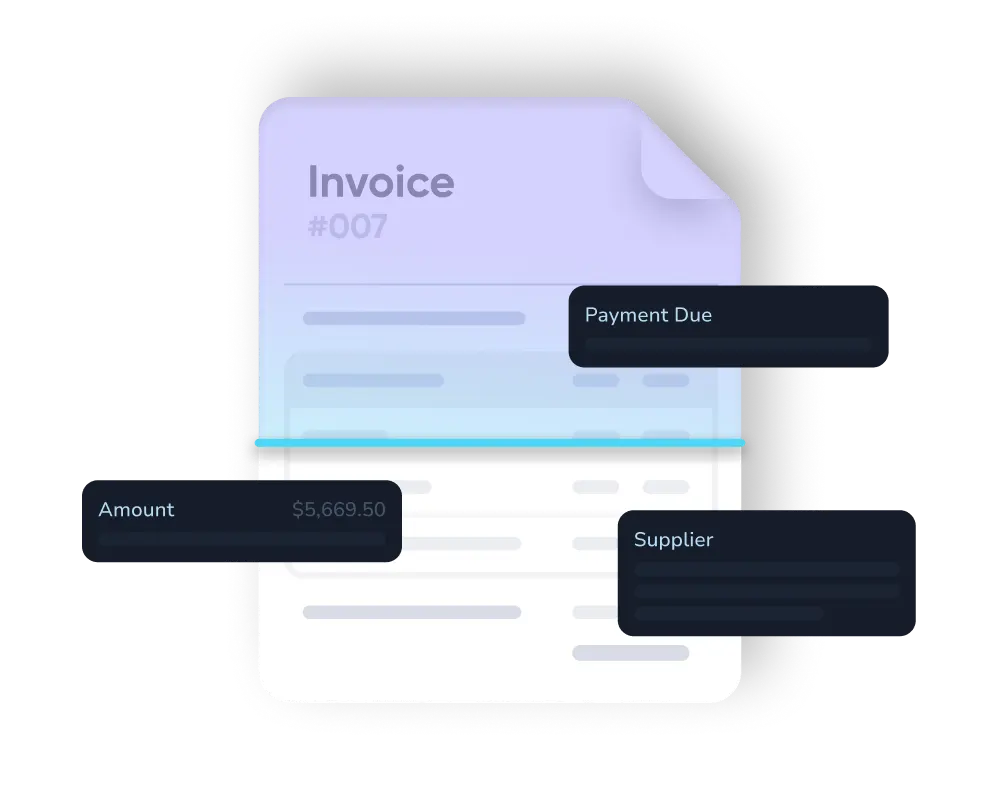
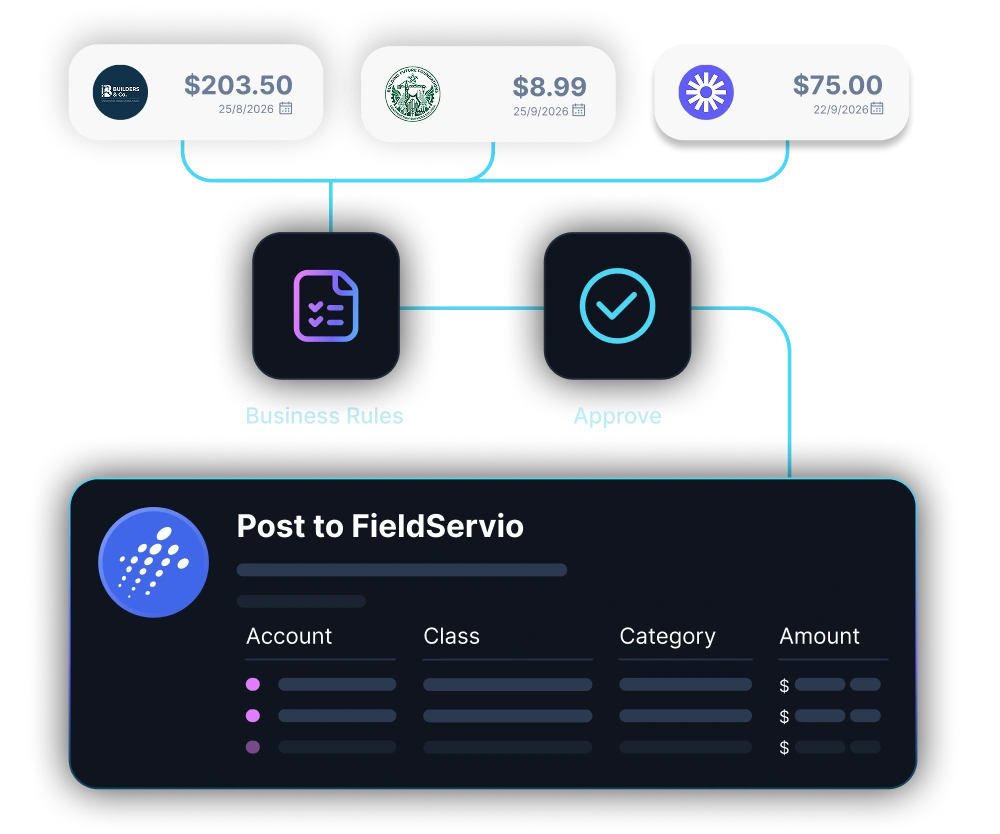
LayerNext AI agents read invoices, match packing slips to POs, handle exceptions, and post entries into FieldServio by operating its own screens.

Built for job-costed AP at scale

LayerNext runs the full accounts payable workflow around FieldServio, from invoice intake through posting and reconciliation.

FieldServio Invoice Capture
Pull invoices and packing slips from email, the mobile app, and shared folders automatically.
Automated PO Matching
Match packing-slip photos to the open FieldServio PO and the vendor invoice automatically.
No Rip-and-Replace
LayerNext operates FieldServio by computer use, so there's no integration project to build.
Direct FieldServio Posting
Create and post the vendor bill into FieldServio through its own screens.
Exception Handling
Route mismatches, missing POs, and out-of-tolerance amounts to your team as tasks.
Business Rules
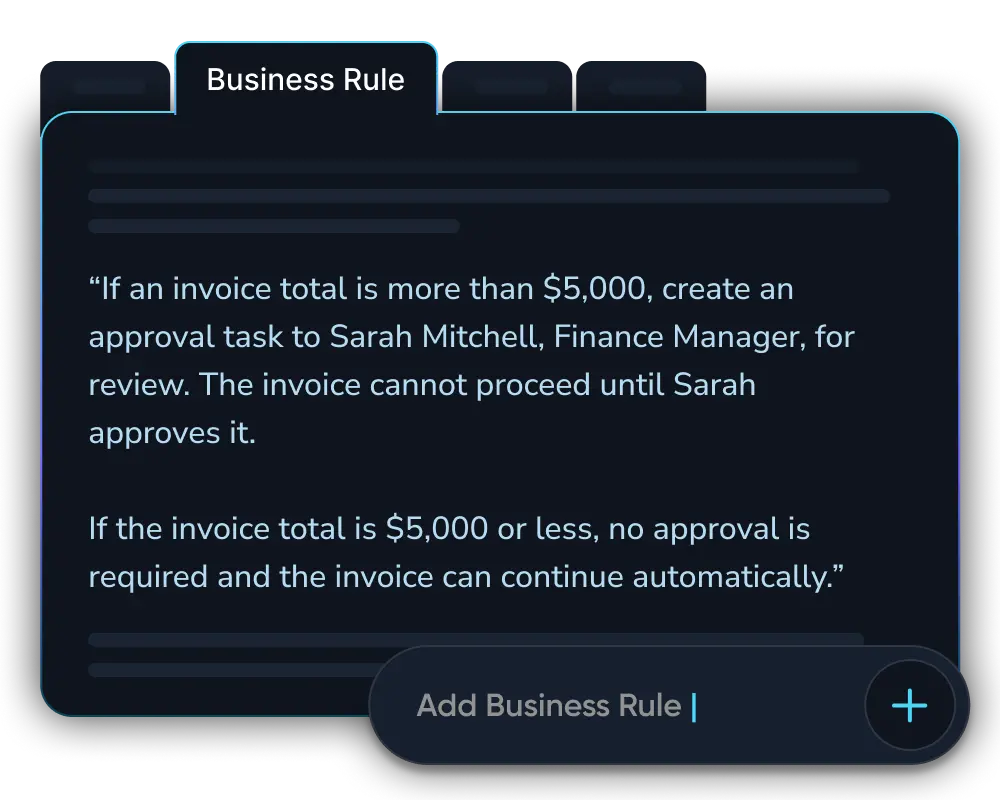
Per-vendor tax, tolerance, and material rules written in plain English and applied every time.
Continuous Learning
Learns each vendor's formats and your corrections, so accuracy improves over time.
Job-Costed to Every PO
Ties each invoice back to its PO and job number, so cost lands correctly.
Complete Audit Trail
Every packing slip, action, and approval logged against the PO for full traceability.

Built for systems with no API

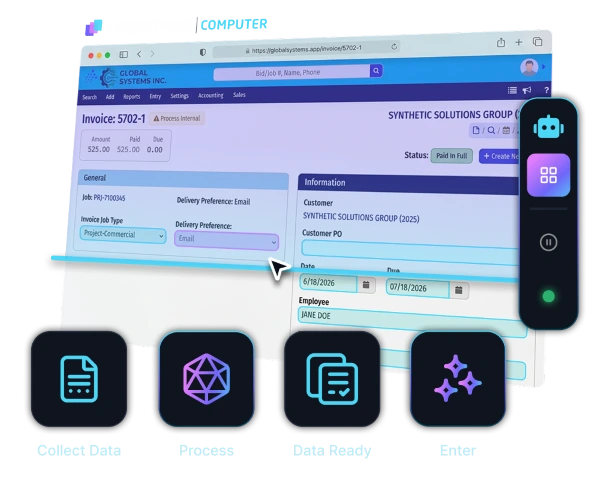
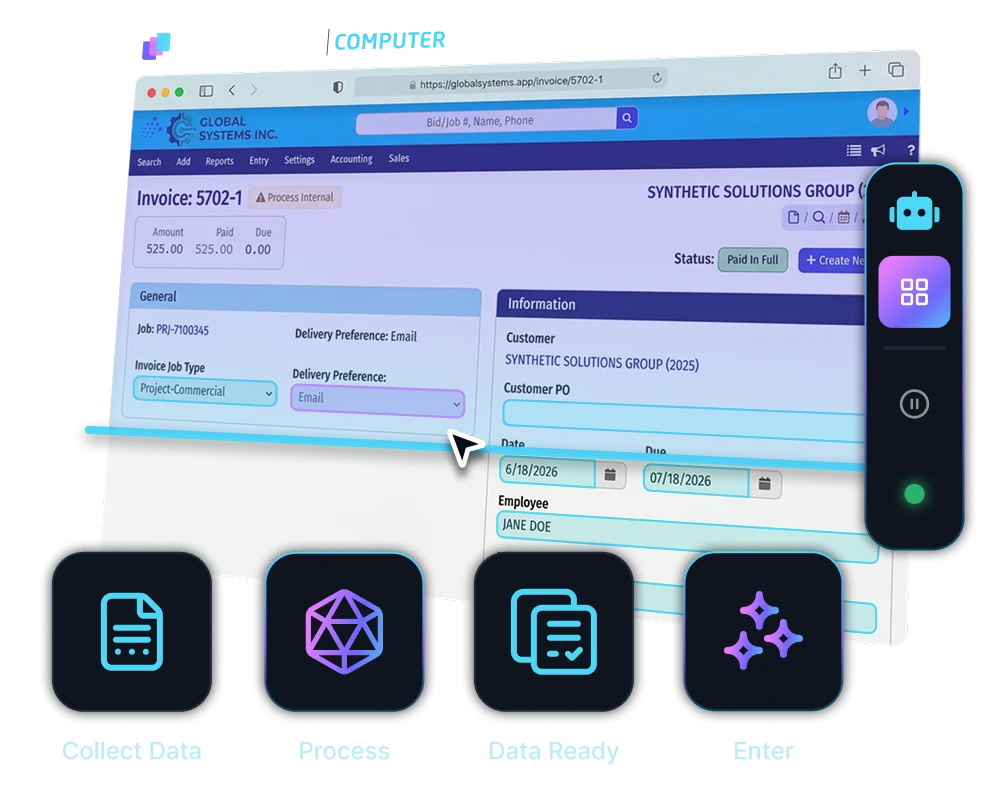
FieldServio and many field service ERPs don't offer a usable API to build against. LayerNext Computer doesn't need one. It operates FieldServio through its own screens the same way your team does, collecting each document, processing it, getting the data ready, and entering it, with no API, no middleware, and no integration project.
Learn more

Diagram showing multiple expense entries from apps like Uber Eats, Google, and Starbucks converging into a central software, which then connects to accounting platforms QuickBooks, Xero, and Sage.Diagram showing multiple expense entries from apps like Uber Eats, Google, and Starbucks converging into a central software, which then connects to accounting platforms QuickBooks, Xero, and Sage.

The AP workflow, from intake to posting

From the packing-slip photo to the posted vendor bill in FieldServio, every step runs automatically, with nothing waiting on a coordinator to key it in.
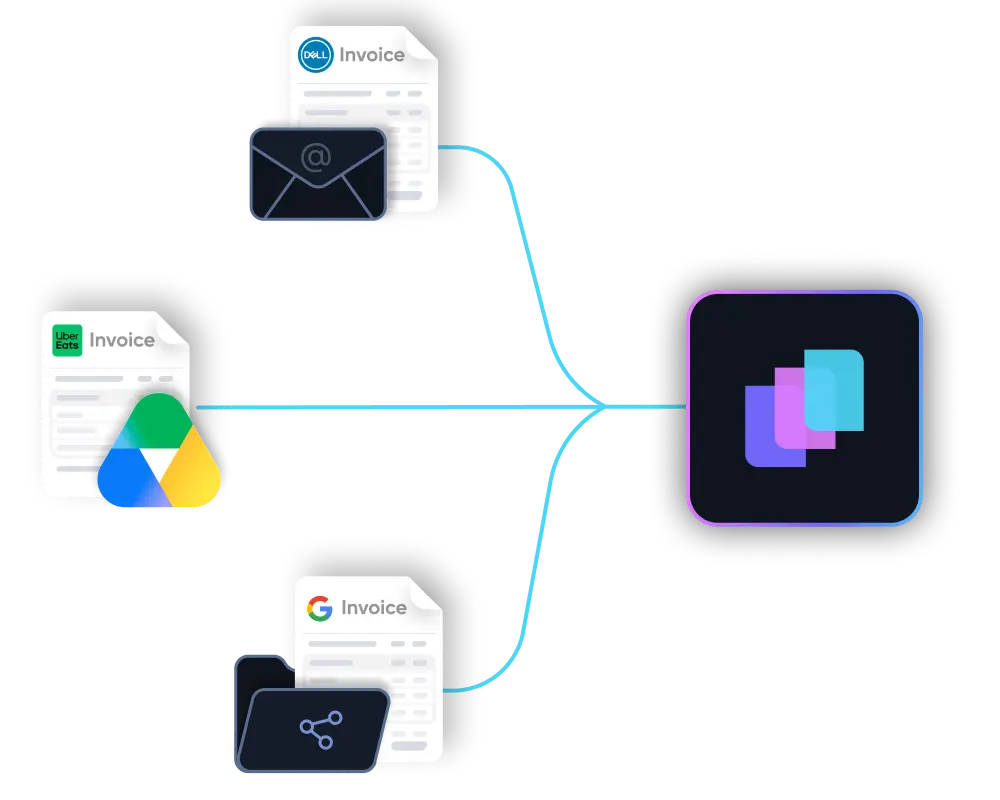
Documents arrive from anywhere

Email inbox, shared folders, supplier portals, or cloud storage. Invoices are picked up automatically the moment they land.

Unstructured documents understood

The slip and invoice are read and interpreted, whether the company itemizes every part or books a single lump-sum line classified by material type.

Checked against your rules and POs

LayerNext runs the three-way match of packing slip, PO, and invoice, applies tax and rounding tolerances, and confirms every purchase carries a job-costed PO.

Entered directly into FieldServio

The vendor bill is created and posted into FieldServio through its own screens, and the invoice is attached to the PO record, the same way your coordinators do it. No re-keying.

LayerNext pays for itself by month 3

Manual PO entry and month-end reconciliation on FieldServio are where the hours go, so the payback lands inside the first quarter.

5x ROI

Year 1 return on investment

<3 months

Typical payback period on the full contract value

165+

Hours saved per month per finance team

Weeks

To deploy, not months

From Manual Entry to Autonomous

Replace manual PO entry, packing-slip matching, and monthly batch reconciliation with AI agents that complete the AP workflow inside FieldServio.

Manual AP

Agent Workflow

Invoice Entry

FieldServio

Coordinators key each part from a packing-slip photo, line by line.

Invoice Entry

LayerNext

Agents enter line items or a classified lump sum automatically from the photo.

Slip Matching

FieldServio

Slips are matched to the PO by hand before receiving.

Slip Matching

LayerNext

Packing-slip photos are auto-matched to the open PO on arrival.

Three-Way Match

FieldServio

PO, packing slip, and invoice are cross-checked manually.

Three-Way Match

LayerNext

The three-way match runs automatically; only mismatches stop for a person.

Exception Flow

FieldServio

Problems surface late, in email and group-chat threads.

Exception Flow

LayerNext

Only true exceptions routed to a person as a clear, named task.

Missing PO

FieldServio

A no-PO invoice gets set aside and often forgotten.

Missing PO

LayerNext

A no-PO invoice hard-stops and raises a task to chase the vendor.

Business Rules

FieldServio

Material classification and vendor rules live in people's heads.

Business Rules

LayerNext

Rules for material type, tax, and tolerances applied consistently.

ERP Access

FieldServio

Data typed into FieldServio screen by screen.

ERP Access

LayerNext

Agent operates FieldServio through its own screens, no integration project.

Early Discounts

FieldServio

Statement rebates are applied invoice by invoice by hand.

Early Discounts

LayerNext

Statement discounts applied across all invoices at once.

Team Focus

FieldServio

Coordinators and AP staff consumed by data entry.

Team Focus

LayerNext

Team focuses on review, approvals, and decisions, not keying.

Enterprise-grade security
built into every workflow

See how LayerNext protects your data

Proven across high-volume industries

LayerNext operates on FieldServio, designed for industrial distributors and service contractors handling purchase orders and invoices.

Wholesale Distribution
Manufacturing
Transportation and Logistics
Construction and Trades
Real Estate and Property
Healthcare and Senior Care
Agriculture and Agribusiness
Automotive
Energy and Utilities
Hospitality and Food Service
Public Sector

Common questions

What is FieldServio AP automation?
FieldServio AP automation is software that handles accounts payable end to end on top of FieldServio. LayerNext AI agents read packing slips and vendor invoices, match them to purchase orders and jobs, post the vendor bills into FieldServio, and reconcile the monthly batch, so your coordinators and finance team review decisions instead of keying data.
Does LayerNext require a FieldServio API or integration project?
No. LayerNext operates FieldServio through its own screens by computer use, the same way your coordinators do, so there is no integration project, no middleware, and no change to how your team already works. If a person can do it in FieldServio, the agent can do it too.
Does LayerNext work with FieldServio's job-costed PO workflow?
Yes. LayerNext is built around it. Every invoice is tied back to a PO and a job number, and the agent supports both entry styles: full line-item entry from the packing slip, or a single lump-sum line classified by material type. Invoices that arrive without a PO are stopped and raised as a task.
Can LayerNext post invoices into FieldServio?
Yes. After LayerNext reads the packing slip and invoice, matches them to the open PO, and runs the three-way match, the agent creates the vendor bill, applies tax and tolerances, and posts it into FieldServio through its own screens, attaching the invoice to the PO record just as your team does.
How does LayerNext handle PO and packing-slip matching?
LayerNext matches the packing-slip photo to the open PO, then checks the PO against the vendor invoice in a three-way match. Roughly 90% of invoices match cleanly and post on their own. The remaining exceptions, such as a quantity mismatch, a tax discrepancy, or a missing PO, stop and become a task for a person to resolve.
How long does implementation take?
LayerNext deploys on FieldServio in weeks, not months. Because there is no integration to build, setup starts in a FieldServio sandbox, usually with the simplest company or workflow first, then expands. Human input is requested only when a decision is needed.

Still keying packing slips into FieldServio?

Move from manual FieldServio PO entry to an autonomous workflow that captures packing slips, matches them to POs, posts vendor bills, and reconciles the monthly batch, through to CFO-level reporting on where your business stands.

Talk to Sales