Close

End-to-End AP Automation Software for Any ERP

LayerNext AI agents capture every invoice, match the PO, route the approval, and post directly to your ERP. Deployed in weeks on the systems you already run.

AI Invoice Capture, from Any Source.

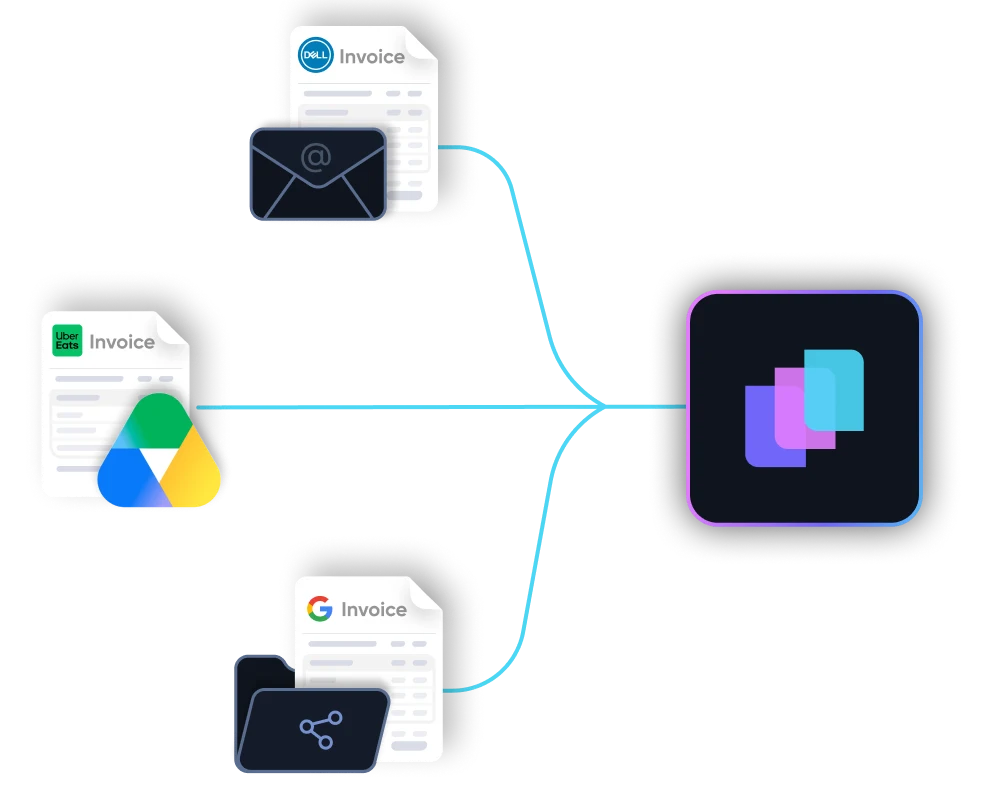
AI collects invoices the moment they arrive, from email, shared folders, cloud storage, or your ERP. Reads scanned, handwritten, and non-standard formats that OCR tools reject.

  • Flags duplicates at the point of capture
  • Learns each supplier's format over time
  • Hundreds of invoice lines extracted and structured in seconds
Diagram showing multiple expense entries from apps like Uber Eats, Google, and Starbucks converging into a central software, which then connects to accounting platforms QuickBooks, Xero, and Sage.Diagram showing multiple expense entries from apps like Uber Eats, Google, and Starbucks converging into a central software, which then connects to accounting platforms QuickBooks, Xero, and Sage.
Illustration showing integration of multiple bank statement icons including Scotiabank and Bank of America with accounting software QuickBooks via an intermediary app.Illustration showing integration of multiple bank statement icons including Scotiabank and Bank of America with accounting software QuickBooks via an intermediary app.

Automated 3-Way PO Matching

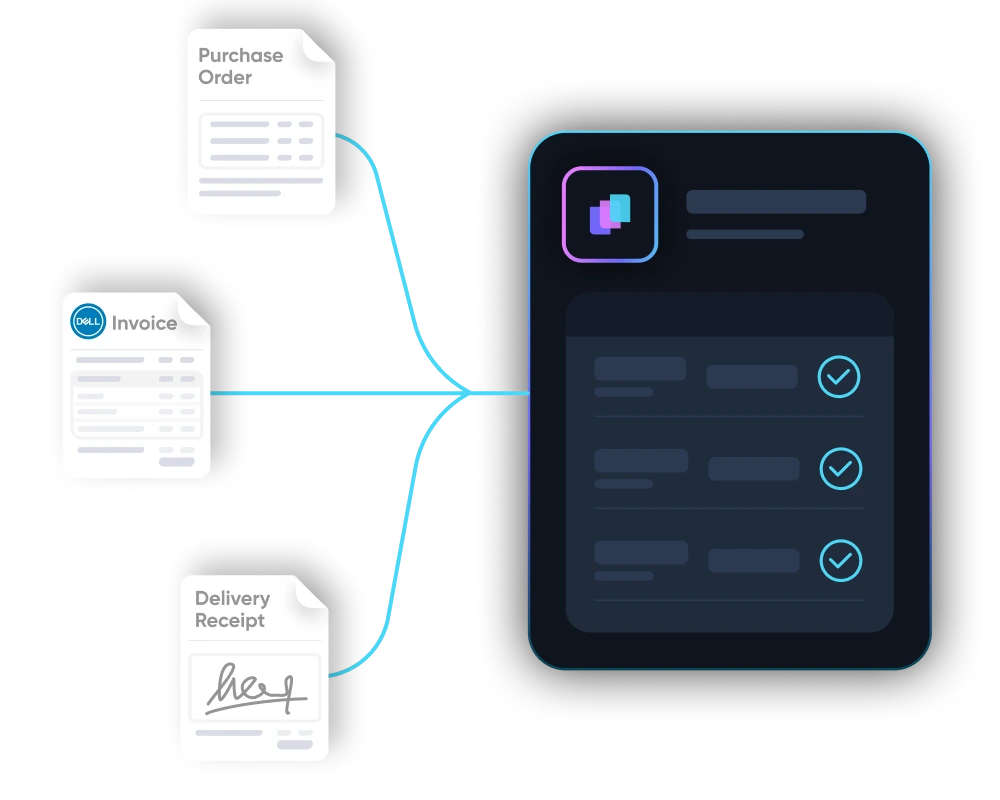
Every invoice automatically matched against the PO and delivery receipt. Price drift, quantity mismatches, and missing POs flagged before a dollar is posted. Your finance team resolves exceptions, not noise.

  • Prevents duplicate payments.
  • Real-time matching, real-time anomaly detection.
  • Saves up to 165 hours of manual matching per month.
Dark digital circuit-like lines with icons representing data analysis, settings, security, and user connections on a black background.

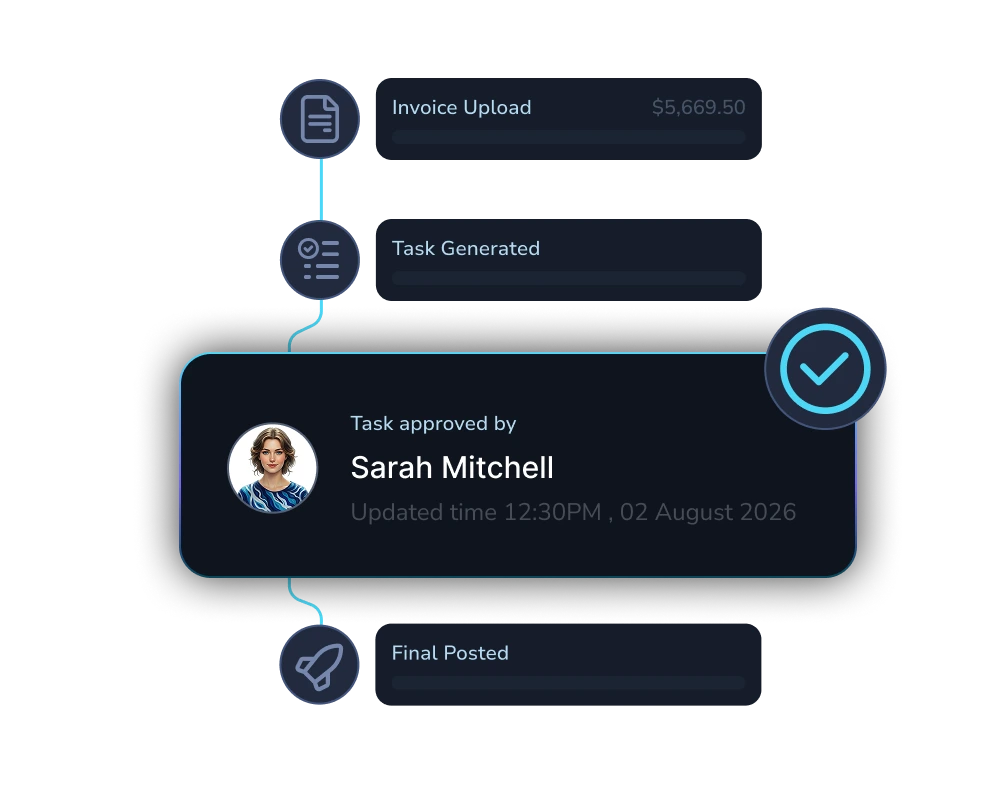
Business Rule Driven AP Approval Workflows.

Set approval chains by vendor, amount, or GL code in plain English. The agent routes automatically and escalates only genuine exceptions.
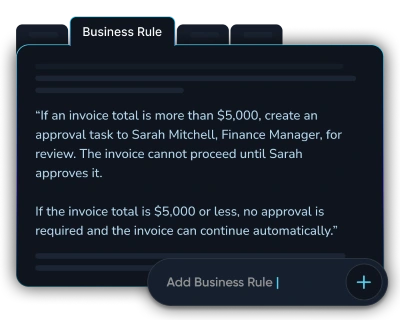
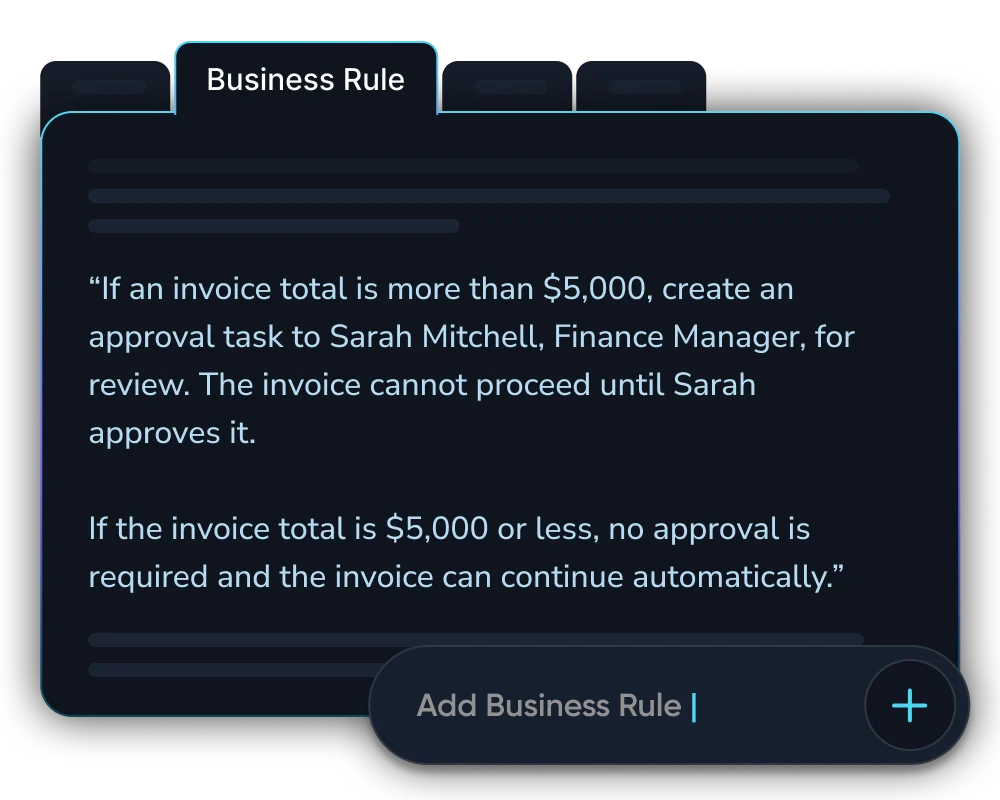
  • Rules defined in plain English
  • Mobile approval via iOS and Android apps
  • Automatically learns and applies your approval patterns.
Diagram showing multiple expense entries from apps like Uber Eats, Google, and Starbucks converging into a central software, which then connects to accounting platforms QuickBooks, Xero, and Sage.Diagram showing multiple expense entries from apps like Uber Eats, Google, and Starbucks converging into a central software, which then connects to accounting platforms QuickBooks, Xero, and Sage.
Abstract digital network with icons representing user, shield, settings gear, bar chart, padlock, and magnifying glass connected by glowing blue lines on a black background.Abstract digital network with icons representing user, shield, settings gear, bar chart, padlock, and magnifying glass connected by glowing blue lines on a black background.
Illustration showing integration of multiple bank statement icons including Scotiabank and Bank of America with accounting software QuickBooks via an intermediary app.Illustration showing integration of multiple bank statement icons including Scotiabank and Bank of America with accounting software QuickBooks via an intermediary app.

Every AP Approval, Logged Automatically.

LayerNext logs every action the AI takes and every decision a human makes. A complete, searchable trail from first invoice to final posting.

  • Nothing is deleted, nothing is overwritten.
  • Full audit trail from invoice receipt to ERP posting.
  • Captures human corrections alongside AI actions in one unified log
Dark digital circuit-like lines with icons representing data analysis, settings, security, and user connections on a black background.Dark digital circuit-like lines with icons representing data analysis, settings, security, and user connections on a black background.

Legacy ERP Automation. No API.

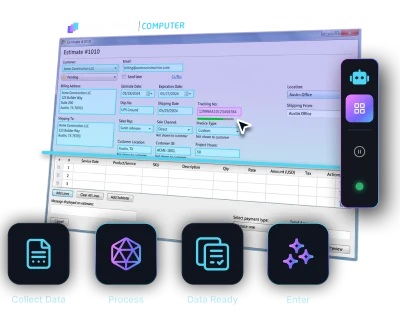
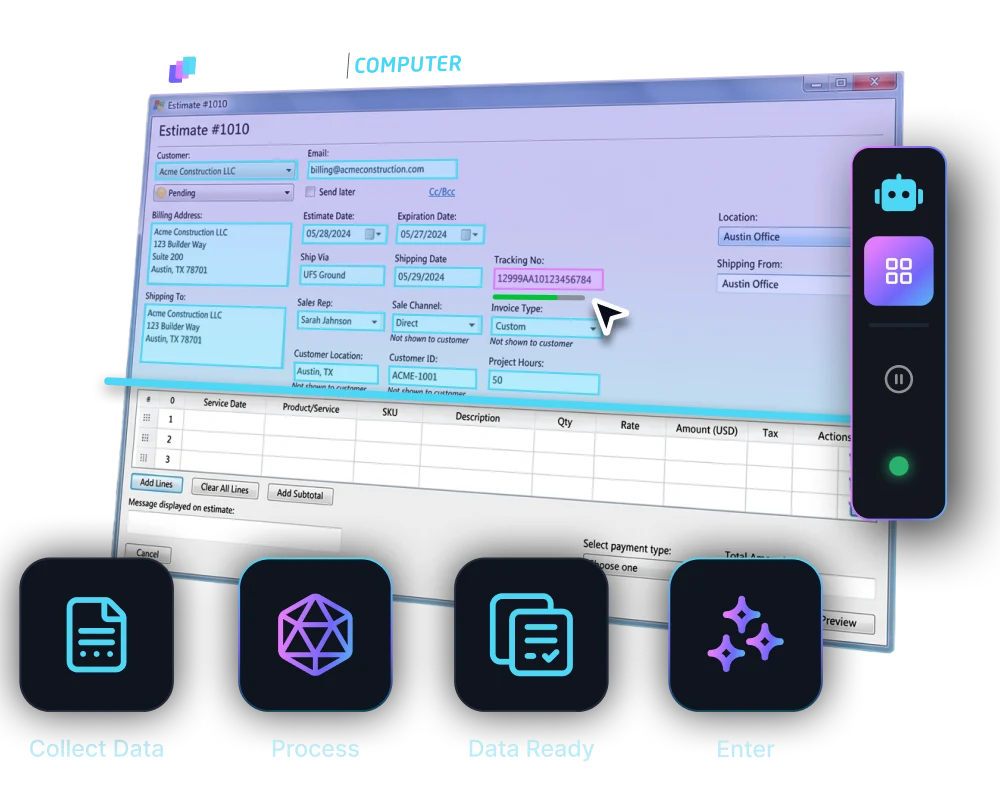
Our computer-use agent logs into your legacy desktop ERP through the same screens your team uses and completes the full AP workflow without any API or integration project.
  • No changes to your ERP, data, or team workflow
  • Agent views the same screens as your AP team
  • Reads, validates, matches, and posts, all inside the ERP your team already knows
Diagram showing multiple expense entries from apps like Uber Eats, Google, and Starbucks converging into a central software, which then connects to accounting platforms QuickBooks, Xero, and Sage.Diagram showing multiple expense entries from apps like Uber Eats, Google, and Starbucks converging into a central software, which then connects to accounting platforms QuickBooks, Xero, and Sage.
Abstract digital network with icons representing user, shield, settings gear, bar chart, padlock, and magnifying glass connected by glowing blue lines on a black background.Abstract digital network with icons representing user, shield, settings gear, bar chart, padlock, and magnifying glass connected by glowing blue lines on a black background.

AP Automation by the Numbers.

165 hrs

Saved per month finance teams

95% +

Reduction in processing errors

95% +

Task accuracy on defined workflows

Weeks

To deploy, not months

Enterprise-grade security.
Built into every workflow.

See how LayerNext protects your data

Built for enterprise accounting at scale.

Built for finance teams processing thousands of invoices across multiple entities every month. Everything they need, in one platform.

Duplicate Invoice Detection
AI flags duplicate invoices before ERP. Same vendor, amount, invoice caught automatically.
Automatic GL Coding
Each invoice line auto-coded to the correct GL account using vendor history and your chart of accounts.
Statement Reconciliation
AI matches transactions to supplier statements, flagging discrepancies early.
ERP Data Sync
Validated data posted to your ERP in real time. No batch delays, no reconciliation gaps.
Tax Compliance
Tax rules enforced per vendor and jurisdiction on every transaction. No manual configuration at runtime.
Audit Trail & Compliance
Complete accounts payable automation with traceability for compliance, SOX, and audits.

Proven Across the Industries That Need It Most.

AP automation works best where invoice volume is high, supplier formats are inconsistent, and ERPs are decades old. Those are exactly the conditions LayerNext was designed for, across every industry that fits that profile.

Wholesale Distribution
Manufacturing
Transportation and Logistics
Construction and Trades
Real Estate and Property
Healthcare and Senior Care
Agriculture and Agribusiness
Automotive
Energy and Utilities
Hospitality and Food Service
Public Sector

Works with your existing stack

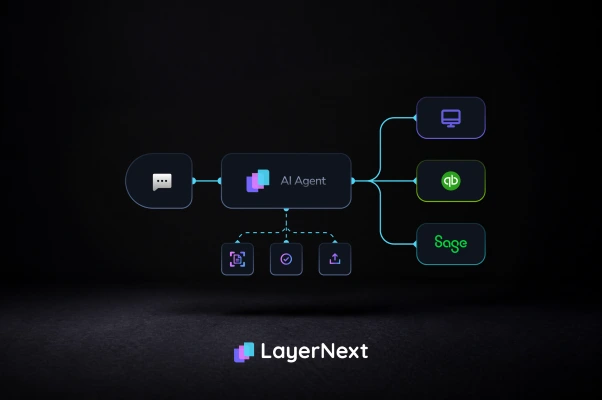
LayerNext operates on any ERP environment. For systems with APIs, the agents integrate natively. For systems without, the agents operate the interface the way your team does.

Quickbooks Online
Microsoft Dynamics 365
Sage
Quickbooks Desktop
Xero
NetSuite
SAP
Excel-Based Workflows
Legacy and Custom ERPs
Freshbooks
Epicor

Resources for AP Teams

Real-world guides on accounts payable automation, ERP integration, and finance operations.
Common Questions

What is an AI AP automation software?
AI AP automation software uses artificial intelligence to manage the complete accounts payable process. This includes capturing supplier invoices from any source, validating data against business rules, matching purchase orders, routing approvals, posting to your ERP, and reconciling payments against bank feeds. Modern AI AP automation software like LayerNext achieves 95 percent or higher task accuracy and eliminates manual data entry entirely.
What is 3-way PO matching in accounts payable?
Three-way PO matching in accounts payable compares three documents: the supplier invoice, the purchase order, and the goods receipt. The process verifies that the quantity ordered, quantity received, and quantity billed all agree before a payment is approved. LayerNext performs this automatically for every invoice, flagging mismatches as named tasks and preventing overpayments before they reach your ERP.
Does LayerNext work with legacy ERPs that have no API?
Yes. LayerNext works with both modern cloud ERPs via API and legacy desktop ERPs with no API at all, including Epicor Eagle, QuickBooks Desktop, Sage, and Microsoft Dynamics. The computer-use agent logs into the ERP through its own user interface, reads and enters data exactly as a human operator would, and completes the full workflow. If a human can operate it, LayerNext can automate it.
How long does AP automation software deployment take?
LayerNext deploys in weeks, not months. Every engagement is scoped to your specific ERP, supplier base, and approval structure. The process starts with a live proof on your actual messiest supplier invoices, not a generic demo. You see real extraction, validation, and matching results before a contract is signed.
What accounting platforms does LayerNext AP automation support?
LayerNext supports QuickBooks Online and Desktop, Epicor including Eagle, Microsoft Dynamics 365, Sage, NetSuite, SAP, Xero, FreshBooks, and Excel-based or custom ERP workflows. Cloud systems integrate via API. Legacy and desktop systems are automated through the computer-use agent with no API required and no infrastructure changes needed.
How does the human-in-the-loop approval model work?
LayerNext only requests human input when it encounters a genuine exception. A tax discrepancy, a PO mismatch above tolerance, or an invoice requiring CFO approval each create a named task in the portal with the invoice number, supplier name, and issue type. Your team resolves only those flagged items. When all tasks are marked done, no human input is needed. The rest of your AP runs without anyone touching it.

Still Keying Invoices Into Your ERP?

There is a better way. LayerNext deploys in weeks and works with the ERP you already have.

Talk to Sales