


Summary
Accounts payable is one of the most automatable workflows in finance, yet most mid-market and enterprise teams still key invoices, chase approvals, and reconcile payments by hand. The shortage is not of AP automation tools. It is that most AP automation software only finishes part of the workflow, and breaks on the messy supplier invoices that consume the bulk of an AP team's week.
This guide compares the 6 best AP automation software platforms for 2026: LayerNext, Tipalti, Bill, Stampli, Ramp, and Vic.ai. It covers what each tool actually does, where it fits, what it costs, and which ERP environments it can operate in, including the legacy and desktop systems most AP automation vendors quietly avoid.
What Is AP Automation Software
AP automation refers to software that digitizes and automates the accounts payable workflow, from invoice arrival through ERP posting and payment. Modern AP automation goes beyond scanning invoices into a queue. It performs four jobs in sequence:
- Capture
Read invoice data from PDFs, emails, scans, and supplier portals - Validate
Check totals, tax, line items, and flag anything that does not look right - Match
Connect each invoice to its purchase order, receipt, and contract - Post
Enter the validated invoice into your ERP or accounting system, with the right GL coding and approval routing
Each generation of AP tools has solved more of the chain. First-generation OCR tools captured fields. Second-generation RPA tools added scripted clicks to push data into ERPs, but broke whenever a screen or invoice format changed. Today, the leading category is AI-powered AP automation, where agents can reason about messy and inconsistent data instead of just following rules.
The newest evolution in this space is computer-use agents: AI agents that can operate any software the same way a human would, by seeing the screen and using a keyboard and mouse. This is the technology that finally makes it possible to automate AP on legacy ERPs and desktop applications that have no API at all. LayerNext is built on this approach, which is why it works in environments where most modern AP tools simply cannot connect.
What to Look For in AP Automation Software
Based on direct conversations with controllers, AP managers, and CFOs across distribution, manufacturing, and multi-entity operations, the criteria that actually decide an AP automation purchase in 2026 are:
- ERP coverage: does the tool work with your existing ERP, including legacy and desktop systems without an API?
- Messy invoice handling: can it process non-standard, inconsistent, and unstructured supplier documents?
- Workflow completion: does it post into the ERP end-to-end, or stop at data extraction?
- Human-in-the-loop control: every action approved, full audit trail.
- Scale: absorbs invoice growth without forcing more AP clerks.
- Pricing model: does the cost structure punish you for adding approvers and locations?
- Security and compliance: SOC 2, encryption, customer data isolation.
Most AP automation vendors check four or five of these. Few check all seven. The largest gap in the market is ERP coverage, because most platforms assume the ERP exposes a modern API. For finance teams running Epicor Eagle, Sage 100, Microsoft Dynamics on-prem, QuickBooks Desktop, or a custom ERP, that assumption fails.
Best AP Automation Software for 2026
The 6 Best AP Automation Tools for 2026, Reviewed
1. LayerNext
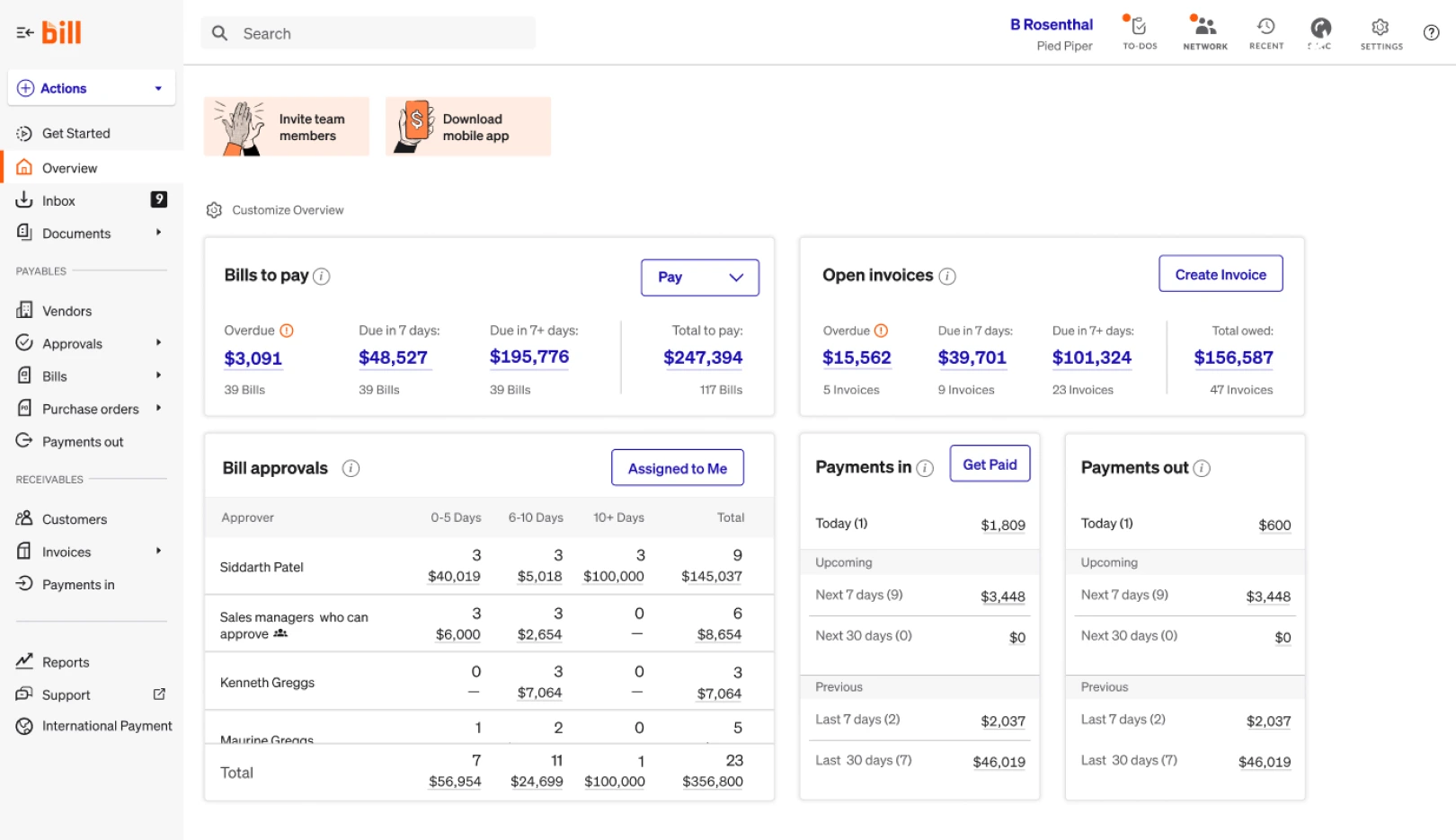
LayerNext is an AI agent platform built to automate the full accounts payable workflow across any ERP, including the legacy and desktop systems that other AP tools cannot connect to. Its agents read messy supplier invoices, validate the data, match against purchase orders, route for approval, and post directly into the ERP. The agent does the work; the finance team approves it.
What sets LayerNext apart is its use of computer-use technology. Where other AP automation platforms require an API to push data into the ERP, LayerNext's agents operate the ERP the same way a human AP clerk would, by seeing the screen, typing into the right fields, and navigating the application. This means LayerNext works with ERPs that have no public API: Epicor Eagle, QuickBooks Desktop, Sage on-prem, Microsoft Dynamics legacy versions, and custom in-house ERPs. If a human can use it, the agent can automate it.
LayerNext is built for mid-market and enterprise finance teams that have outgrown SMB AP tools but cannot move to a fully cloud-native ERP. It is especially strong for distributors, manufacturers, and multi-entity operators with high invoice volume and messy supplier documents.
Every workflow includes human approval checkpoints and a full audit trail. AP teams stay in control, and finance leadership gets a clean record of every action the agent took.
Features:
- Full AP workflow automation: capture, validation, PO matching, GL coding, ERP posting, and approval routing
- Computer-use agents that operate any ERP, including legacy and desktop systems with no API
- Handles messy, non-standard, and inconsistent supplier invoices
- Built-in human approval gates and complete audit trail
- Custom workflow rules, GL structures, and approval chains
- Real-time bank reconciliation and exception handling
- CFO-level reporting and cash flow visibility
- Enterprise security: encryption, data isolation, SOC 2-aligned practices
Pricing: Starting from $79
Complexity: Medium (guided onboarding)
Free Account: 7 day free trial available
2. Tipalti
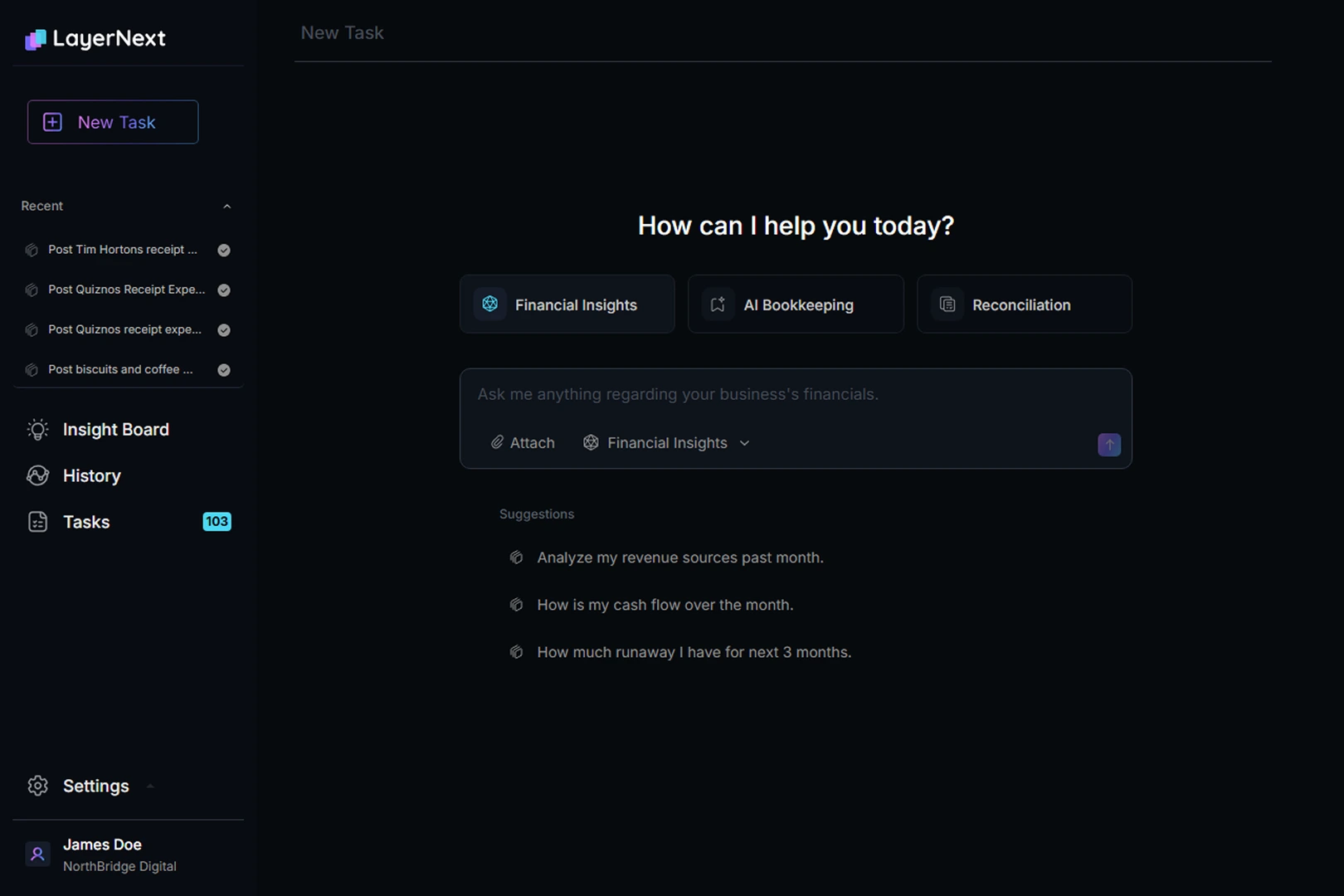
Tipalti is a global AP and mass payments platform built for finance teams that pay suppliers in many countries and currencies. Its strengths are supplier onboarding, tax compliance (W-8, W-9, VAT), and payment execution across 196 countries and 120 currencies. For companies whose AP pain is fundamentally about cross-border payments and supplier management at scale, Tipalti is one of the strongest options in the market.
On the invoice automation side, Tipalti offers OCR-based invoice capture, approval workflows, and PO matching, but the platform is built around clean, structured invoices and modern cloud ERPs. It integrates with NetSuite, Sage Intacct, QuickBooks Online, Xero, and similar systems. Companies running legacy desktop ERPs will find Tipalti difficult or impossible to deploy.
Tipalti is best suited for mid-market and enterprise companies with significant international supplier payments, particularly in tech, marketplaces, and digital media. It is overkill for domestic-only AP and underpowered for messy-invoice environments.
Features:
- Global payments in 120+ currencies and 196 countries
- Supplier self-service onboarding and tax form collection
- OCR-based invoice capture and approval workflows
- Multi-entity and multi-subsidiary support
- Fraud detection and payment validation
- Integrations with NetSuite, Sage Intacct, QuickBooks Online, Xero
Pricing: Platform fee from ~$149/month, with additional fees based on transaction volume; total annual cost typically $20K-$45K
Complexity: High (implementation often 8-16 weeks)
Free Account: No; demo required
3. Bill
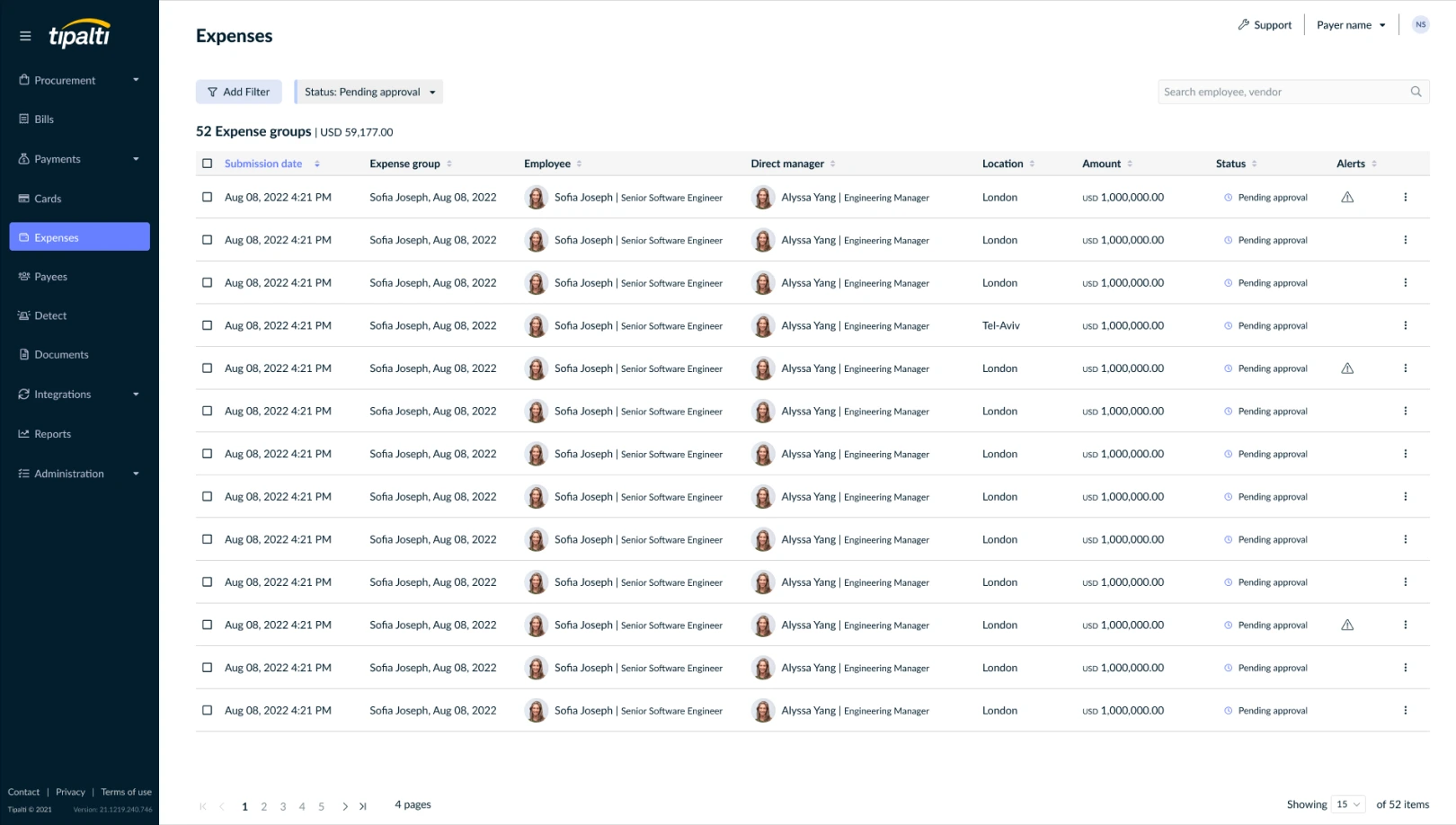
Bill is one of the most widely used AP and AR platforms in North America, with a large vendor payment network and broad accountant adoption. It automates bill capture, approvals, and payments for small and lower mid-market businesses, and is particularly common among companies running QuickBooks Online and Xero.
Bill's strengths are its vendor payment network and ease of setup. Its limitations show up as companies grow: per-user pricing creates friction when approval chains expand, the platform is built around clean invoices, and it requires a modern cloud ERP. For finance teams above $50M revenue with legacy ERPs or complex AP workflows, Bill is usually outgrown rather than chosen.
Features:
- Invoice capture and approval workflows
- Domestic and international vendor payments
- Large vendor payment network for ACH, check, and card payments
- Two-way sync with QuickBooks Online, Xero, NetSuite, Sage Intacct
- Mobile approvals and remote workflow support
Pricing: From $45 to $79 per user per month; custom enterprise pricing
Complexity: Low to medium
Free Account: Free trial available
4. Stampli
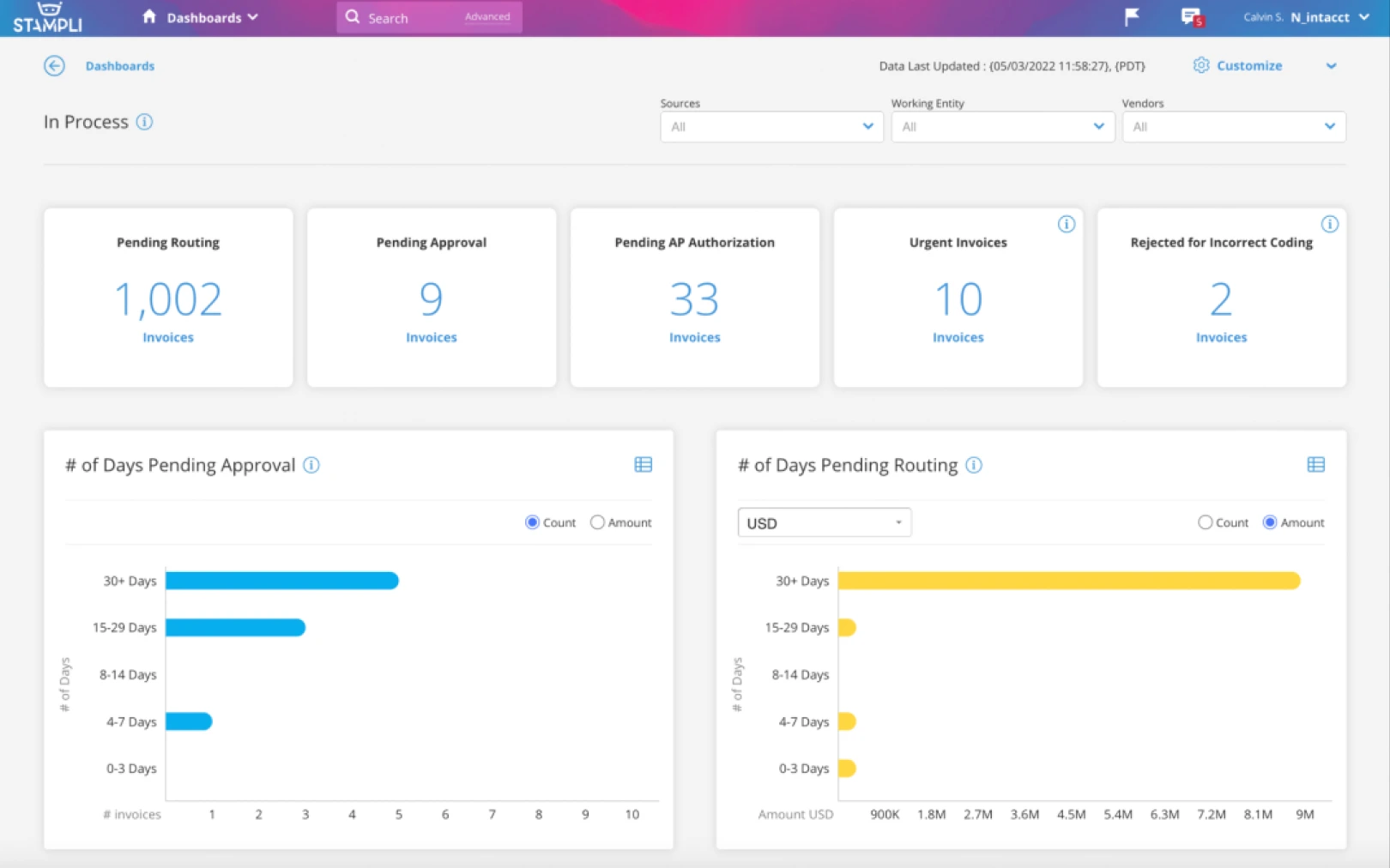
Stampli is an AP automation platform organized around invoice-centric communication. Every conversation, question, approval, and document lives on the invoice itself, which makes it easier for AP teams, approvers, and budget owners to collaborate without losing context in email threads. Its AI assistant, Billy the Bot, handles GL coding suggestions, duplicate detection, and approval routing.
Stampli connects with 70-plus ERPs and accounting systems through API integrations, including QuickBooks, Xero, NetSuite, Sage Intacct, and Microsoft Dynamics. For legacy or fully desktop ERPs without an API, integration is limited or unavailable.
Stampli is a strong fit for mid-market companies whose AP pain is approval coordination across many stakeholders, particularly in healthcare, construction, professional services, and manufacturing.
Features:
- Invoice-centric collaboration: comments, approvals, and questions live on the invoice
- Billy the Bot AI for GL coding, duplicate detection, and routing
- Multi-level approval workflows by amount, department, vendor, or GL
- 2-way and 3-way PO matching
- Stampli Direct Pay for ACH, check, wire, and card payments
- 70+ ERP integrations
Pricing: Custom; typically positioned around $60-$90 per user per month based on buyer reports
Complexity: Medium
Free Account: No; demo required
5. Ramp
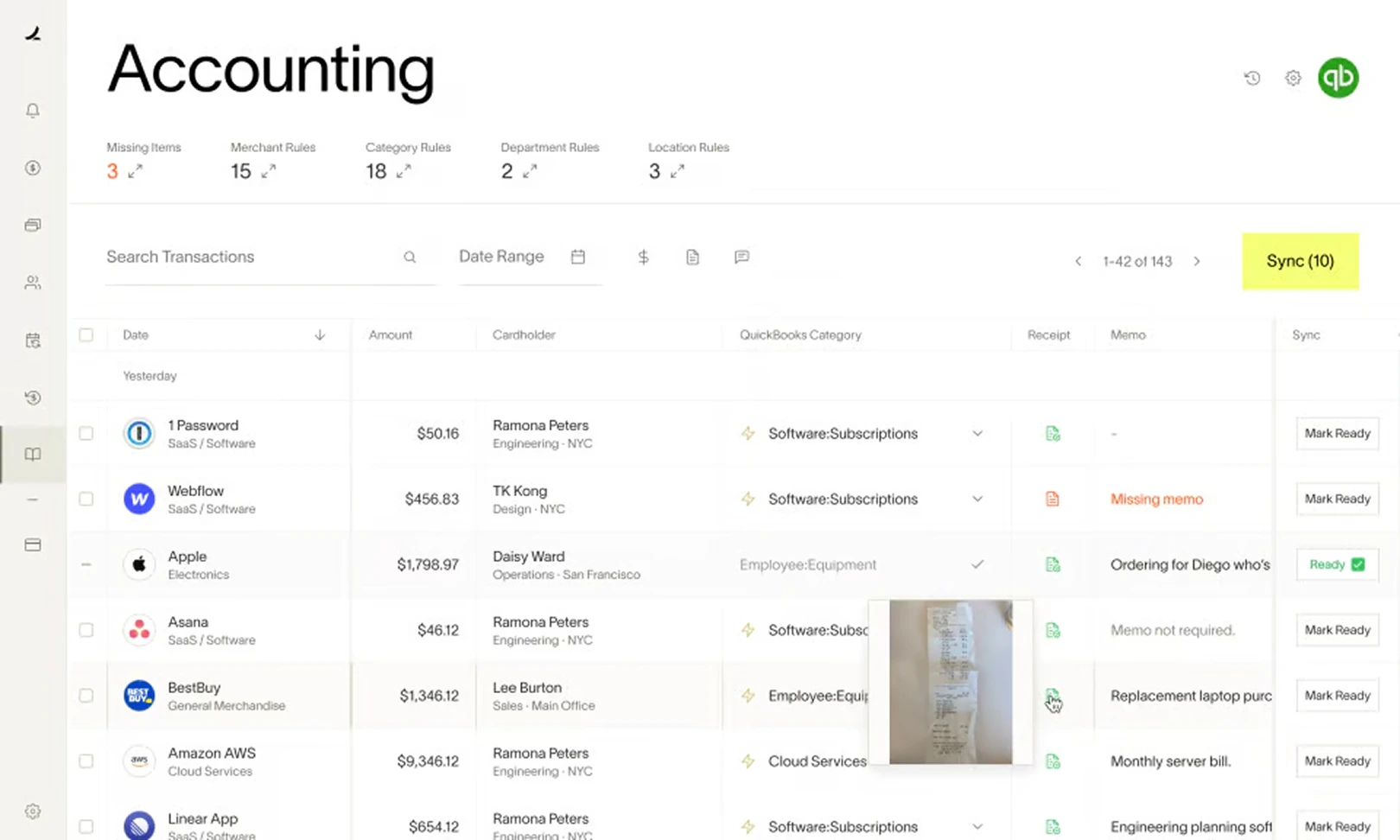
Ramp started as a corporate card and spend management platform and has expanded into AP automation, expense management, procurement, and treasury. Its AP product, Ramp Bill Pay, is bundled with the core platform and is available on a free tier, which makes it one of the most cost-effective options in the market for growth-stage companies.
Ramp's strengths are its modern user experience, AI-driven spend controls, and a unified view of cards plus AP plus expenses. Its limitations are similar to Bill's: the platform is API-first and built for modern cloud accounting systems. Companies on legacy ERPs cannot use Ramp Bill Pay effectively.
Ramp is the natural choice for venture-backed and growth-stage companies that want their corporate cards, expense management, and AP automation in a single platform.
Features:
- Invoice OCR, approval workflows, and vendor payments
- Integrated corporate cards and expense management
- AI-driven spend controls and policy enforcement
- Integrations with QuickBooks Online, Xero, NetSuite, Sage Intacct
- Real-time spend reporting and analytics
Pricing: Free tier for core AP features; Ramp Plus at $15 per user per month; enterprise custom pricing
Complexity: Low
Free Account: Yes, free plan available
6. Vic.ai
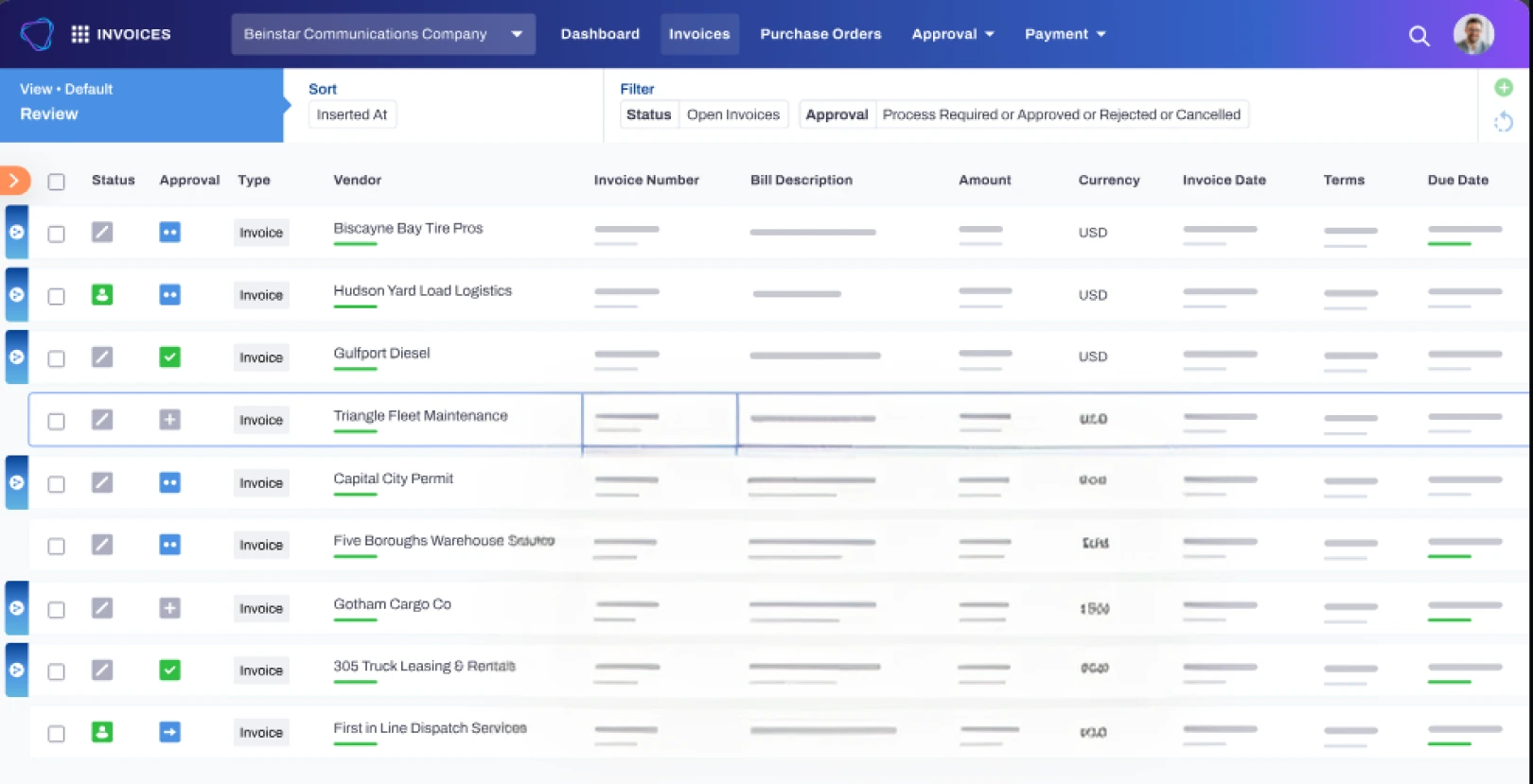
Vic.ai is an autonomous invoice processing platform built for large enterprises with very high invoice volume. It uses purpose-built AI models trained on hundreds of millions of invoices to capture, validate, and code invoices with minimal human intervention. Where most AP tools require touching every invoice, Vic.ai pushes for true straight-through processing.
Vic.ai is API-first and integrates with major enterprise ERPs including NetSuite, Sage Intacct, Microsoft Dynamics, Oracle, and SAP. It is best suited for finance teams processing tens of thousands of invoices per month and willing to invest in implementation and change management. Like other modern AP tools, it cannot operate ERPs that lack an API.
Features:
- Autonomous invoice capture and GL coding
- Continuous learning from historical invoice and approval data
- PO matching and exception handling
- Approval workflows and audit trail
- Enterprise ERP integrations: NetSuite, Sage Intacct, Microsoft Dynamics, Oracle, SAP
Pricing: Custom enterprise pricing; not publicly listed
Complexity: High
Free Account: No; demo required
AP Automation for Legacy and Desktop ERPs
The single largest gap in the AP automation market is coverage for ERPs without a modern API. Every major AP automation vendor outside LayerNext assumes the ERP exposes a public API ready to receive invoice data. For mid-market distributors, building-materials supply, manufacturers, and multi-location operators, that assumption is often wrong.
Common ERPs in these segments have no usable API, or have one too limited to support direct invoice posting:
- Epicor Eagle: widespread across building supply, hardware, and lumber distributors. No public API for AP posting.
- QuickBooks Desktop: still common in operational businesses up to $50M revenue. Cloud connectors are limited.
- Sage 100 / Sage 300 on-premises: broad adoption across distribution and manufacturing.
- Microsoft Dynamics GP and SL legacy versions: still running in finance departments that did not migrate to Business Central or D365.
- Custom in-house ERPs: every distributor over 20 years old has one.
Computer-use agents change the integration model. Instead of connecting through an API, the agent operates the ERP at the interface layer. It opens the AP entry screen, types the vendor, posts the invoice, attaches the document, applies the GL code, and saves. The same way a human AP clerk does it, only faster and without the keying error rate. This is the only AP automation approach today that works on no-API ERPs, and it is the core of why LayerNext exists.
AP Automation Pricing in 2026
AP automation pricing falls into five distinct models. Understanding which one applies to a tool matters more than the headline price.
When comparing total cost, factor in implementation, change management, and the cost of every invoice that still requires manual handling because the tool could not finish the workflow. The lowest-sticker tool is rarely the lowest total cost.
AI-Powered AP Automation: What Actually Changed
The AP automation category has gone through four generations:
- OCR (2010s): read invoice fields with template matching. Worked on clean invoices. Broke on anything new.
- RPA (mid-2010s): scripted bots that clicked through ERP screens. Powerful when stable, brittle on any change.
- AI / ML-based AP (late 2010s): reasoning about messy data, learning from corrections. Eliminated most template setup.
- Computer-use agents (2024 onward): AI that operates any software the way a human does, including ERPs with no API. The first generation that closes the workflow on legacy systems.
AI-powered AP automation does two things the prior generations could not. It handles messy supplier invoices without needing a template per supplier. And it adapts when an invoice arrives with missing fields, inconsistent layouts, or supplier-specific quirks. Computer-use agents add a third capability: they operate the ERP itself, not just extract data and hand off.
For finance teams evaluating AI-powered AP automation in 2026, the right test is not the OCR accuracy claim on a demo deck. It is whether the system actually finishes the work in your ERP, on your suppliers, in your environment.
How to Choose the Right AP Automation Tool
Three factors decide the right AP automation software for a given finance team. ERP environment is the biggest one, because it filters out most of the market before the decision even begins.
Match by ERP type:
- Modern cloud ERP (NetSuite, Sage Intacct, QuickBooks Online, Xero): every tool in this comparison can connect. Decide on workflow, pricing, and payment needs.
- Legacy or desktop ERP (Epicor Eagle, QuickBooks Desktop, Sage on-prem, Dynamics legacy, custom): LayerNext is the only platform built to operate without an API.
- Large enterprise ERP (Oracle, SAP, full D365): Vic.ai, Tipalti, and LayerNext can all participate. Choice depends on invoice volume and workflow scope.
Match by invoice volume:
- Under 1,000 invoices per month: Bill or Ramp are usually sufficient.
- 1,000 to 10,000 invoices per month: Stampli, LayerNext, or Tipalti depending on your ERP and approval complexity.
- 10,000+ invoices per month: Vic.ai (modern ERPs) or LayerNext (any ERP).
Match by team profile:
- Approval-heavy AP team across many departments: Stampli's invoice-centric collaboration model fits.
- Global supplier payments as the core pain: Tipalti.
- Bundled cards plus AP for a growth-stage company: Ramp.
- Messy invoices, legacy ERPs, high volume, multi-entity: LayerNext.
Why LayerNext stands out
- Computer-use agents that work with any ERP, including legacy and desktop systems
This is the most important difference between LayerNext and the rest of the AP automation market. Every other tool in this comparison requires a modern, API-accessible ERP. LayerNext's computer-use agents operate the ERP the same way an AP clerk would, which means LayerNext can automate AP on Epicor Eagle, QuickBooks Desktop, Sage on-prem, Microsoft Dynamics legacy versions, and custom in-house ERPs that no other vendor can touch. - Completes the full AP workflow, not just invoice capture
Most AP tools stop at data extraction and approval routing, then push the result back to a person or a connector for the last mile. LayerNext takes the invoice from arrival to ERP posting end-to-end, including validation, PO matching, exception handling, GL coding, and the actual entry into the accounting system. - Built for messy, non-standard supplier invoices
Most AP tools work well on the 60-70 percent of invoices that arrive in clean, expected formats. The remaining 30-40 percent, the messy long tail, is where AP teams still spend most of their time. LayerNext's agents are built to reason about invoices that do not match a template, including handwritten notes, inconsistent layouts, missing fields, and supplier-specific quirks. - Human-in-the-loop approval and full audit trail
AI can move fast, but finance needs control. LayerNext stages every invoice for human review before posting and keeps a complete record of every action the agent took. For controllers and CFOs, this is what makes AI safe to adopt in a regulated, audit-driven environment. - Built for mid-market and enterprise scale, not SMB
Unlike per-user SaaS tools that scale poorly when approval chains grow, LayerNext is priced and built for high invoice volume and complex approval workflows. Finance teams can add approvers, locations, entities, and GL structures without watching their software bill triple.
Key takeaways
- AP automation has moved beyond OCR and RPA into AI agents that can complete the full workflow
- The biggest unsolved problem in the market is AP automation for ERPs with no API; almost every modern tool requires a cloud-native, API-accessible system
- LayerNext leads in computer-use AP automation, working with legacy and desktop ERPs that other tools cannot touch
- Tipalti is strongest for global payables and mass payments
- Bill suits SMB and lower mid-market companies on cloud accounting systems
- Stampli is built around invoice-centric collaboration for mid-market AP teams
- Ramp is the right pick for growth-stage companies wanting AP bundled with corporate cards
- Vic.ai is built for very high invoice volume in large enterprises with modern ERPs
- The right tool depends on your ERP environment, invoice complexity, and team size
Conclusion
AP automation in 2026 is not a single category. It is a set of overlapping solutions, each built for a specific kind of finance team. For finance leaders evaluating their options, the most important question is no longer "which tool has the best OCR?" It is "which tool can actually finish the workflow in our environment?"
For mid-market and enterprise teams running modern, cloud-native ERPs, several tools in this list can do the job. For teams running legacy or desktop ERPs, messy supplier invoices, and high invoice volume, LayerNext is the only platform built to complete the full AP workflow end-to-end. Its computer-use agents work where APIs do not exist, and its human-approval design keeps finance teams in control.
If you want to see what AP automation looks like on your hardest invoices, in your actual ERP, the fastest way is a scoped pilot. Send us your 50 messiest supplier invoices and we will show you how many our agents can process, validate, and prepare for ERP posting, end-to-end.
Best AP Automation Tools FAQ

.webp)