
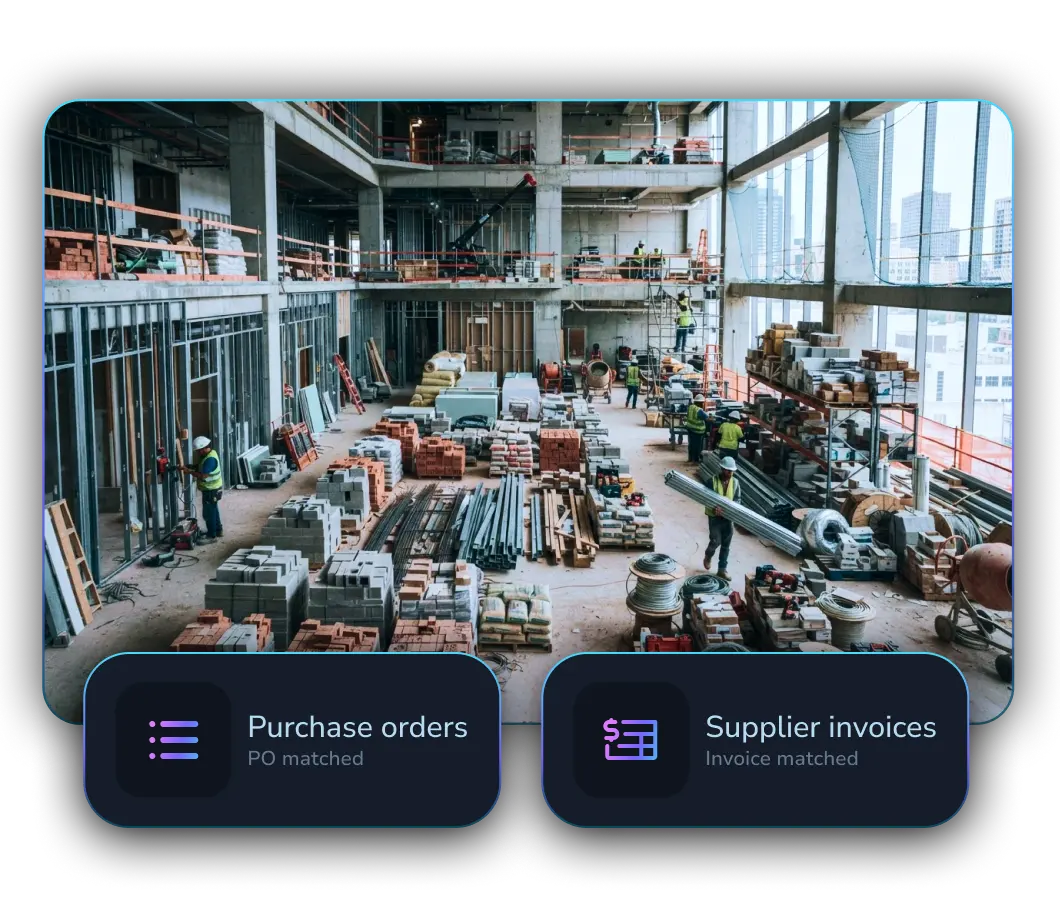
AP Automation for Building Material Suppliers

LayerNext automates AP, reconciliation, and reporting for building-material companies operating multiple locations, complex purchasing, and specialized ERP systems.

Accounts Payable Automation for Building Material Distributors
Many locations
Central oversight with branch-level rules
Detailed purchases
Match products, receipts, freight, and credits
Specialized ERPs
Operate systems that modern integrations cannot reach

Built for companies like yours

LayerNext adapts the same finance agent platform to the operating context, documents, approvals, and systems used across these businesses.

Lumber & Supply
Yard-level approvals, product-heavy invoices, receipts, delivery charges, and branch ERP entry.
Roofing & Siding
Supplier volume, freight and surcharge differences, credits, and location-specific workflows.
Concrete & Aggregates
Ticket-based activity, delivery evidence, quantity differences, and project or location coding.
Doors & Windows
Made-to-order products, deposits, purchase orders, project context, and supplier documentation.
Hardware & Tools
Large catalogs, detailed item lines, multiple branches, receiving activity, and vendor credits.

Automate across decentralized, high-volume finance

Building-material businesses combine branch autonomy, supplier volume, freight, job and customer context, receiving differences, and purpose-built ERPs. LayerNext executes within those realities.

Branch ownership
Route invoices, approvals, and exceptions to the responsible yard or location.
Supplier complexity
Handle detailed products, partial receipts, credits, freight, and pricing differences.
Specialized systems
Automate industry ERP workflows without waiting for new APIs or replacement projects.

A shared finance layer for every location

LayerNext centralizes visibility while preserving local approval responsibility, company rules, supplier context, and system procedures.

Identify
Determine the company, branch, supplier, PO, receiver, and required approver.
Validate
Check document details, receipts, freight, credits, and configured tolerances.
Route
Send approvals or exceptions to the correct location with supporting evidence.
Complete
Post approved work in the ERP and maintain central operating visibility.

Built for building-material finance teams

Location Routing
Assign approvals and exceptions using branch, yard, company, and department context.
PO and Receipt Checks
Match supplier invoices against purchase and receiving records.
Freight Handling
Apply rules for delivery charges, surcharges, and other invoice differences.
Credit Processing
Identify and route credit documents using the correct supplier and transaction context.
Industry ERP Automation
Complete work inside specialized, desktop, legacy, and customized systems.
Central Oversight
Monitor workflow performance and exceptions across all operating locations.

Works across the systems you already use

LayerNext agents operate across legacy ERPs, desktop applications, cloud platforms, and custom finance systems without forcing a replacement project.

LayerNext  Logo SVG
Epicor Logo SVGNetsuite Logo SVGMicrosoft Dynamics 365 Logo SVG
Legacy ERP Systems
Integrate with legacy ERPs like Epicor, NetSuite, Microsoft Dynamics 365, Sage.
QuickBooks Logo SVG
Desktop Applications
Automate QuickBooks Desktop and other desktop-based finance systems
Xero Logo SVGSage 100/300  Logo SVGFreshbooks Logo SVGSAP Logo SVG
Cloud Finance Platforms
Connect with cloud finance platforms like QuickBooks and Xero and modern systems.
S3 Logo SVGGoogle Cloud Logo SVG
Custom Systems & Workflows
Connect databases, spreadsheets, and custom business applications across your organization.

Central control with local operating context

LayerNext helps finance leaders standardize execution across the company without removing the branch knowledge required to make accurate decisions.

Branch-level routing

Freight and credits

Supplier matching

Specialized ERP support

Automate the manufacturing finance workflow

Bring one invoice type with difficult matching or system steps.

Talk to Sales