Summary
Most teams do not leave AvidXchange because AP automation failed them. They leave for one specific reason: a payment network that pushes fees onto their suppliers, pricing that climbs with volume, or an ERP that the platform never fit well in the first place. The problem is that almost every "AvidXchange alternatives" list answers that specific reason with the same five generic names, without asking which of those problems you are actually trying to solve.
This guide fixes that. Below are nine AvidXchange alternatives, each matched to the company size, ERP, and payment model it actually fits, plus one variable that most comparison pages skip entirely: whether the tool can run on the ERP you already have without an API or a migration.
- The switching decision that matters most is ERP compatibility, not feature count. A tool that cannot connect to your ERP recreates the exact problem you are leaving.
- Pricing across this category is quote-based and volume-sensitive. AvidXchange itself averages roughly $6,200 per year according to Vendr transaction data, with implementation and per-transaction payment fees on top.
- Supplier payment economics are the hidden cost. AvidXchange charges suppliers a per-transaction fee on its AvidPay Direct enhanced deposit option, which is the single most common vendor complaint.
- One alternative in this list, LayerNext, answers that compatibility question with a straight yes for any ERP, which makes it the option for the buyer every other list ignores: teams whose system the usual tools cannot connect to.
Why teams actually leave AvidXchange
AvidXchange is a real platform with real scale. Its own filings describe more than 8,000 buyers and 75 million transactions processed in a recent year, concentrated in real estate, healthcare, education, and hospitality. Teams still leave, and the reasons are consistent across review sites.
Payment-network economics and supplier fees
The most repeated complaint is not about the software. It is about how suppliers get paid. AvidXchange's own supplier terms confirm that its AvidPay Direct enhanced deposit option carries a per-transaction fee charged to the supplier receiving the money. Vendors on Capterra and Wise's review of the AvidPay Network report feeling pushed toward virtual cards or enhanced deposit methods that carry fees they did not expect. When your suppliers absorb a cost to get paid, the friction lands back on your AP team as inbound inquiries. Ardent Partners' 2025 research found AP teams already spend 21.8% of staff time answering supplier payment inquiries, so anything that increases those calls is a direct labor cost.
Pricing opacity and contract structure
AvidXchange does not publish rate cards. Pricing is quoted per organization based on invoice volume, payment method, and the specific modules selected, and implementation fees vary with the depth of ERP integration. Third-party data gives a range: SelectHub lists a starting point near $440 per month, while Vendr's transaction data puts the average annual contract around $6,200 and the high end near $13,000. One TrustRadius reviewer summarized a common frustration, describing a shift from a one-time license to a recurring annual subscription. For a CFO modeling total cost of ownership, the variable transaction fees matter as much as the subscription line.
Where AvidXchange fits poorly
AvidXchange built dedicated products for construction and property management (TimberScan and AvidAscend), which signals where its core platform is not a natural fit. Teams running vertical or older ERPs frequently find the integration heavier than expected. Capterra and SelectHub reviews cite integration with existing accounting systems as complex and IT-intensive, and a property-management thread on Reddit that ranks for this exact search is dedicated to finding a replacement. If your system is a legacy or industry-specific ERP, that friction is the reason you are reading this page.
Where most "AvidXchange alternatives" lists fall short
Here is the part almost every comparison article gets wrong. The tools they recommend, BILL, Tipalti, Stampli, Ramp, and Medius, are strong products, but nearly all of them depend on a supported, API-connected ERP to work well. They integrate cleanly with NetSuite, QuickBooks Online, Sage Intacct, and Microsoft Dynamics because those systems expose modern APIs.
That is fine if you run one of those systems. It is a dead end if you do not. A manufacturer on Epicor, a distributor on Sage 300, a property group on a vertical ERP, or any finance team still on QuickBooks Desktop faces the same wall: the alternative they were told to buy needs an integration their ERP cannot provide. So they either fund a custom integration project, run parallel manual entry, or stay on the platform they wanted to leave. A finance team on QuickBooks Desktop does not have an API problem they can solve by switching vendors. They have an architecture problem that most vendors simply do not address.
So the real question for your shortlist is not which tool has the most features. It is simpler: does it work with the ERP you run, yes or no? That is the variable the rest of this comparison keeps in view.
9 AvidXchange alternatives compared
Each alternative below lists its best-fit company size, ERP compatibility, pricing model, one real strength, and one honest trade-off.
1. BILL (formerly Bill.com)
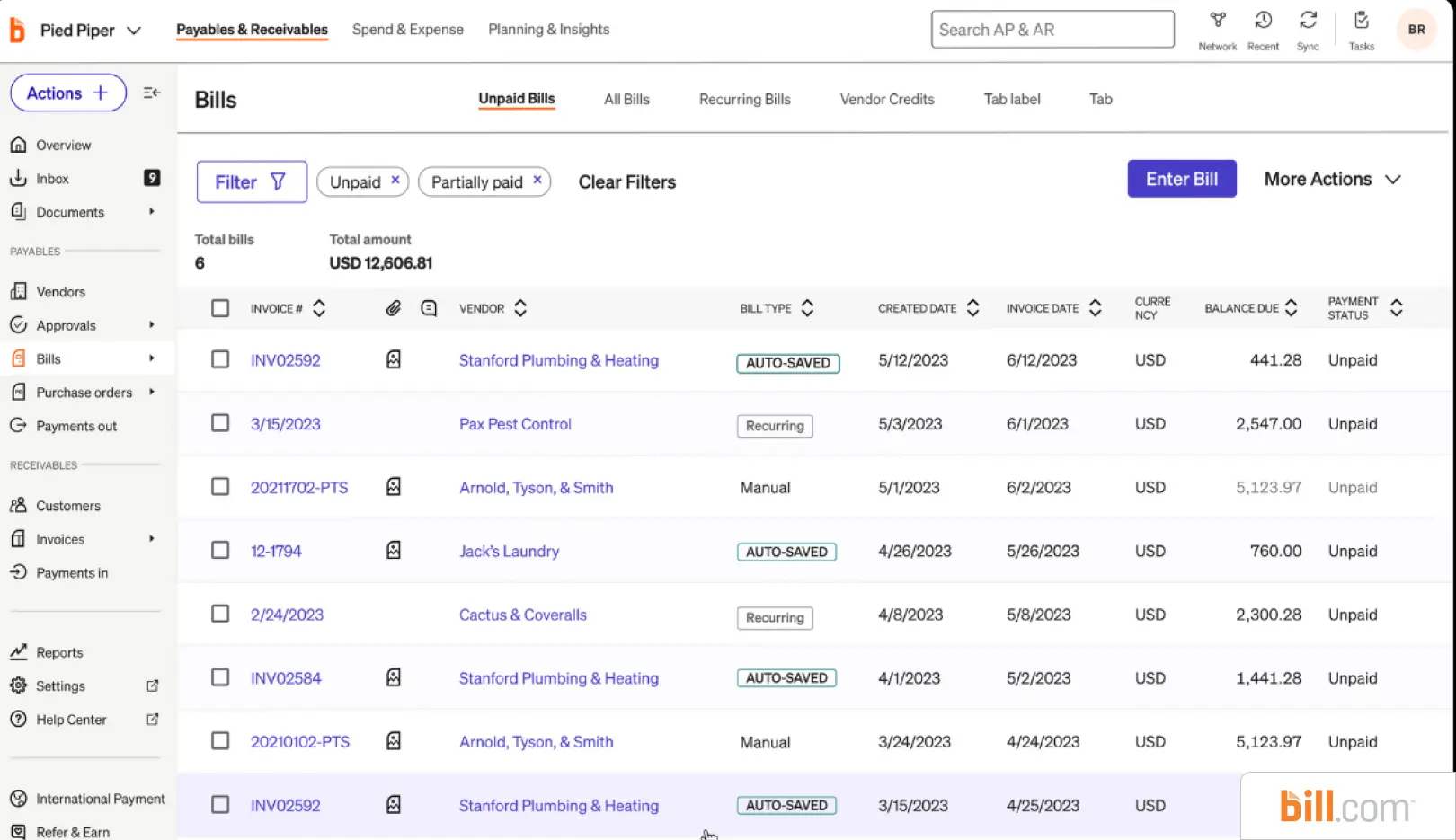
BILL is the default entry point for smaller teams because it is accessible and integrates tightly with QuickBooks and Xero. Its strength is approval routing and a large payment network. The trade-off is that it is built for volume simplicity, so complex multi-entity approvals or unusual coding rules can outgrow it quickly.
Best for : Small businesses and lean finance teams.
ERP fit: QuickBooks, Xero, NetSuite, Sage Intacct.
Features
- AI-assisted invoice capture (email-to-inbox, drag-and-drop, mobile photo upload)
- Multi-level, customizable approval workflows with role-based routing
- Payments via ACH, check, virtual card, and international wire
- Two-way sync with QuickBooks Online/Enterprise, Xero, NetSuite, Sage Intacct, Microsoft Dynamics
- Multi-entity AP for managing bills across locations/entities
- Audit trail, duplicate-payment alerts, and payment-status notifications
- AI-based fraud monitoring; SOC 1 and SOC 2 Type II certified
- Free Spend & Expense module (corporate cards, budgets, expense tracking)
- Mobile app with full approve/pay functionality
Pricing
Per-user subscription from about $45/user per month (Essentials) up to roughly $79 to $89 (Corporate), plus per-transaction fees such as about $0.59 per ACH; the Spend and Expense module is free
Complexity
Low to moderate; typical setup runs 2 to 4 weeks
Free Trial
Yes, a 30-day free trial is available for AP and AR plans
2. Tipalti
Tipalti's advantage is global mass payments, multi-currency, and supplier tax and compliance handling. If you pay hundreds of cross-border vendors, it removes real work. The trade-off is cost and setup weight: the platform fee makes it hard to justify for domestic-only teams with modest volume.
Best for : Mid-market to enterprise with international suppliers.
ERP fit: NetSuite, Sage Intacct, QuickBooks, Microsoft Dynamics via API.
Features
- Automated invoice capture, PO matching (two- and three-way), and reconciliation
- Global mass payments across 190+ countries and 120+ currencies
- Branded, white-label self-service supplier portal
- Supplier onboarding with KPMG-approved tax compliance engine (W-9/W-8, VAT)
- Automated payment reconciliation back to the ERP
- Fraud controls, policy enforcement, and role-based security
- PO requisition and spend management
- Integrations with NetSuite, Sage Intacct, QuickBooks, Microsoft Dynamics, Xero
- Add-on expense management module
Pricing
Quote-based; platform fee plus per-transaction charges, priced for mid-market and above
Complexity
High; reviewers report a longer implementation and a learning curve
Free Trial
No; demo by request
.webp)
3. Stampli
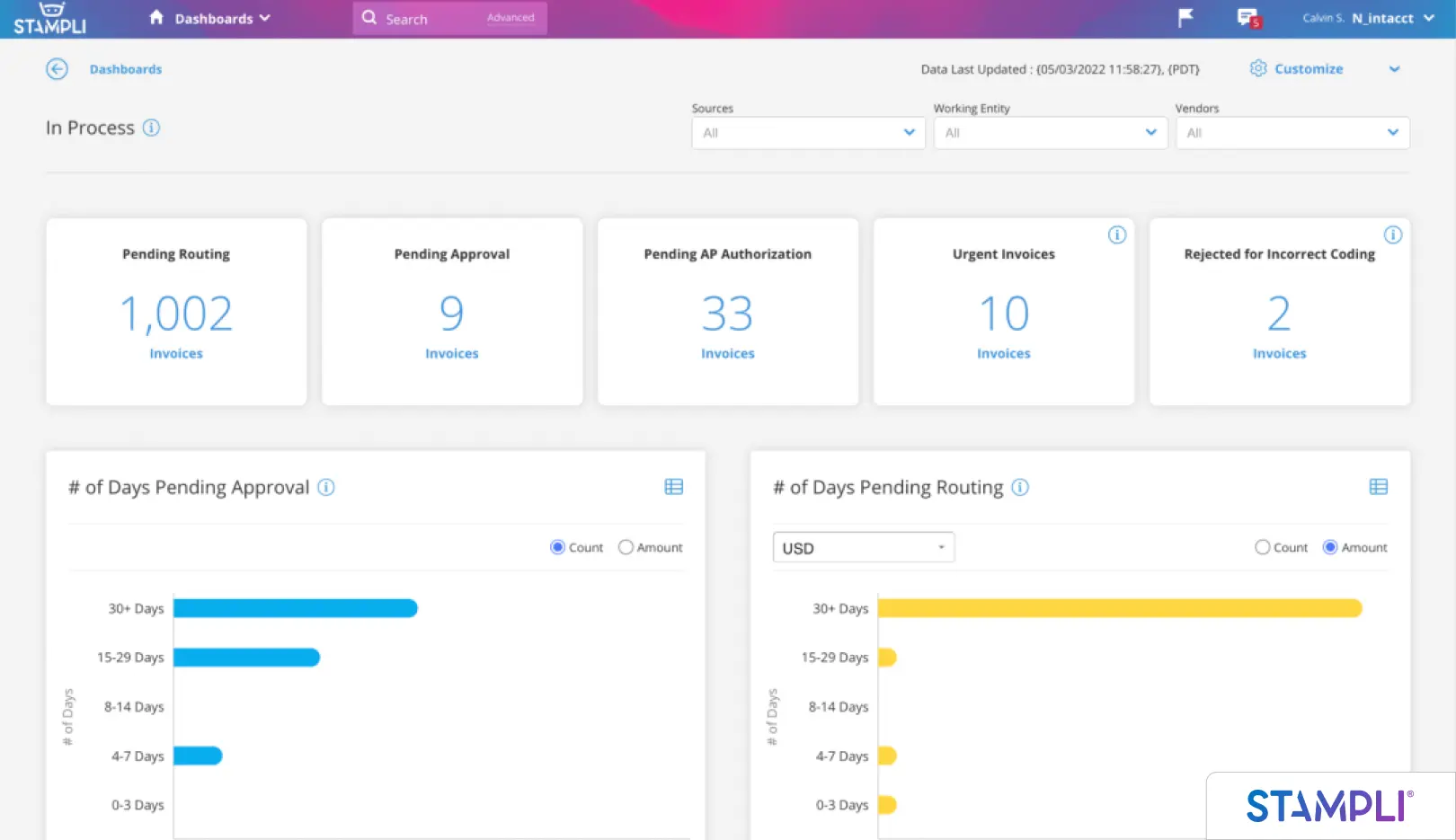
Stampli centers on the invoice itself, with AI capture, automated coding, and a communication thread on each invoice that speeds approvals. Its trade-off is that payments are an add-on rather than the core, so payment-heavy teams may need to layer a second tool.
Best for : Teams that want faster invoice coding and approvals.
ERP fit: Broad list of connectors including NetSuite, Sage Intacct, QuickBooks, Microsoft Dynamics.
Features
- AI engine ("Billy the Bot") for invoice capture, coding, and GL/PO suggestions
- Per-invoice collaboration hub keeping comments, approvals, and history on each invoice
- Automated, learning-based approval routing
- In-house-built ERP connectors (no third-party middleware)
- Integrated payments module (ACH, check, card) as an add-on
- Vendor management and supplier communication tools
- Full audit trail and searchable invoice records
- Corporate card and direct-pay options within the platform
Pricing
Quote-based, invoice-centric; request from the vendor
Complexity
Low to moderate; known for quick deployment
Free Trial
No; demo by request
4. Ramp
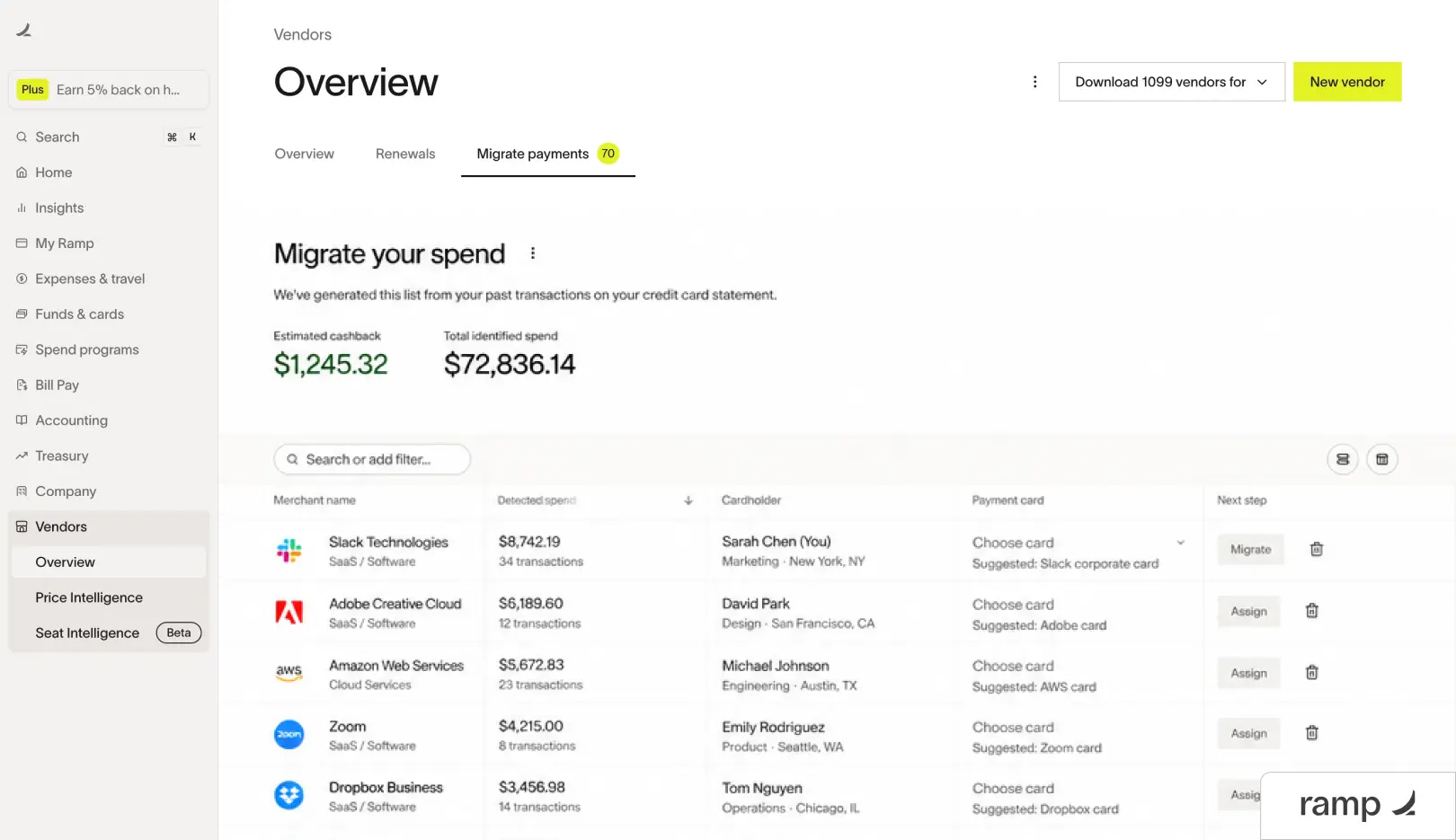
Ramp's pull is the free core AP and spend platform, which makes the entry cost near zero. The trade-off is that the model assumes a modern, API-friendly accounting stack and works best when card spend is part of the picture. Teams needing deep, ERP-specific AP controls on an older system will find it thin.
Best for: Modern SMB and mid-market teams that also want corporate cards and spend control.
ERP fit: NetSuite, QuickBooks, Sage Intacct, Xero.
Features
- Autonomous ("touchless") bill pay with AI invoice capture and coding
- Corporate cards with real-time spend controls and category limits
- Approval workflows and policy enforcement
- Expense management and receipt matching
- Vendor management and duplicate/anomaly detection
- Two-way ERP sync with NetSuite, QuickBooks, Sage Intacct, Xero
- Real-time reporting and fast close tooling
- Savings insights and price-benchmarking (AI cost optimization)
Pricing
Free core tier; Ramp Plus about $15 per user per month; enterprise by quote; revenue comes from card interchange
Complexity
Low; fast setup on modern accounting stacks
Free Trial
Not applicable in the usual sense, because the core product is free to start
5. Medius
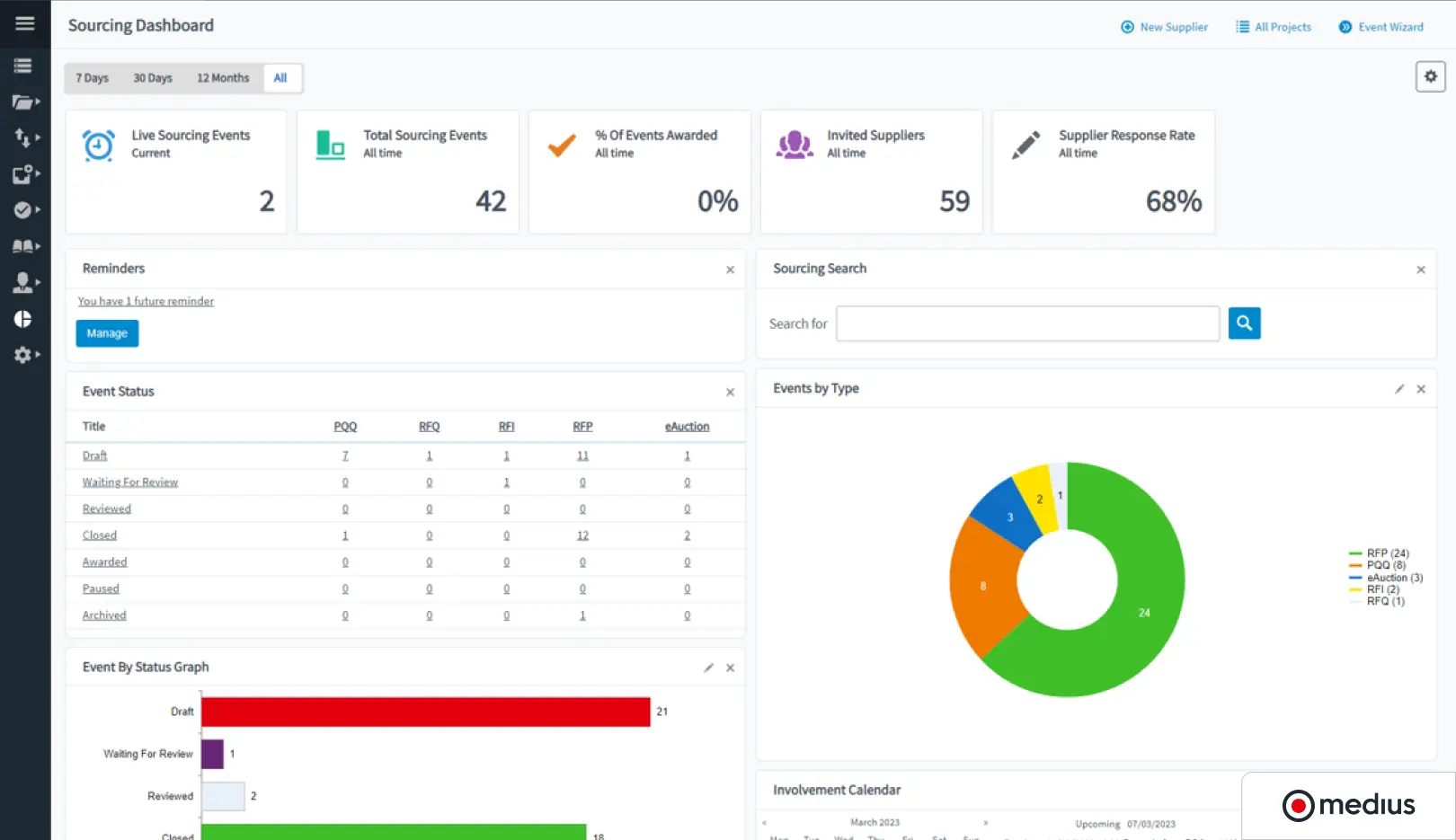
Medius is built for large-volume, multi-entity AP with strong fraud and risk tooling. It is a credible enterprise replacement for AvidXchange. The trade-off is that it is priced and scoped for enterprise, so smaller teams will find it heavier and costlier than they need.
Best for: Enterprise AP with complex approvals and fraud controls.
ERP fit: SAP, Oracle, Microsoft Dynamics, NetSuite.
Features
- AI-driven invoice capture and touchless processing
- Complex, multi-entity approval workflows
- Purchase-to-pay: procurement, PO matching, and spend management
- Dedicated fraud and risk detection (Medius Detect)
- Supplier onboarding and management
- Payments automation module
- Analytics and AP performance dashboards
- Integrations with SAP, Oracle, Microsoft Dynamics, NetSuite, and other major ERPs
Pricing
Enterprise quote
Complexity
High; scoped for large, multi-entity AP
Free Trial
No; demo by request
6. Yooz
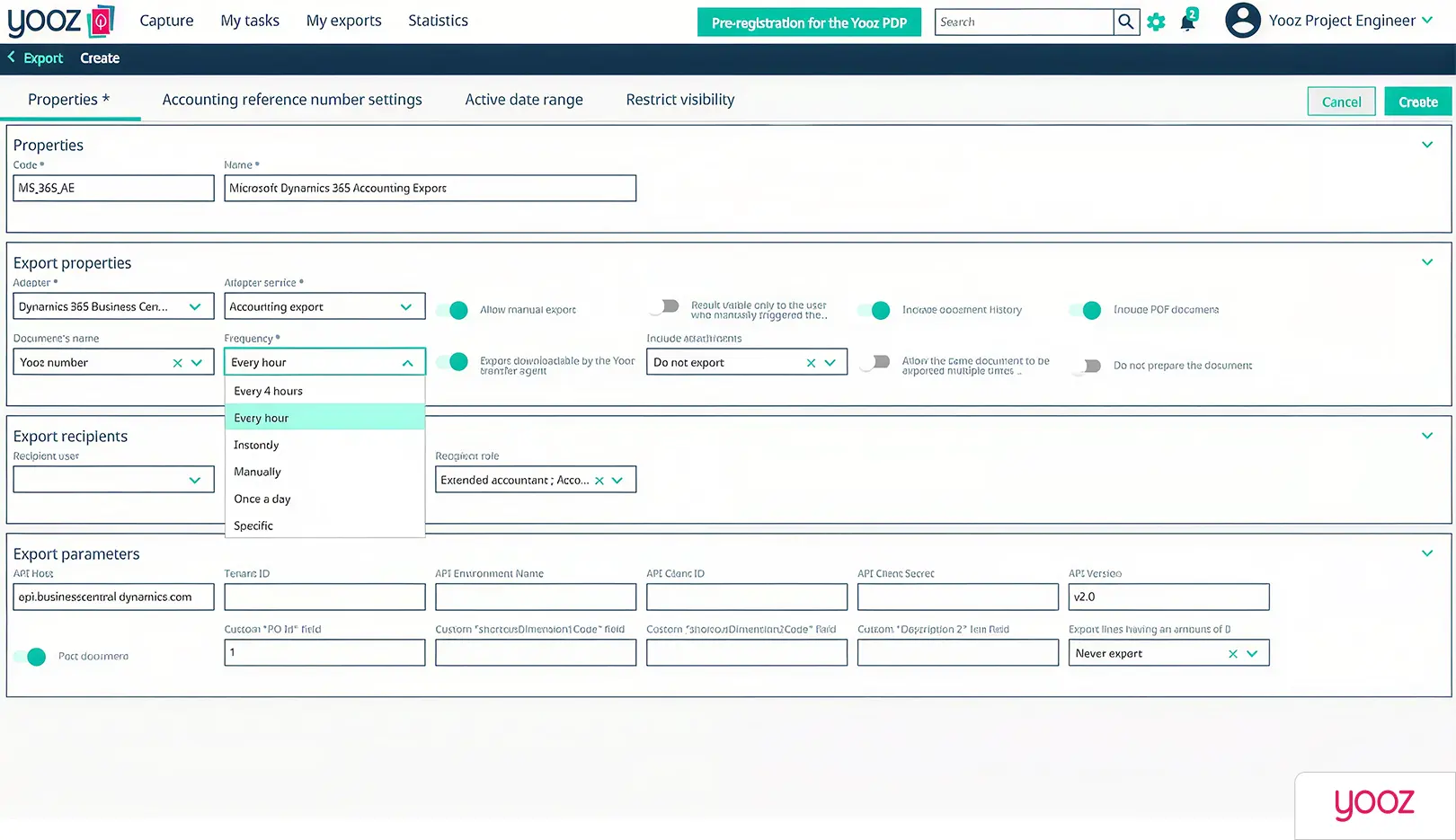
Yooz markets quick implementation and a broad integration list, which suits mid-market teams that want automation live in weeks rather than quarters. The trade-off is that very complex or highly customized workflows can bump against the limits of a templated setup.
Best for: Mid-market teams wanting fast deployment across multiple systems.
ERP fit: Wide connector library (250+ integrations).
Features
- OCR/AI omnichannel invoice capture (email, scan, upload, EDI)
- YoozSmartSplit and YoozStamp for automatic document separation
- Automated GL coding and PO/goods-receipt matching
- 250+ prebuilt ERP and accounting connectors
- Flexible, configurable workflow engine for approvals
- YoozFakeDetection fraud tools (forged-document and duplicate detection)
- Automated payment execution, including virtual card
- YoozVendorStatements for AI statement reconciliation
- Regulation-proof audit trail and legal archiving
- Google-style document search and mobile app
Pricing
Volume-based subscription from about $199 per month, unlimited users
Complexity
Moderate; some setup effort, offset by a broad connector library
Free Trial
Yes, a 15-day free trial is available
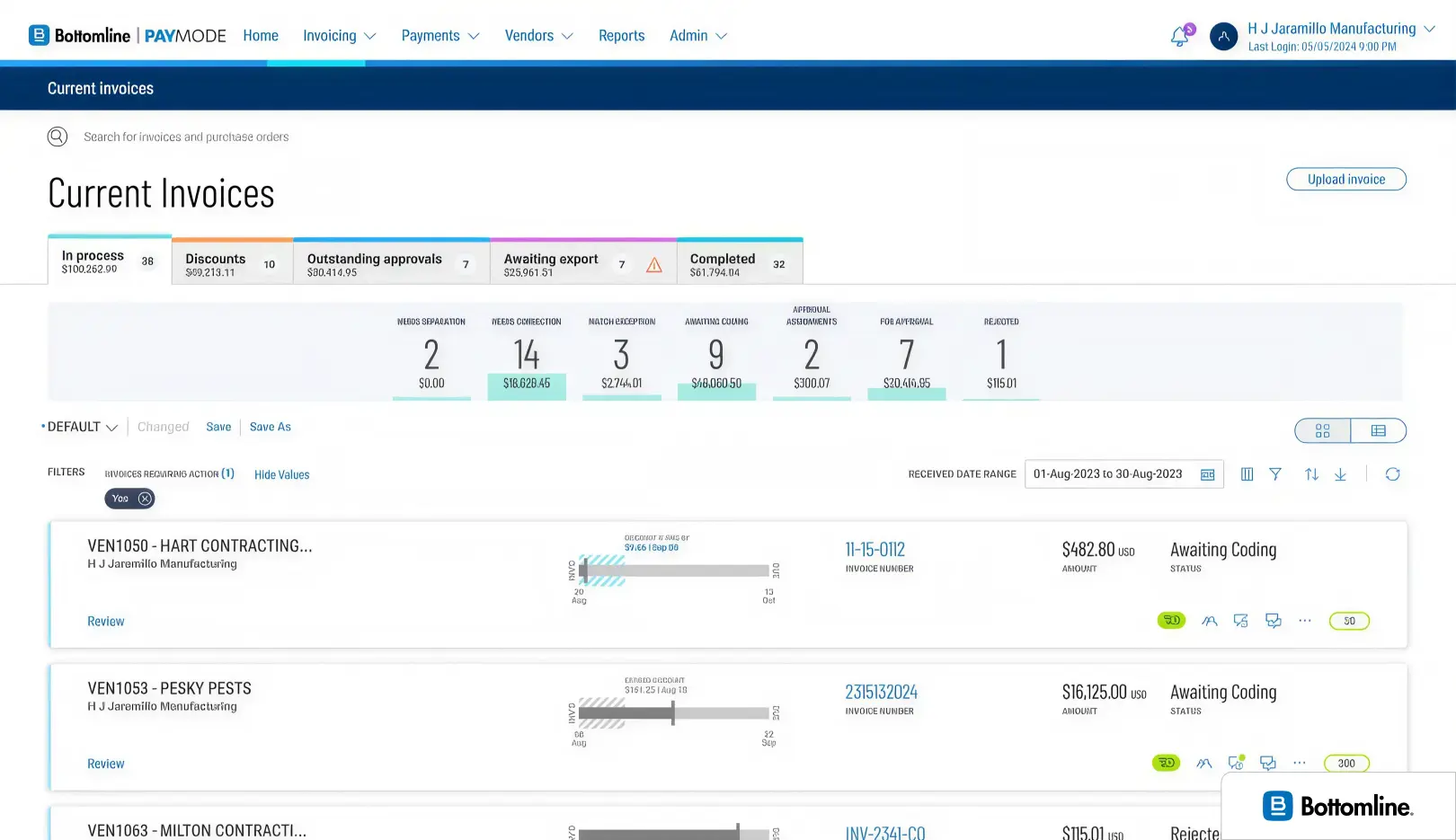
7. Nexus by Bottomline
Nexus, now part of Bottomline following its 2022 acquisition. If you manage real estate AP, its purpose-built general-ledger integrations and its supplier network on Bottomline's Paymode platform are a genuine strength. The trade-off is that its focus is the flip side of its value: outside real estate, it is not the right tool.
Best for: Real estate and property management AP.
ERP fit: Real estate systems including MRI, Yardi, and RealPage.
Features
- Real estate-specific invoice automation (index, route, approve, store)
- Electronic and paper invoice ingestion plus free supplier submission via NexusConnect
- Configurable approval workflows (region, dollar amount, GL/job code)
- Two-way integration with real estate GLs (MRI, Yardi, RealPage)
- Electronic purchase orders, online catalogs, and two/three-way matching
- Job costing and budget-vs-actual comparison
- Payments via ACH, virtual card, and outsourced check on the Paymode network, with rebates
- Supplier portal with insurance/compliance document management
- Single sign-on with the GL/ERP, mobile approvals (NexusPayables OnTheGo)
- Audit logs and role-based access controls
Pricing
Quote-based
Complexity
Moderate to high; enterprise real estate onboarding
Free Trial
No; demo by request
8. MineralTree (TotalAP)
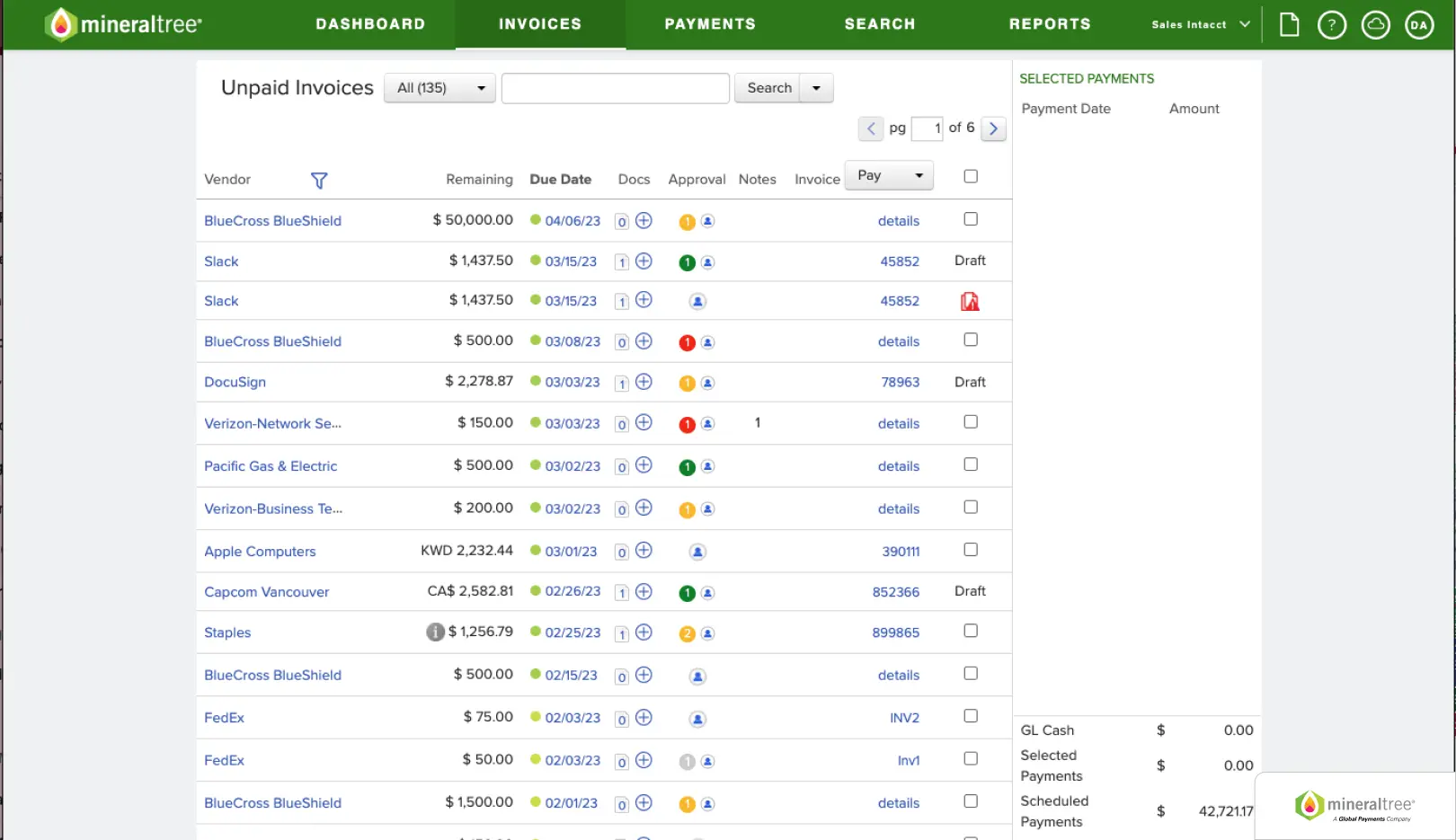
MineralTree (part of Global Payments) leads with payment execution and rebate opportunities on card payments. Its trade-off mirrors AvidXchange's: because the model leans on payment monetization, evaluate the supplier-side experience and fee exposure before committing.
Best for: Mid-market teams that want a payments-led invoice-to-pay flow.
ERP fit: NetSuite, Sage Intacct, QuickBooks, Microsoft Dynamics.
Features
- OCR invoice capture and automated data entry
- Custom approval workflows (by amount, vendor, or criteria)
- TotalPay payment engine (ACH, check, virtual card) with vendor-preference routing
- Virtual-card rebate program that turns AP into a small revenue stream
- SilverPay corporate credit cards
- Two-way ERP sync (NetSuite, Sage Intacct, QuickBooks, Microsoft Dynamics GP, Xero)
- Fraud prevention and payment security controls
- Duplicate detection and cash-flow visibility
Pricing
Quote-based; per-invoice and volume-based, payments-focused
Complexity
Moderate; some teams report a steeper multi-entity setup
Free Trial
No; demo by request
9. LayerNext
LayerNext is the outlier in this list, and deliberately so. Where your ERP exposes an API, such as QuickBooks, it connects directly; where there is no API, its computer-use agent operates the ERP the way a person would, through the existing screen. Either way, the ERP's API status stops being a blocker, which is the one requirement that disqualifies every other tool above for legacy-system teams. The trade-off is that it is an enterprise platform built around configured workflows, so it rewards teams that want to define their own rules rather than adopt a fixed template. The next section covers how that works.
Best for: Teams on any ERP, especially those on legacy, vertical, or desktop systems that other tools cannot integrate.
ERP fit: Any ERP, with or without an API.
Features
- Direct API connection when the ERP supports one; computer-use agent operating the ERP UI when it does not
- No-code, configurable workflows for any automation sequence (no development cycle)
- Plain-English, per-entity business rules the finance team edits directly, with an indexed rule engine that scales to thousands of rules
- Multi-channel invoice intake: dedicated AP inbox, on-disk bot, shared folders, cloud storage (AWS S3, Google Cloud), SQL databases, ERP retrieval
- Automated data extraction and verification per the configured workflow
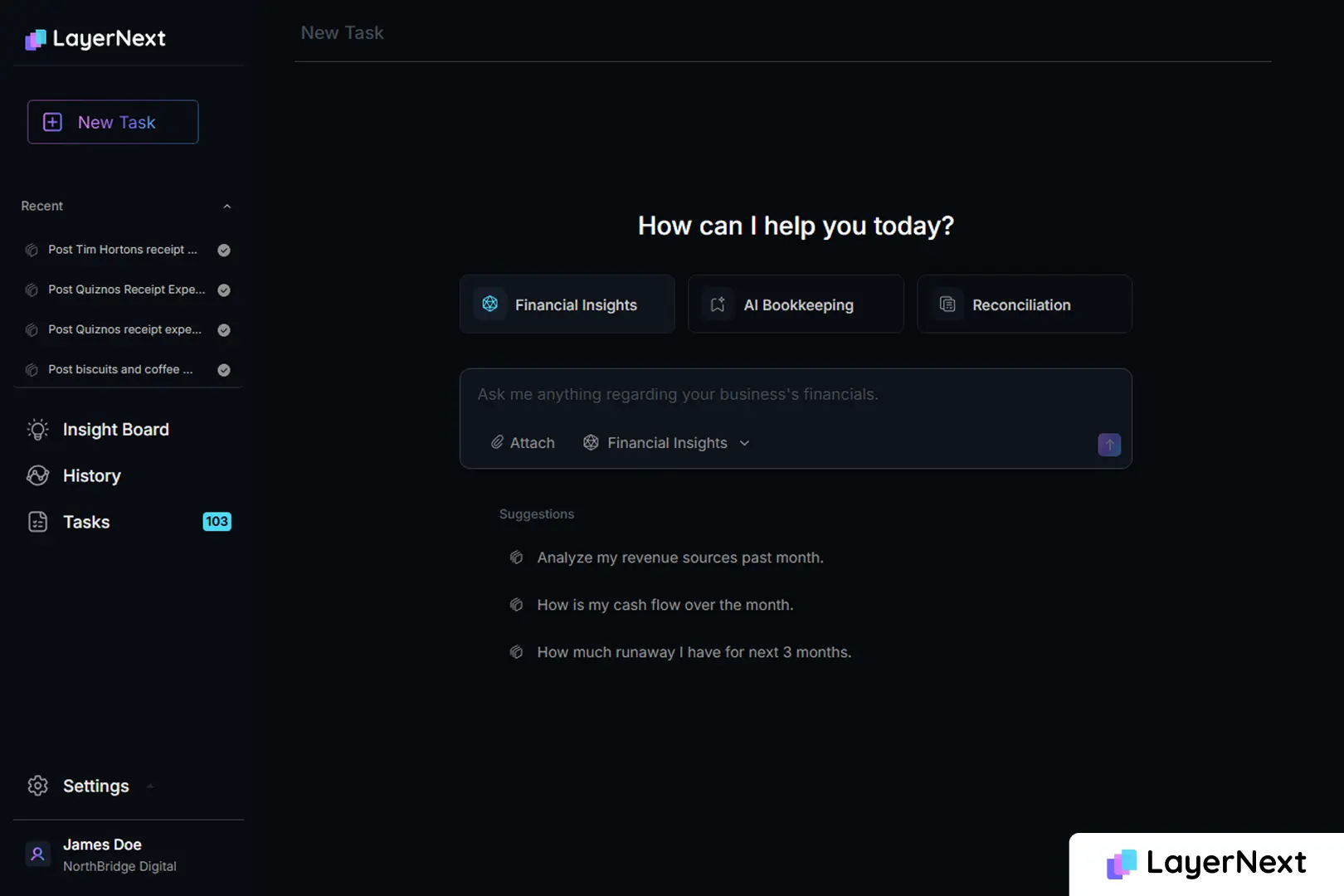
- Task-based human-in-the-loop control: exceptions become structured to-do tasks searchable by invoice number
- Full audit trail on every exception and decision
- Insight Board with real-time processing stats (processed, pending clarification)
- Single enterprise portal for all automations across the organization ([enterprise].chat.layernext.ai)
Pricing
Enterprise portal, quote-based
Complexity
Moderate; workflow configuration rather than an ERP integration project
Free Trial
Guided pilot on your own ERP by request; 7 Day Trial for Quickbooks
Comparison at a glance:
The alternative most lists miss: AP automation that runs on your existing ERP
Every tool in the comparison except one starts from the same assumption: your ERP has a supported API and you are willing to integrate against it. LayerNext does not, which is why it fits the buyer the other lists leave behind while still working for teams on modern systems.
It works with your ERP, whichever one you run
You do not need to know whether your ERP has an API to answer the compatibility question, because LayerNext handles both cases for you. When a direct API is available, such as with QuickBooks Online, it connects through that API. When there is no API, its computer-use agent operates the ERP the same way your AP clerk does, by reading and working the actual screen, so no middleware and no IT integration project is required. A team on QuickBooks Desktop, Sage 300, Epicor, or a custom in-house system gets the same automation as a team on a modern cloud ERP. The compatibility answer is yes either way, which is what determines whether legacy-ERP teams can automate at all.
Per-supplier business rules written in plain English
Exceptions are where AP automation usually breaks down. In LayerNext, the finance team writes and edits per-entity rules directly, in plain English, without waiting on a developer. A rule such as "for this supplier, flag any invoice where the tax does not match the shipping province" is entered by the person who understands the exception, not translated through an IT ticket. The rule engine indexes and retrieves the correct rule by supplier name, so the approach holds up across thousands of rules rather than a handful.
Multi-channel invoice intake
Invoices do not arrive in one place. LayerNext ingests them from a dedicated AP inbox, shared folders, cloud storage such as AWS S3 and Google Cloud, SQL databases, and direct retrieval from the accounting system. The AP team does not change how invoices arrive; the platform meets the documents where they already land.
Task-based human control with a full audit trail
When the agent needs a human decision, it creates a structured task rather than failing silently. Each exception is searchable by invoice number, so a reviewer finds the specific item in seconds and records a decision that is captured in the audit trail. Managers watch throughput on an Insight Board that shows how many invoices processed and how many are waiting on clarification. When every task reads "done," no human input is currently required. That is the control and auditability a CFO needs for board-level reporting, applied to an ERP that other tools cannot reach.
What finance teams gain by switching
The reason to switch is not novelty. It is a measurable move on three numbers that finance already tracks.
- Cost per invoice
Ardent Partners' AP Metrics That Matter in 2025 puts the all-in cost at roughly $2.88 per invoice for top-performing, highly automated teams versus about $12.88 for everyone else. Goldman Sachs has estimated manual processing near $16 per invoice for mid-sized businesses, falling under $6 with automation. The gap between those figures is the budget case. - Processing time.
The same Ardent Partners research reports that leading teams clear an invoice in about 3.1 days, against 17.4 days for the rest, with an industry average near 9.2 days. Faster clearing is what lets a team capture early-payment discounts instead of missing them. - Exception rate.
Ardent Partners pegs the invoice exception rate at 9% for top performers versus 22% industry-wide. Exceptions are the expensive part of AP, so cutting them is where automation pays for itself.
Name the trade-off honestly: automation does not remove judgment, it relocates it. Your team stops keying invoices and starts handling the smaller set of genuine exceptions. The staffing win is real, but it is a shift in the work, not the elimination of it. There is also a risk-side gain worth noting, because the Association for Financial Professionals reported that 76% of organizations faced attempted or actual payments fraud in 2025, with checks the most-targeted method. Moving payments onto tracked, rule-governed rails narrows that exposure.
How to evaluate an AvidXchange alternative
Take these five questions into any vendor call. They separate a fit from an expensive mistake.
Does it work with your ERP as it is today?
Ask directly whether the tool requires an API and what happens if your ERP does not have one. If the answer is a custom integration project, price that project as part of the deal. For legacy or desktop systems, a computer-use approach that operates the existing interface may be the only path that does not require replacing the ERP first.
Who owns the supplier relationship and the fees?
Ask how suppliers get paid and who pays for each method. If the model depends on virtual-card interchange or per-transaction supplier fees, your vendors will feel it, and their inquiries become your team's workload. Get the fee schedule in writing.
What is the total cost, including implementation and per-transaction charges?
The subscription is rarely the whole number. Add implementation, ERP integration, and per-transaction payment fees. Benchmark the result against a cost-per-invoice target using the Ardent Partners figures above so you are comparing total cost, not sticker price.
How are exceptions handled and audited?
Ask to see the exception workflow. Can a reviewer find a flagged invoice by number in seconds? Is every decision captured for audit? Board-level reporting depends on the answer being yes.
How long is implementation, and how much IT does it need?
Get a real timeline and a clear statement of the IT resources required. A platform that promises weeks but needs a quarter of developer time has a hidden cost. The lowest-IT path is usually the one that does not require your team to build or maintain an integration.
FAQ