Finance work done by AI

LayerNext AI agents automate accounts payable, bank reconciliation, and financial reporting across your existing ERP and accounting systems.

Video Thumbnail
Blue digital wave of dots and lines on a dark background representing data or technology.Blue digital wave of dots and lines on a dark background representing data or technology.

Still doing finance work manually?

The Manual Struggle

Month-end always late

Invoices still need human entry

No clear cash position

ERP work still manual

Icon Logo LayerNext

LayerNext does the work automatically.

Not another dashboard. Not another OCR tool.

AI agents do the finance work across your accounting software, ERP systems, documents, bank feeds, and legacy applications.

AP
Reconciliation
Reporting

Automate every finance workflow

Accounts Payable on Autopilot

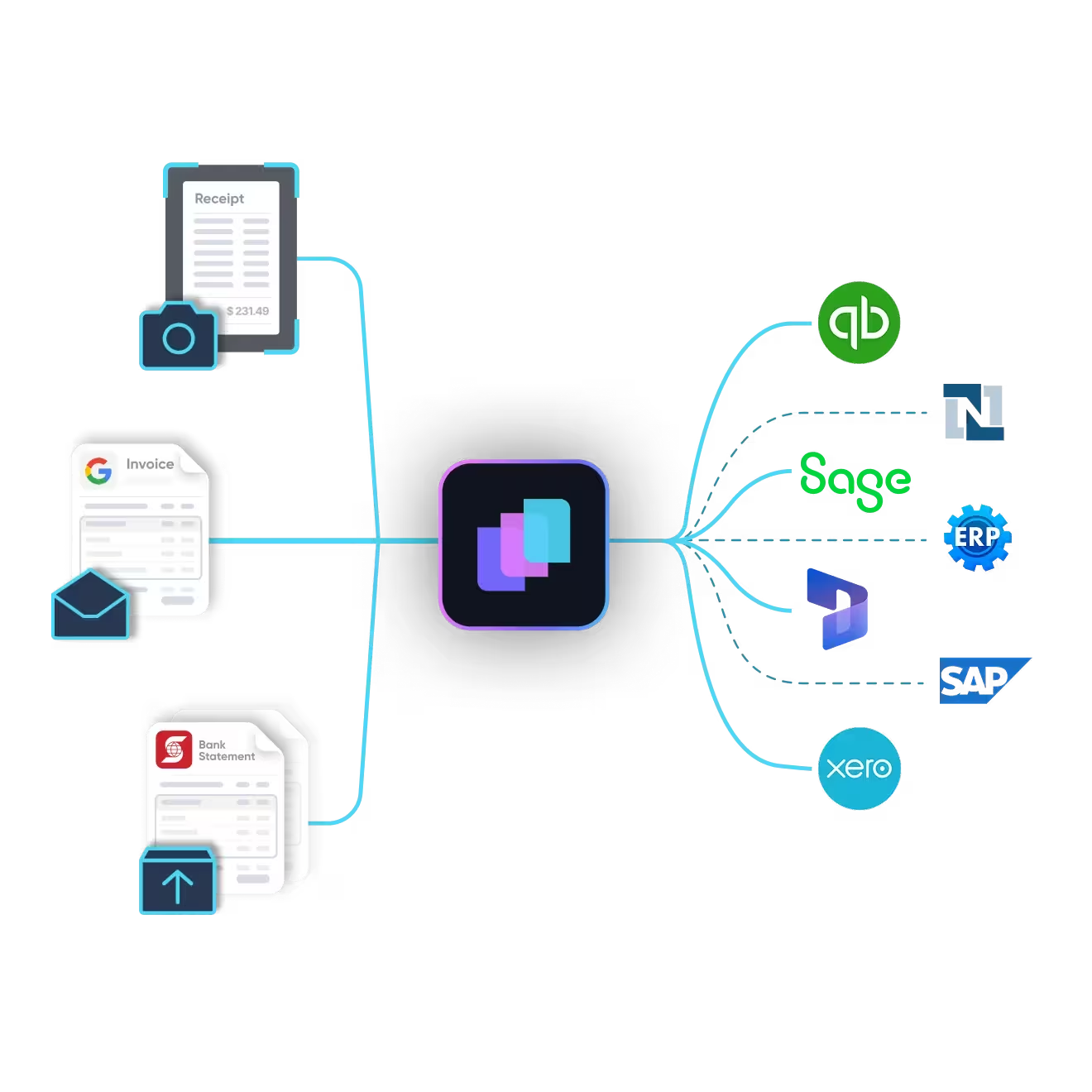
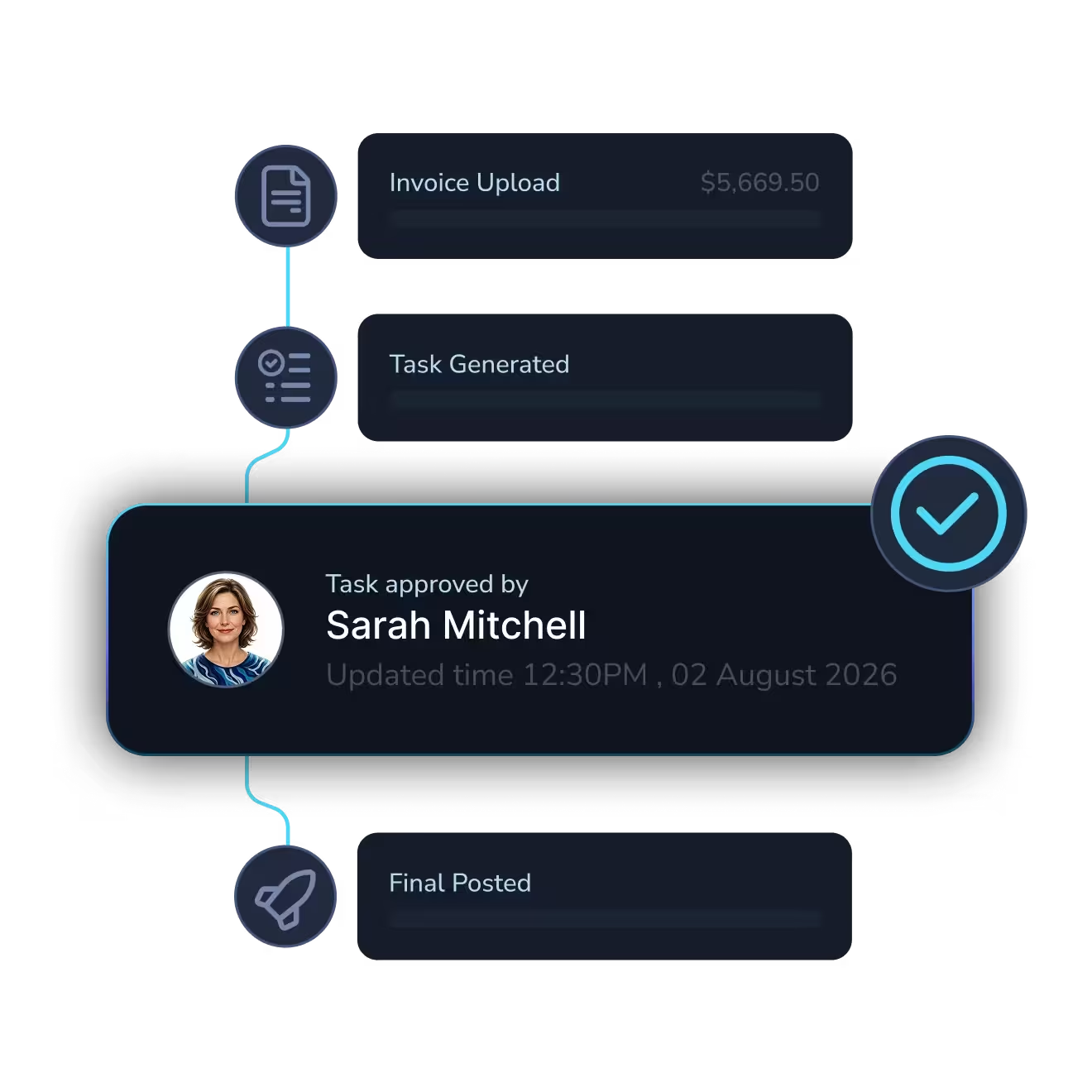
No more chasing invoices. No more manual data entry into your ERP. Every invoice is captured, extracted, validated, matched to POs, and routed for approval.

The agent processes the invoice. You just approve it.
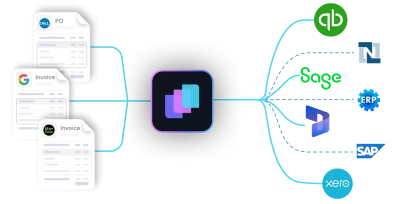
Diagram showing multiple expense entries from apps like Uber Eats, Google, and Starbucks converging into a central software, which then connects to accounting platforms QuickBooks, Xero, and Sage.Diagram showing multiple expense entries from apps like Uber Eats, Google, and Starbucks converging into a central software, which then connects to accounting platforms QuickBooks, Xero, and Sage.
Abstract digital network with icons representing user, shield, settings gear, bar chart, padlock, and magnifying glass connected by glowing blue lines on a black background.Abstract digital network with icons representing user, shield, settings gear, bar chart, padlock, and magnifying glass connected by glowing blue lines on a black background.
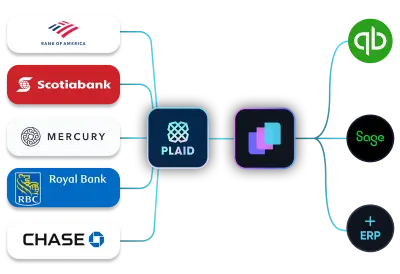
Illustration showing integration of multiple bank statement icons including Scotiabank and Bank of America with accounting software QuickBooks via an intermediary app.Illustration showing integration of multiple bank statement icons including Scotiabank and Bank of America with accounting software QuickBooks via an intermediary app.

Real-time Bank Reconciliation

Connect your bank or upload a statement,  every transaction is matched and reconciled in real time, just like an expert accountant would.

LayerNext Agents don't help you reconcile. They reconcile.

Dark digital circuit-like lines with icons representing data analysis, settings, security, and user connections on a black background.Dark digital circuit-like lines with icons representing data analysis, settings, security, and user connections on a black background.

Custom Workflows

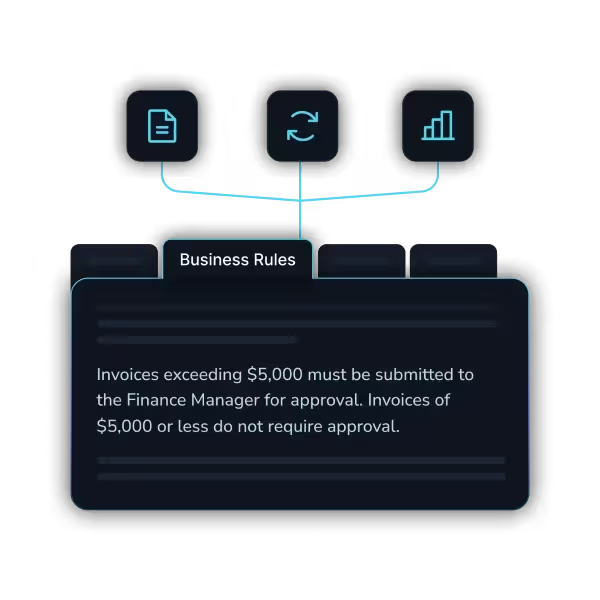
Every business has different rules. Different approval chains. Different GL structures. Define your logic once, LayerNext follows them consistently across every transaction.
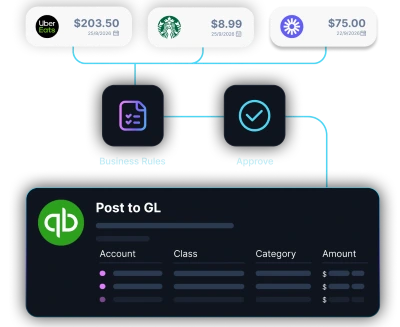
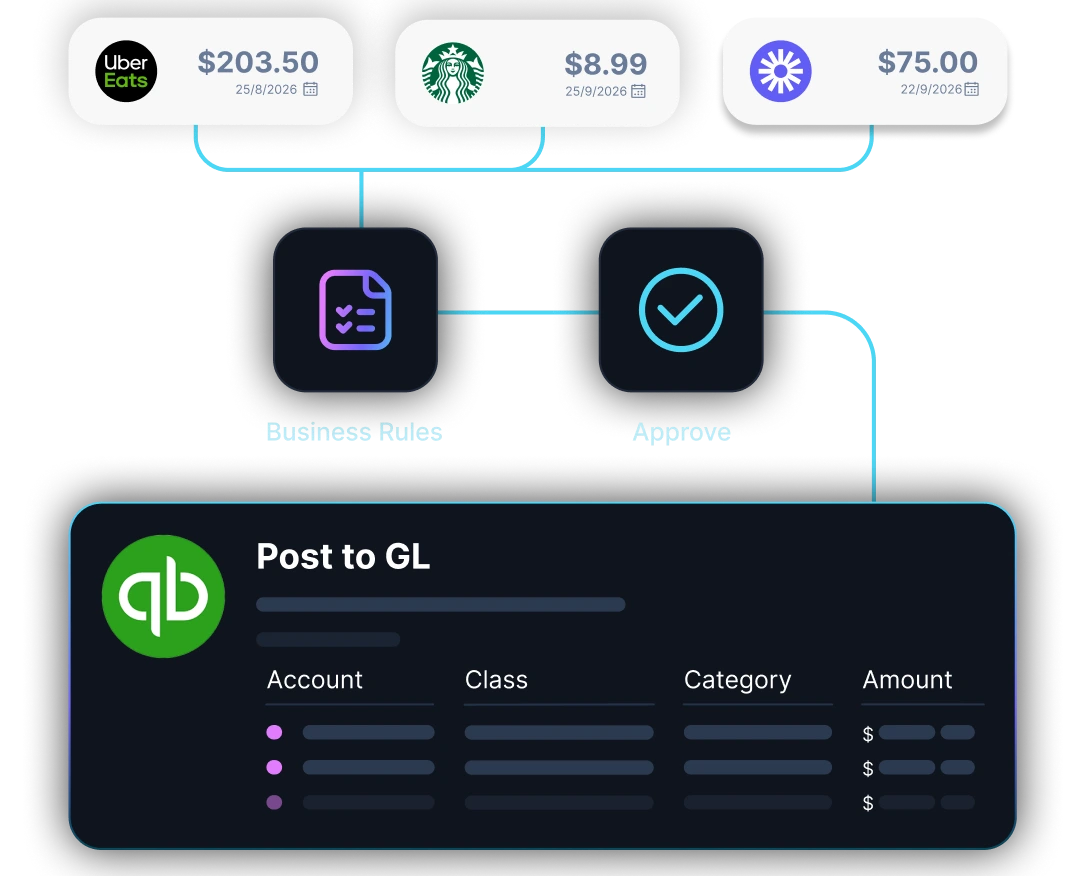
Diagram showing multiple expense entries from apps like Uber Eats, Google, and Starbucks converging into a central software, which then connects to accounting platforms QuickBooks, Xero, and Sage.Diagram showing multiple expense entries from apps like Uber Eats, Google, and Starbucks converging into a central software, which then connects to accounting platforms QuickBooks, Xero, and Sage.
Abstract digital network with icons representing user, shield, settings gear, bar chart, padlock, and magnifying glass connected by glowing blue lines on a black background.Abstract digital network with icons representing user, shield, settings gear, bar chart, padlock, and magnifying glass connected by glowing blue lines on a black background.

ERP and Desktop Automation

Your ERP doesn't have an API? Doesn't matter. Our agents navigate desktop applications, legacy systems, and Windows-based software the same way your team does.

If a human can use it, the agent can automate it.
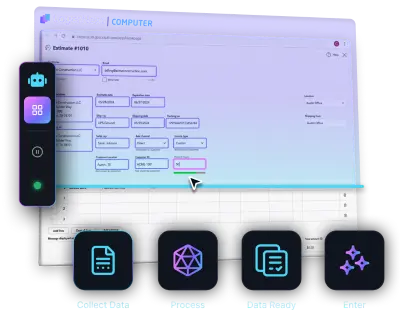
Diagram showing multiple expense entries from apps like Uber Eats, Google, and Starbucks converging into a central software, which then connects to accounting platforms QuickBooks, Xero, and Sage.Diagram showing multiple expense entries from apps like Uber Eats, Google, and Starbucks converging into a central software, which then connects to accounting platforms QuickBooks, Xero, and Sage.
Abstract digital network with icons representing user, shield, settings gear, bar chart, padlock, and magnifying glass connected by glowing blue lines on a black background.Abstract digital network with icons representing user, shield, settings gear, bar chart, padlock, and magnifying glass connected by glowing blue lines on a black background.

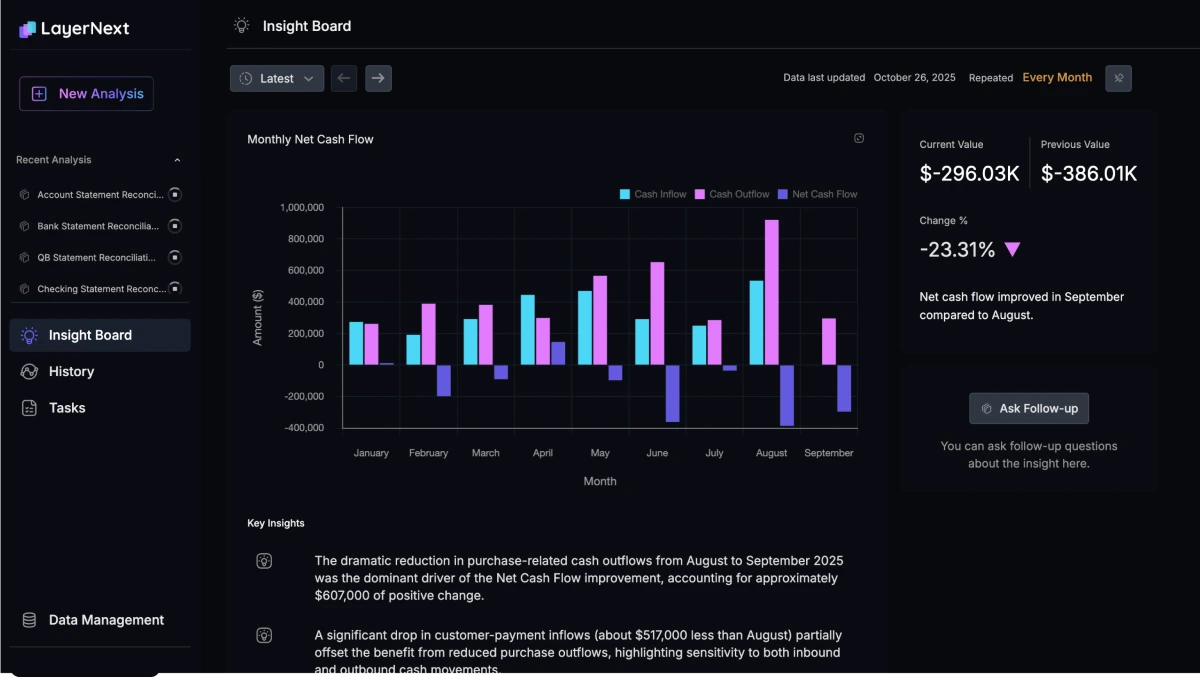
CFO-Level Intelligence

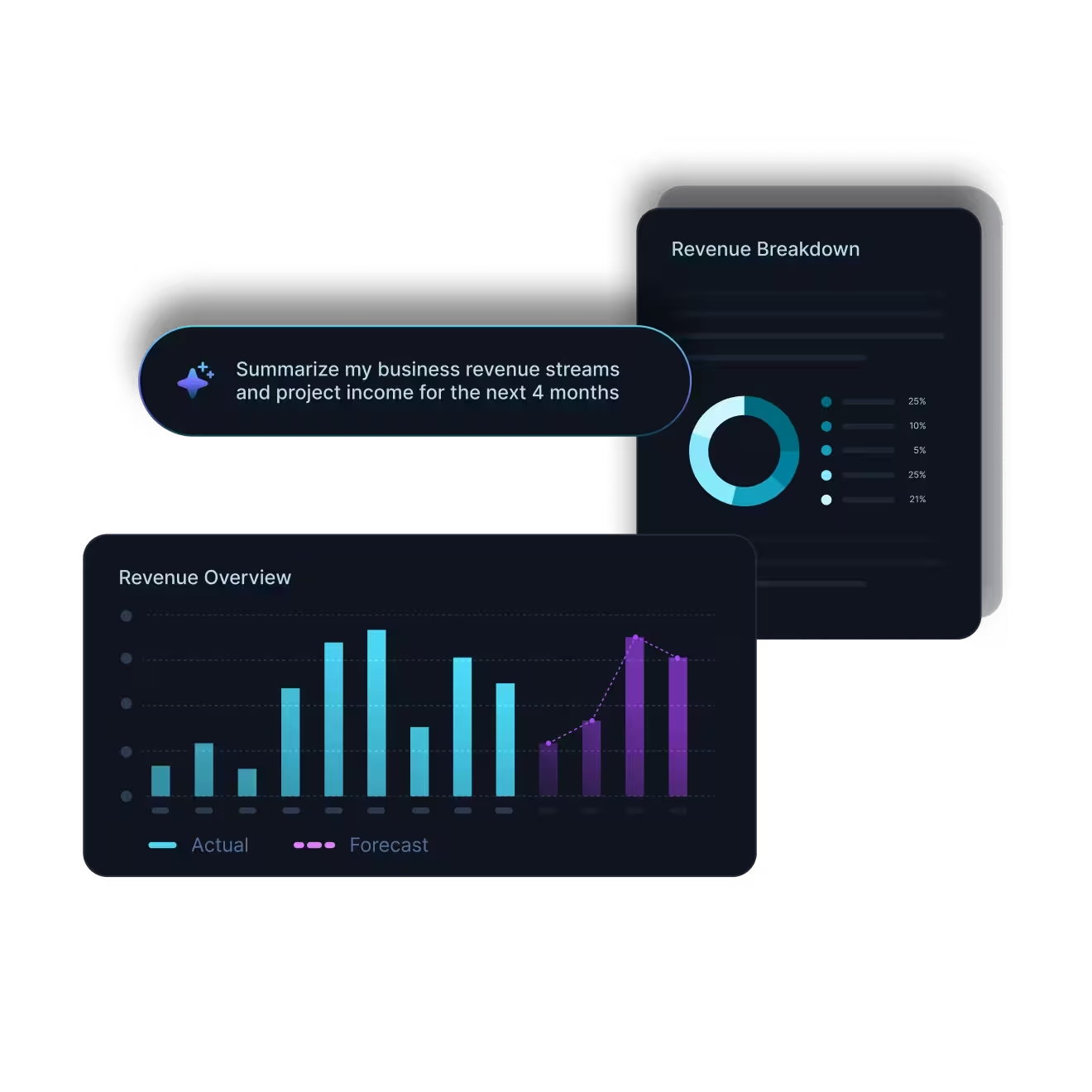
Know your cash flow, burn rate, and runway instantly. Get smart tax-saving tips and financial clarity so you never run your business in the dark.
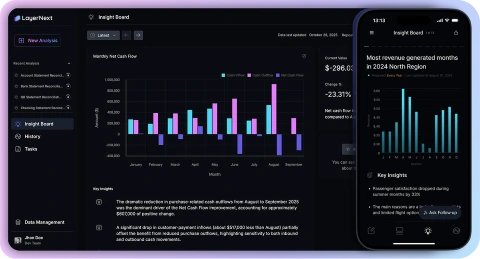
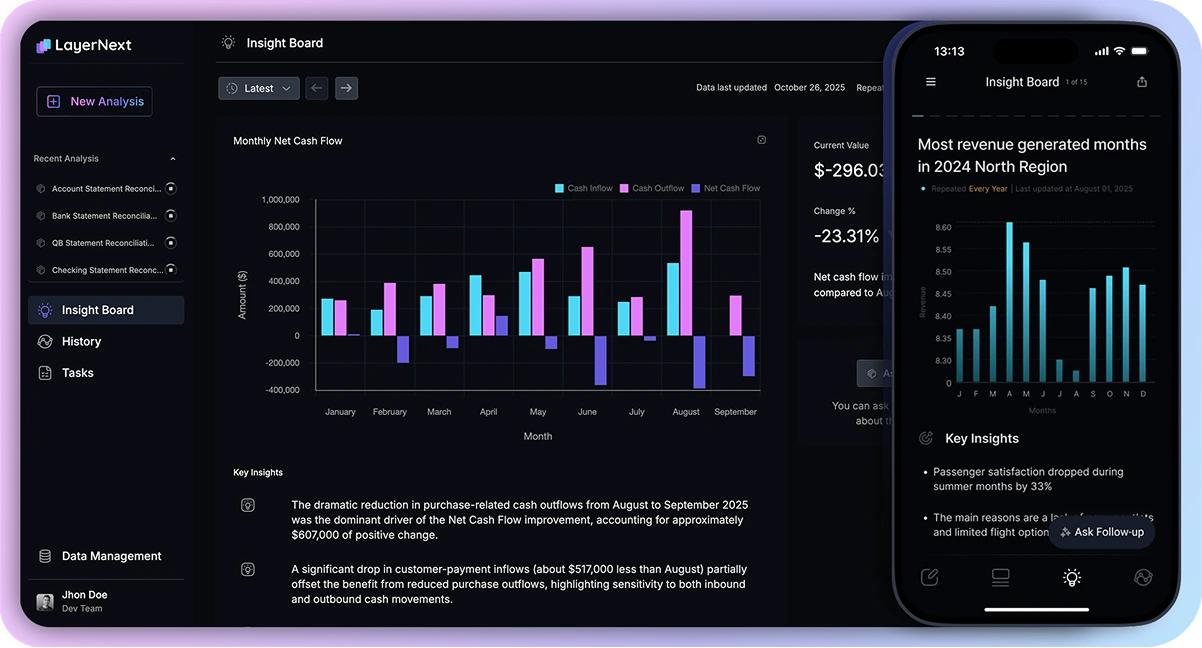
LayerNext Insight Board showing monthly net cash flow bar chart from January to September and a mobile view of most revenue generated with key insights.LayerNext Insight Board showing monthly net cash flow bar chart from January to September and a mobile view of most revenue generated with key insights.
Advanced Encryption
24/7 Expert Assistance
Bank-Grade Security
Dark digital circuit-like lines with icons representing data analysis, settings, security, and user connections on a black background.

Hear it from our clients

Finance teams share how LayerNext changed the way they work.

LayerNext has been an outstanding partner in our AI transformation journey. Their team successfully delivered multiple AI automation initiatives on time and with exceptional quality, helping us modernize key financial and operational processes. Their practical approach, deep technical expertise, and commitment to business outcomes enabled us to achieve measurable progress while building confidence in AI across our organization. We value the partnership and look forward to continuing our innovation journey together.

Mike Janik, CFO, Sexton Group of Companies

Mike Janik, CPA, CGA

CFO, Sexton Family of Companies

The numbers behind it

90 - 165

Hours saved per month finance teams

90 - 100%

Reduction in processing errors

95% +

Task accuracy on defined workflows

Weeks

To deploy, not months

How it works

1. Start with a finance workflow
Choose accounts payable, bank reconciliation, or reporting. We map your process, business rules, approvals, and exceptions.
2. Deploy across your existing systems
LayerNext works with your ERP, finance inboxes, bank data, and reporting sources, including legacy, desktop, and custom systems.
3. Let AI agents execute the work
The agents process invoices, reconcile transactions, and prepare reports within your existing workflows.
4. Keep your team in control
Approvals and exceptions are routed to the right people, while every agent action remains visible and traceable.
Illustration : Connect general ledgerIllustration : Connect general ledger
Illustration : Send your invoices and receiptsIllustration : Send your invoices and receipts
Illustration : Upload your bank statementsIllustration : Upload your bank statements
Illustration : Get real time books and insightsIllustration : Get real time books and insights

Works with your existing stack

Plugs into your existing stack. AI agents work at the application layer.

Enterprise-ready oversight for financial work

AI can move fast, but finance needs control. LayerNext keeps humans in the loop with approvals, validation gates, and audit trails.

Talk to Sales
                                     

Customer data isolated


Human approval before posting


Full workflow audit trail


Business rules enforced

Enterprise-grade security
built into every workflow

See how LayerNext protects your data

Frequently Asked Questions

What is LayerNext?
LayerNext is an agentic finance operations platform for mid-market and enterprise companies. Its AI agents execute accounts payable, bank reconciliation, and financial reporting workflows across the systems finance teams already use.
Which finance workflows can LayerNext automate?
LayerNext automates invoice capture, validation, PO and packing-slip matching, approval routing, ERP entry, bank reconciliation, and financial reporting. You can begin with one workflow and expand automation over time.
Who is LayerNext built for?
LayerNext is built for mid-market and enterprise finance teams managing high transaction volumes, manual processes, multiple locations, or systems that are difficult to integrate. It is particularly valuable for organizations using legacy, desktop, or customized ERP systems.
Can LayerNext work with our existing ERP?
Yes. LayerNext works with cloud, legacy, desktop, and custom ERP and accounting systems. Its agents can operate at the application layer when an API is unavailable, allowing you to automate finance work without replacing your existing systems. Compatibility is validated during the discovery process.
How is LayerNext different from OCR and traditional RPA?
OCR extracts information from documents, while traditional RPA follows predefined steps. LayerNext AI agents interpret financial documents, apply your business rules, complete tasks inside your existing systems, validate their work, and route exceptions to the appropriate person.
How does LayerNext handle approvals and exceptions?
LayerNext is configured around your approval chains, matching rules, tolerances, and validation controls. Transactions requiring approval are routed to the appropriate person, while mismatches and uncertain items are paused for review. Every agent action remains visible and traceable.
How does LayerNext protect our financial data?
Customer data is encrypted in transit and at rest and processed within a single-tenant AWS architecture. Access is controlled, limited, and logged. LayerNext does not use customer financial data to train AI models, and its third-party AI providers are configured not to retain or train on customer data.
How long does deployment take?
Deployment follows a phased approach. Most LayerNext deployments go live in approximately four weeks. More complex workflows can take up to six weeks once system access and workflow requirements are confirmed.
How is LayerNext priced?
Enterprise pricing includes an implementation fee based on workflow and system complexity, followed by a recurring subscription based on automation scope and transaction volume. We provide a tailored proposal after reviewing your workflows.
LayerNext app on displayLayerNext app on display

LayerNext on mobile

Review exceptions, approve finance work, and see financial insights from anywhere.

Download on the App StoreGet it on Google Play

Ready to put AI agents to work across your finance operations?

See how LayerNext can automate accounts payable, bank reconciliation, and financial reporting across your existing systems, without replacing your ERP.

Book a Demo