


Summary
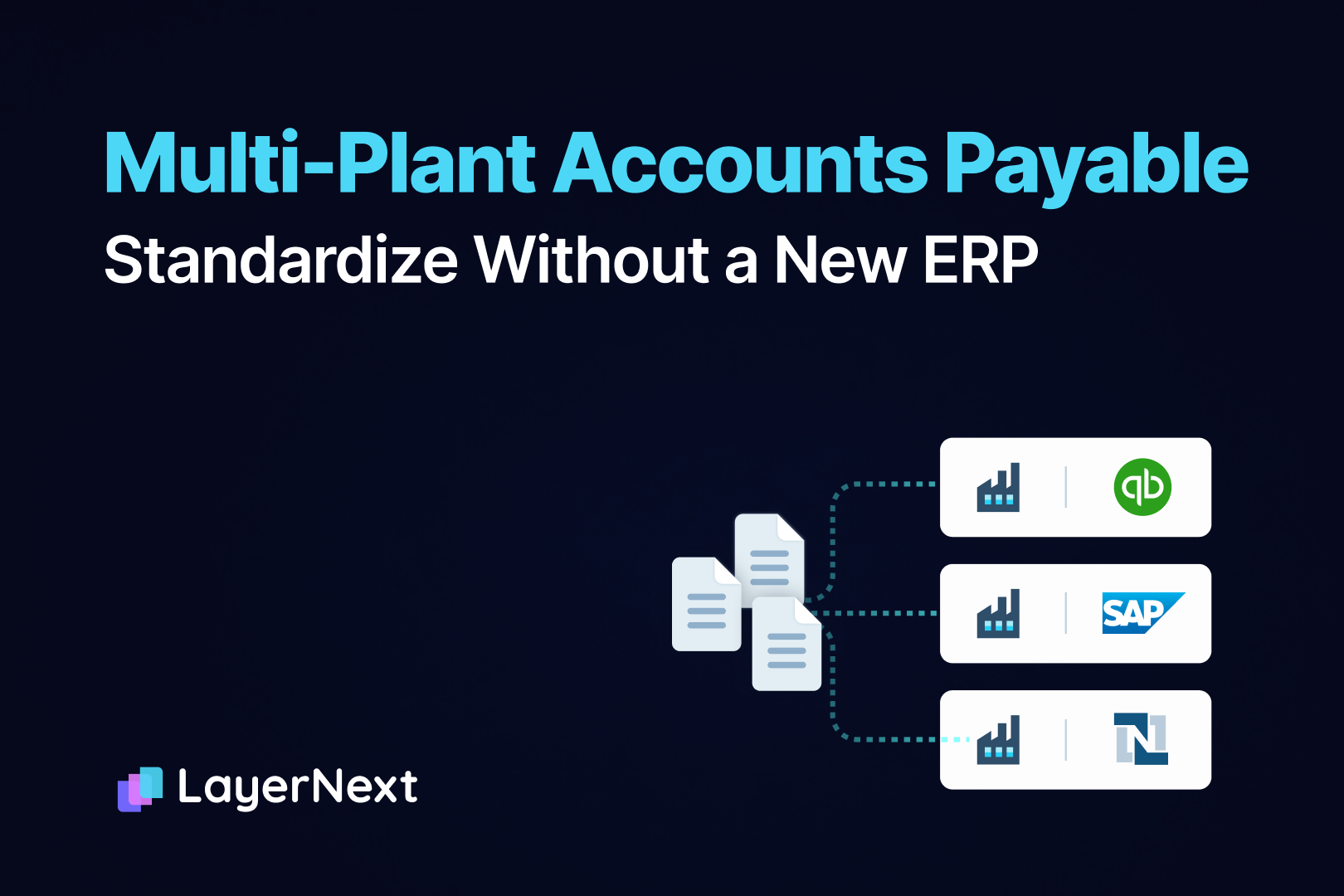
You can streamline AP across plants without replacing your ERP by adding one process layer above the ERP or ERPs the plants already run. That layer standardizes how invoices arrive, get coded, get matched to the purchase order and receipt, and get approved, then posts the approved entry into each plant's own system. Plants keep their approvers, thresholds and cost centers as configuration, and the ERP stays the system of record.
Plants make this harder than ordinary multi-entity AP. Goods arrive at a dock where someone has to enter the receipt, invoices land in a plant mailbox as well as at head office, freight bills come from a different carrier days after the materials invoice, and a plant manager may approve maintenance spend but not capital equipment. After years of local habit, two plants on the same ERP can run AP in different ways, and the controller finds out at close.
- Streamlining AP across plants without replacing the ERP means adding one process layer above each plant's ERP that standardizes invoice intake, coding, matching and approvals.
- The ERP remains the system of record. Approved invoices post into it through an API where the ERP has one, and through the ERP's own screens where it does not.
- Standardize the structure (one intake route, one coding policy, one approval structure, one audit log) and configure the plant-level values (approvers, thresholds, cost centers, matching tolerances).
- Start at one pilot plant after agreeing the coding policy and cleaning vendor records, and keep human approval before anything posts.
- LayerNext applies one workflow and one rule set across plants and ERPs. Its published platform metrics are 90 to 165 hours saved per month and 95%+ task accuracy on defined workflows, with full deployment in weeks 7 to 12 of the enterprise phasing.
How AP Drifts Apart Across Plants
AP drift is the gradual divergence of plant-level habits around a shared ERP, and it is the main problem in multi-plant accounts payable. It shows up in six places.
- Intake. Each plant has its own mailbox, shared folder or paper stack, and suppliers send invoices to whichever address they know.
- Approvals. The approver and the dollar threshold differ by plant, even for the same spend category.
- Coding. Plants read the same cost center and GL structure differently, so the same MRO purchase is coded to maintenance at one plant and to supplies at another.
- Receiving. Receipts are entered late or not at all, so three-way matching fails at the moment the invoice arrives.
- Freight and services. The freight invoice arrives from a separate vendor after the goods invoice has been coded and closed, and service invoices have no receipt to match.
- Vendor records. A plant on its own ERP instance keeps its own vendor master, so one supplier carries a different vendor ID at each plant.
The controller sees the result in three places. Invoices waiting in a plant's local queue leave accruals guessed or late. Plant-to-plant comparisons stop being reliable because coding differs. Audit evidence sits in email threads instead of one record.
Why a New ERP Does Not Fix AP Drift
An ERP rollout across plants standardizes the chart of accounts template, the item master and the posting logic. It does not decide which mailbox a supplier writes to, who at Plant 4 approves a repair invoice, or how long a receipt can stay unentered. Those habits live around the ERP, and they return after go-live unless something enforces them.
A multi-plant ERP rollout also runs in waves, plant by plant, so AP stays inconsistent while it runs. Replacing the ERP can be the right project for other reasons. For AP alone, it is a long route to a problem that sits in intake and approvals.
What to Standardize and What Stays With Each Plant
Standardize the structure of the process and configure the values. Plants have legitimate differences, such as budget owners, spending limits, local tax jurisdictions and seasonal spend. The structure should be identical everywhere.
Three-Way Matching at Plant Level
Two-way matching compares the invoice to the purchase order. Three-way matching adds the goods receipt, so payment follows what arrived instead of what was ordered. Most plants use three-way matching for physical goods and two-way matching for services and subscriptions.
Tolerances are set by spend category, because the right variance for freight is not the right variance for raw materials. Set them too tight and nearly every invoice becomes an exception. Set them too wide and real overcharges pass. Review them quarterly against actual exception data.
Three exception types come up most often at plants.
- Partial deliveries. A supplier ships 480 units of a 500-unit order and invoices 500. Matching needs cumulative quantity tracking against the original order.
- Missing receipts. The dock signed the packing slip and nobody entered the receipt. The fix belongs in the plant's receiving workflow, and the exception should name the invoice, the supplier and the issue so the plant can enter the receipt.
- Unit of measure. The supplier bills cases and the item master carries single items. This needs mapping rules and item master cleanup.
Posting Into Each Plant's ERP
The standardized process produces a validated, approved invoice. The posting step is the only part that differs by system, and it differs in the same way whether plants share one ERP instance or run several.
Where the ERP has a usable API, posting goes through the API. Where the plant runs a desktop or legacy ERP, such as an older Epicor version, Microsoft Dynamics AX, QuickBooks Desktop or a heavily modified custom system, posting happens through the ERP's own screens. File-import routes handle simple postings but struggle with line-level detail, and they stop before the final in-system step.
Ask any AP vendor what happens at the moment of ERP entry: an API, a file import, middleware, or direct operation of the ERP interface. A list of supported modern ERPs is not an answer to that.
When plants run separate ERP instances, each instance keeps its own vendor master. Build a cross-reference of vendor IDs before go-live, so one supplier is recognized as one supplier across plants.
Approvals, Exceptions and Audit Trail Across Plants
A controller should require four things from the approval layer, whatever tool provides it.
- Approval chains written as rules, by vendor, amount or GL code, with a plant approver first and corporate escalation above a threshold.
- Exceptions routed to a named owner, with the context needed to clear them in minutes.
- Approver turnaround measured, so a slow approver at one plant is visible instead of anecdotal.
- Segregation of duties. The person who submits an invoice should not approve it or change supplier banking details.
The audit record should be one log across plants. Sampling a decentralized AP function means reconstructing a different approval convention for each plant. A single log of who approved what, when, and what changed removes that work.
How LayerNext Handles Multi-Plant AP
LayerNext is an AI-powered financial operations platform. Its AI agents run the invoice from intake through approval and ERP posting, and the same workflow runs for every plant. The table below maps each multi-plant requirement to a documented LayerNext capability.
The workflow, the business rules, the coding logic and the audit trail are identical on the API path and the screen path. A group with plants on different ERPs gets one AP process, not one per system. For SAP specifically, LayerNext matches the supplier invoice to the purchase order and goods receipt in SAP before anything posts.
Finance owns four layers of configuration, and none needs a development cycle: the workflow, the business rules, the chart of accounts mapping, and human feedback. Business rules are written in plain English. A supplier who always bills freight on a separate line becomes a rule instead of a monthly exception. Each correction the team makes is applied to later invoices.
An example of a plant rule a finance team could write: invoices coded to a Plant 2 maintenance GL account above a set amount go to the Plant 2 controller, and invoices above a higher amount also go to the corporate controller. The amounts are the controller's to set.
LayerNext's published platform metrics (2026) are 90 to 165 hours saved per month for finance teams, 90 to 100% fewer processing errors, and 95%+ task accuracy on defined workflows. Customer financial data is never used to train models, and data is encrypted in transit and at rest.
Deployment follows enterprise phasing: discovery in weeks 1 to 2, a pilot in weeks 3 to 6, and full deployment in weeks 7 to 12. LayerNext starts with a live proof on the customer's own hardest supplier invoices, before a contract is signed. Plants on legacy ERPs with no API, which have often been told AP automation is not possible for them, are a strong fit. Read more on LayerNext AP Automation, Custom Workflows and Legacy ERP Automation.
Rolling Out Plant by Plant
Deployment length depends on data quality and integration complexity, so a group with several ERPs should plan from one pilot plant outward.
- Write down how each plant runs AP today: intake channels, approvers, thresholds, coding practice, tolerances and receiving habits. The differences between plants become the list of values to configure.
- Agree the standard: the required fields, the approval structure, the exception types and the coding policy.
- At the pilot plant, clean the vendor records and cost center list. Duplicate suppliers, inactive records and malformed item codes produce exceptions every month until they are fixed.
- Run the pilot with human approval on every invoice. Measure how often the system's output is right on the plant's own documents, then loosen controls where the numbers support it.
- Add plants one at a time, starting with the plants whose ERP and habits most resemble the pilot.
- Review tolerances and approval thresholds each quarter against exception data.
The first weeks are data hygiene. Teams that skip it spend the following weeks clearing avoidable exceptions.
Where This Approach Does Not Fit
- A group in the middle of an ERP replacement. Defer AP automation until after go-live, since the posting step will change.
- Very low invoice volume with no growth. The return does not arrive.
- A plant whose receipts are routinely missing. Fix receiving first, because three-way matching cannot match a receipt that was never entered.
- An expectation of zero human review. Approval stays with people, particularly for high-value invoices.
Frequently Asked Questions
