Summary
- SAP ECC 6.0 mainstream maintenance ends December 31, 2027, with paid extended maintenance available through 2030 and a limited option to 2033 for SAP's largest customers.
- SAP ECC and S/4HANA verify invoices against purchase orders and goods receipts within configured tolerances, but a person still has to enter or upload each invoice.
- OpenText VIM is an add-on that runs inside SAP ECC and S/4HANA, and a VIM upgrade has to run in parallel with an S/4HANA migration.
- Many SAP groups run S/4HANA or ECC at headquarters and SAP Business One at subsidiaries, which splits AP into separate processes.
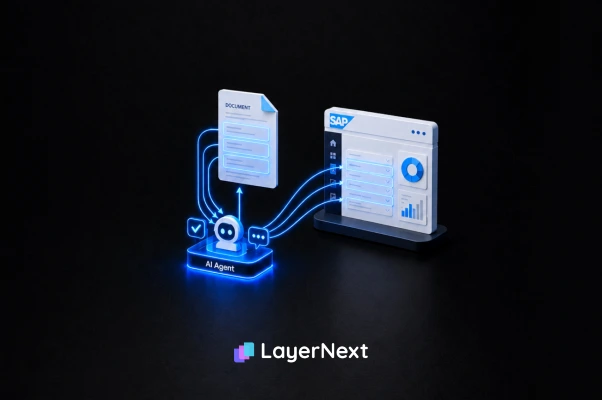
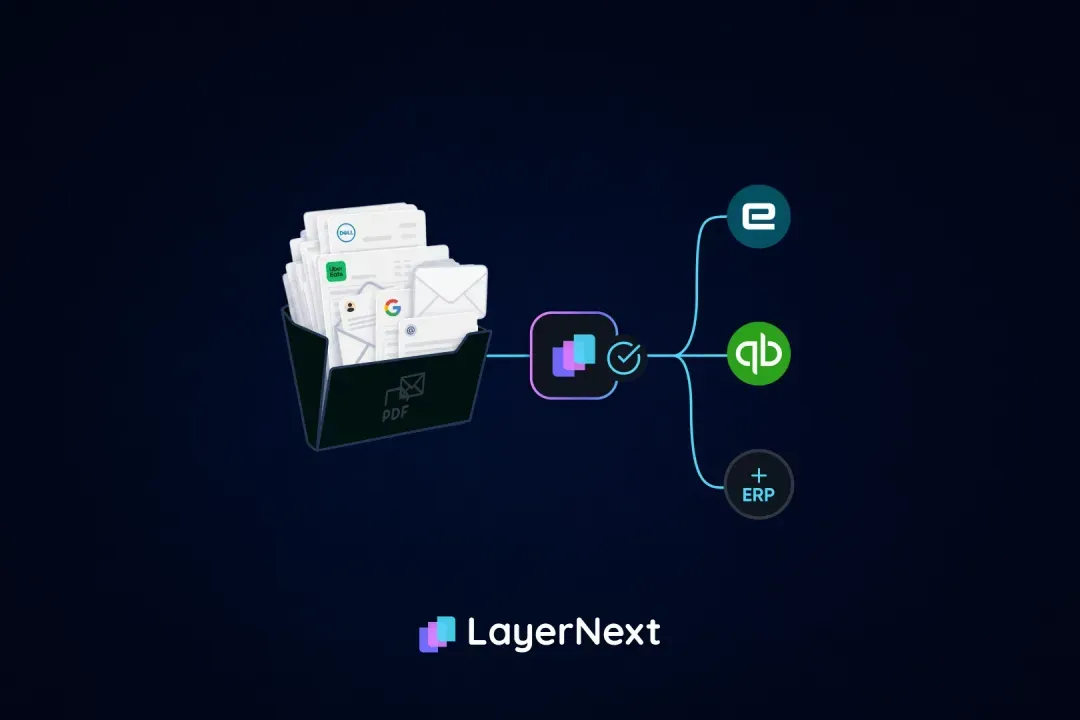
- LayerNext runs one AP process across ECC, S/4HANA, and Business One, connecting through SAP's API where available and SAP's own screens where it isn't, with only exceptions routed to people.
SAP AP automation (also called SAP accounts payable automation) is software that captures supplier invoices, validates them, matches them to purchase orders and goods receipts, and posts them into SAP without manual keying. It adds the capture, rules, and exception handling that SAP's own invoice verification doesn't provide.
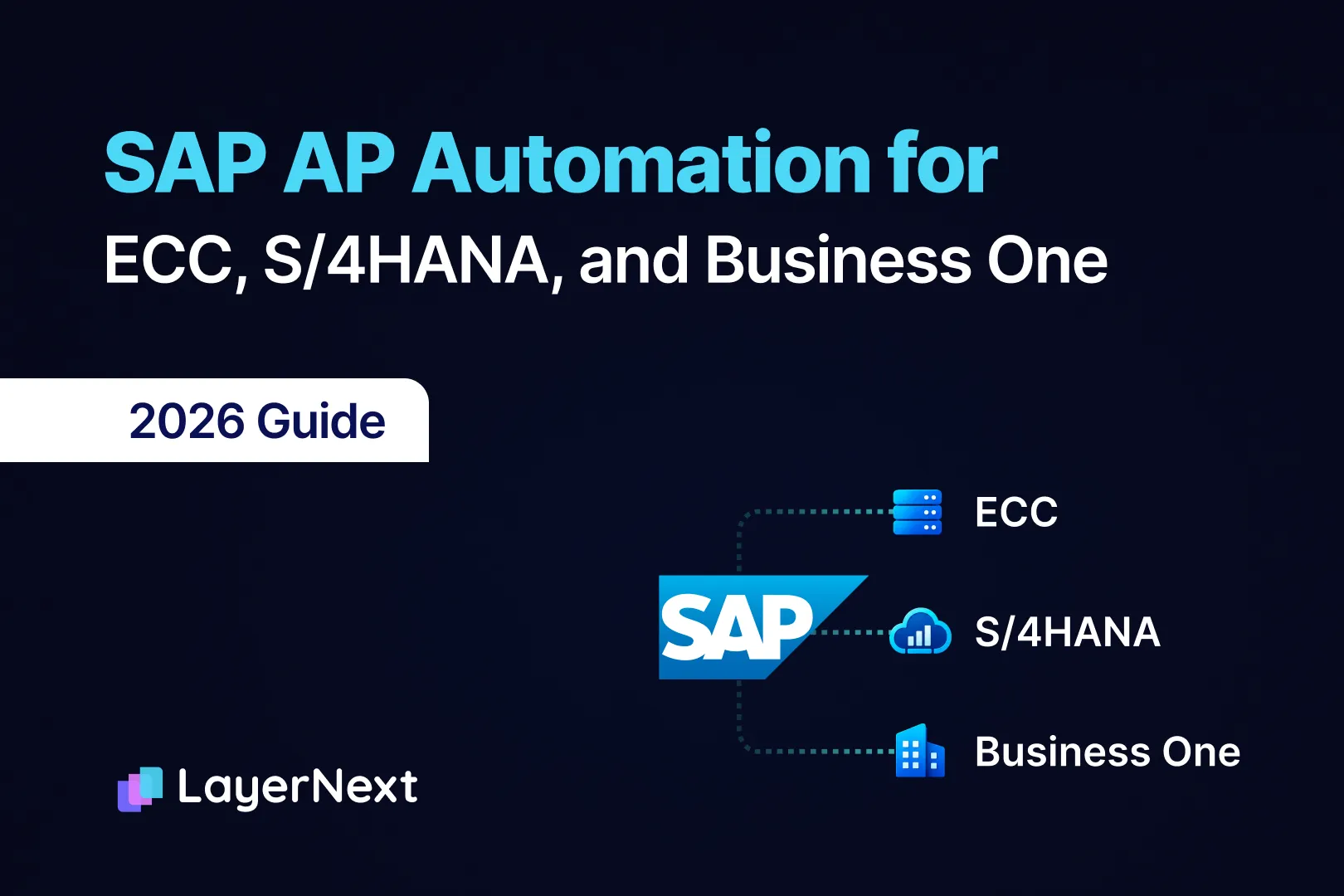
The first question most guides skip is which SAP. ECC, S/4HANA, and Business One are three different products, built for three different company sizes, and each handles accounts payable differently. The ECC maintenance deadline is now forcing a decision on all of them.
For a controller at a manufacturer, distributor, or service business on SAP, the practical questions are what SAP does natively, what the add-ons cover, and whether to automate AP before, during, or after the move to S/4HANA. This guide works through each one.
What SAP ECC, S/4HANA, and Business One Are Each Built For
SAP sells three main ERPs, and they serve different companies.
ECC (ERP Central Component) is SAP's long-running enterprise ERP. It runs a large share of the world's big manufacturers and distributors, usually on premises and usually with years of custom development. S/4HANA is its successor, available on premises, in a private cloud through RISE with SAP, or as a public cloud edition. Business One is SAP's ERP for small and mid-sized companies, and it's often used for subsidiaries of larger groups.
SAP ECC End of Life and What It Means for AP
The ECC deadline is close, and it applies to AP tools as well as the ERP.
Mainstream maintenance for ECC 6.0 on enhancement packages 6 through 8 ends December 31, 2027, and packages 0 through 5 already lost it at the end of 2025. After 2027, companies can pay for extended maintenance through 2030, qualify for a limited option through 2033, or accept reduced support. Extended maintenance costs roughly two percentage points more, commonly cited as about a 9% increase over standard fees. The 2033 option is aimed at SAP's largest, most complex customers and requires a RISE with SAP contract. SAP's own maintenance timeline for ECC describes extended maintenance as a bridge, not a long-term alternative to moving.
For AP, the deadline matters because any AP tool built into ECC has to move with it. A company that adds AP automation to ECC today either carries that process through the S/4HANA project or rebuilds it afterward. That choice is worth making on purpose, before the migration timeline makes it for you.
What SAP ECC and S/4HANA Handle Natively for AP
SAP verifies invoices well. It doesn't capture them.
In ECC, AP clerks enter supplier invoices through the MIRO transaction. In S/4HANA, the Manage Supplier Invoices app does the same job. SAP checks the invoice against the PO price and quantity within configured tolerance levels, and against the goods receipt when three-way matching applies. That verification logic is mature and trusted.
What SAP's core verification doesn't do is read the invoice. S/4HANA Public Cloud has no built-in OCR for scanning supplier invoices from PDF or paper. SAP's recommended route for that is Central Invoice Management (now SAP Ariba Invoicing), which requires additional licensing. SAP also sells SAP Document AI (which includes Document Information Extraction), an AI service on SAP Business Technology Platform that reads invoice fields; on its own it returns extracted data, and matching, rules, and posting still need a workflow built around it. So in a standard setup with no add-on, someone still keys or uploads each invoice before SAP's verification ever runs.
SAP's Add-Ons for AP: VIM and Ariba Invoicing
SAP customers have two main add-ons for invoice capture and processing, built for different setups.
OpenText VIM. SAP VIM, or Vendor Invoice Management, is an OpenText product that runs inside SAP as an ABAP add-on and serves as an alternative to MIRO. It supports every release from ECC 6 through current S/4HANA, on premises or in private cloud, including mixed environments running several SAP instances. Because it lives inside SAP, its business rules work directly against SAP master data. For a large shared-services AP team standardized on SAP, VIM is often the right answer.
VIM has two trade-offs worth knowing. The first is time: one VIM reseller puts the first company code live in four to six months, and an enterprise-wide rollout at twelve to twenty-four months. The second is the migration. A VIM upgrade needs to happen in parallel with the S/4HANA project, which adds work to a project that's already large.
SAP Ariba Invoicing. SAP's Central Invoice Management, now called SAP Ariba Invoicing, uses OCR and machine learning to extract invoice data and suggest missing G/L accounts, cost centers, and project elements. It's the route SAP recommends for S/4HANA Public Cloud customers who need invoice capture, and it requires additional licensing. SAP also sells AP automation through SAP Concur.
AP on SAP Business One
Business One covers AP basics, and most finance teams add a tool for capture and matching.
Business One includes built-in tools for supplier invoices and approvals. What it doesn't include is invoice capture from PDFs and scans, so invoices still get keyed in. Several AP vendors also describe Business One's approvals as email-based, which works for a small team and gets harder as invoice volume grows. VIM doesn't run on Business One, so companies on it choose from third-party AP tools.
Where SAP AP Fails: Blocked Invoices, GR/IR, and Industry Exceptions
SAP invoice processing produces exceptions in a few predictable places, whatever the industry.
Knowing them makes it easier to see which problems automation can fix and which belong to receiving, purchasing, or configuration.
S/4HANA keeps the same underlying logic, with Fiori apps replacing many of these transactions. The same SAP setup then creates different AP problems depending on what a company buys and how it receives it.
Manufacturing
Manufacturers on SAP depend on three-way matching, because most spend is tied to POs and goods receipts. The breaks are familiar: a supplier ships 480 of 500 units and invoices for all 500, a receipt is never entered, or the invoice references a newer part revision than the PO. Multi-plant manufacturers add another layer, since each plant often runs as its own company code with its own receiving habits. SAP Business One for manufacturing is common at smaller manufacturers and at manufacturing subsidiaries of larger groups, and the same matching problems apply at lower volume. More on manufacturing AP is on our manufacturing page.
Distribution and building materials
Distributors run high invoice counts at low dollar values, and much of their spend runs on blanket or contract pricing rather than individual POs. For bulk materials, the delivery ticket or scale ticket often becomes the real matching document, but the ticket number may not appear on the invoice at all. Freight bills that cover several deliveries add more manual matching. More on this is on our building materials page.
Field services
Service businesses have the hardest version of the receipt problem: there's often no receiving record at all. Before a repair or contractor invoice can be paid, someone has to confirm with the responsible manager that the work was done, and then wait. The invoice also has to land on the right job or cost center, or margin visibility disappears. More on this is on our field services page.
Two-Tier ERP: S/4HANA at Headquarters, Business One at Subsidiaries
Many SAP groups run two tiers, and AP splits along the same line.
Larger companies often use Business One for branches and subsidiaries while headquarters runs SAP ERP or S/4HANA. It makes sense operationally. Subsidiaries get a lighter, faster system, and headquarters keeps control of consolidated reporting.
For AP, it means two separate processes. Headquarters may run VIM on S/4HANA, while each subsidiary keys invoices into Business One by hand. The same vendor gets matched two different ways, exceptions sit in separate queues, and nobody has one view of what's owed across the group. Acquisitions make it worse, since a newly acquired company might run neither.
Ivan Cruz
VP of Finance, CHB Group

How LayerNext Automates AP Across ECC, S/4HANA, and Business One
LayerNext runs one AP process across every SAP tier and carries it through the ECC migration.
LayerNext's agents connect through SAP's API where one is available, and through SAP's own screens where it isn't. That means the same process can run on an ECC system with years of custom development, on S/4HANA, and on Business One. For Business One, the connection method (API or screens) is confirmed during implementation scoping, so ask for it in writing before you commit. Our SAP integration page covers the connection options, and our post on why computer-use AI beats RPA for SAP explains how the screen-based path differs from scripted automation.
LayerNext AP Automation runs the full chain:
- Intake. Invoices come in from a dedicated email inbox, shared folders, supplier portals, or cloud drives. Scanned and unstructured invoices are read without a template per supplier.
- Matching. Each invoice is matched to its PO, goods receipt, prices, and quantities. Our guide to why three-way matching breaks covers the failure points in detail.
- Business rules. The finance team writes vendor-specific rules, tax treatment, and tolerances in plain English, with no SAP configuration change or IT ticket. See how the business rules engine works.
- Exceptions. Only mismatches, missing POs, and approval decisions go to people, as named tasks tagged by invoice, vendor, and issue type.
- ERP posting. Validated entries post directly into ECC, S/4HANA, or Business One.
- Reconciliation. Posted transactions are matched against supplier statements and bank activity continuously, so discrepancies surface early instead of at close.
- Audit trail. Every document, action, and decision is logged.
Because the workflow and rules sit outside SAP, they don't have to be rebuilt when a company moves from ECC to S/4HANA. The connection layer does change: on ECC, a screen-based connection works in SAP GUI transactions such as MIRO, while on S/4HANA it works in Fiori apps such as Manage Supplier Invoices or uses SAP's API, so that layer is re-pointed during the migration. The workflow, rules, and exception queue stay the same. In a two-tier group, headquarters and every subsidiary run the same rules and share one exception view.
LayerNext customers report 90 to 165 hours returned to the finance team each month, at least 90% fewer processing errors, and 95%+ task accuracy on defined workflows. These are self-reported customer results, not a third-party audit, and they measure time and accuracy rather than touchless rate. Rollout takes weeks, typically less than a month, with the exact time depending on the systems and workflows involved. More on how LayerNext works at scale is on our enterprise page.
Other third-party AP platforms. Gartner named four Leaders in its 2026 Magic Quadrant for Accounts Payable Applications, published June 18, 2026: Basware, Coupa, Esker, and Medius. They are the names an SAP AP buyer is most likely to see on a shortlist. This article doesn't compare them line by line, because their SAP coverage varies by product and edition, but the checks below apply to each of them, including whether the specific SAP integration is SAP-certified.
Which AP Automation Option Fits Your SAP Setup
The right option depends on how many SAP systems you run and where AP lives today. Five setups cover most cases.
One S/4HANA or ECC instance, a large shared-services AP team, and an SAP center of excellence: OpenText VIM.
VIM runs inside SAP, and its rules work directly against SAP master data. The trade-offs are time and migration. One reseller puts a first company code live in 4 to 6 months (a reseller figure), and the VIM upgrade has to run in parallel with the S/4HANA project.
S/4HANA Public Cloud that needs invoice capture: SAP Ariba Invoicing.
It is SAP's recommended route for capture on public cloud. It requires additional licensing, and its fit for ECC and Business One is not confirmed.
Business One at subsidiaries: a third-party AP tool.
VIM doesn't run on Business One, so these subsidiaries need a tool from outside SAP's own add-ons. LayerNext is one option. Get the connection method in writing before you commit.
ECC today, an S/4HANA move planned, and AP that needs fixing sooner: an AP layer outside SAP.
Because the workflow and rules sit outside SAP, they carry through the move. The connection layer is re-pointed at cutover, so ask any vendor who pays for that rework.
A two-tier group, several SAP systems, or non-SAP systems from acquisitions: an AP layer outside SAP.
One rule set and one exception queue can cover every system. Work through the controls and licensing points in the next section first.
A dedicated AP layer isn't always the answer. A large enterprise with a shared-services AP team, an SAP center of excellence, and a single S/4HANA instance may get the most from VIM, since it lives inside SAP. The case for a separate AP layer grows with the number of SAP tiers, subsidiaries, and non-SAP systems in play, and with how soon the ECC migration starts.
FAQ